BPswitch Operators Manual
129 / 413
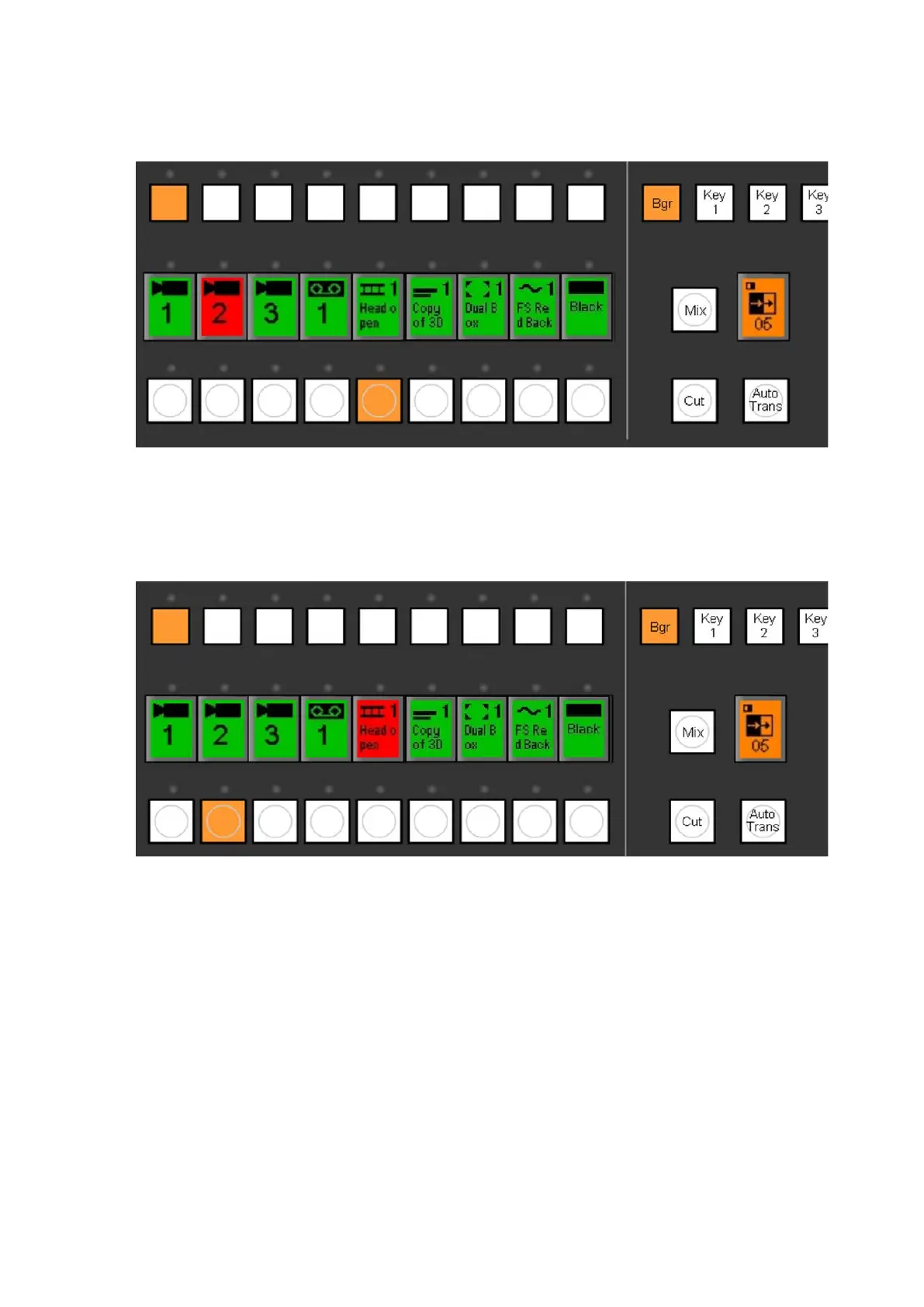
the preview monitor. In this example, the clip store is on preview and Cam 2
on program.
Press the [Cut] transition button. This will bring the selected source to
program, and whatever was on program to the preview monitor. The
illuminated buttons will also “flip-flop” in the program and preview rows, as
shown:
Background Mix Transition
A mix is a ‘soft’ transition that dissolves between two images.
To perform a Mix:
The background transition button must be on and illuminated. If it is not
already on, press [Bgr] and it will illuminate orange.
On the preview bus, select the source you wish to cut to by pressing its
button. The button will light orange and the selected source is displayed in
the preview monitor.



 To Next Page