BPswitch Operators Manual
285 / 413
Selecting Camera Control in a Production
To assign the device controls to Camera Control:
Press the assigned [Cam Cntrl] wildcard button in the Device Select (either
A/B/C) and it will illuminate orange and the following device controls will be
appear.
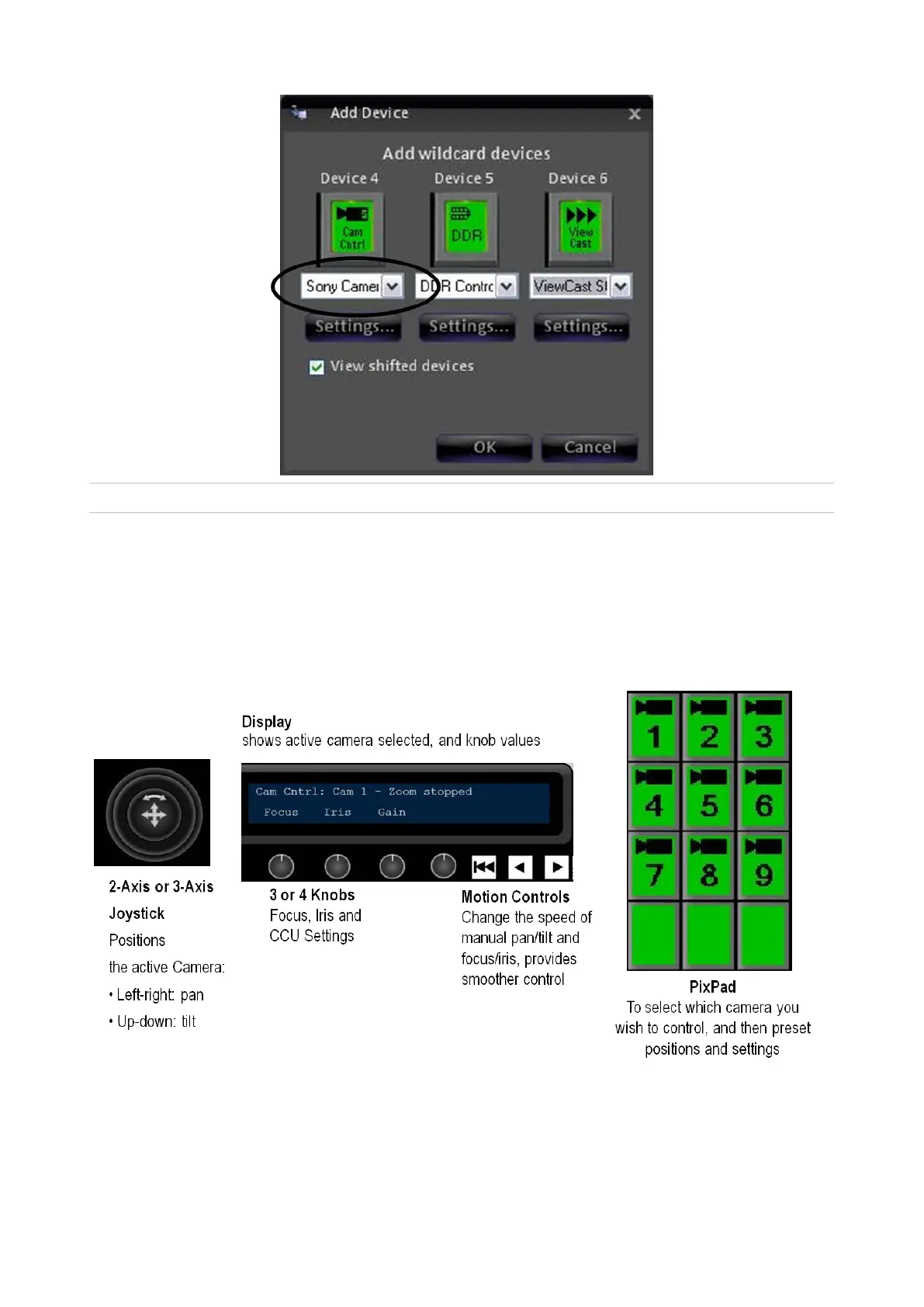
Camera Control device controls:
When you press the Camera Control PixButton, the active camera will be
whichever
camera was last used, or Cam 1 if you are just starting.
To select a different camera to control, press the camera number on the PixPad.
For



 To Next Page