BPswitch Operators Manual
397 / 413
Remote Control from a Distance
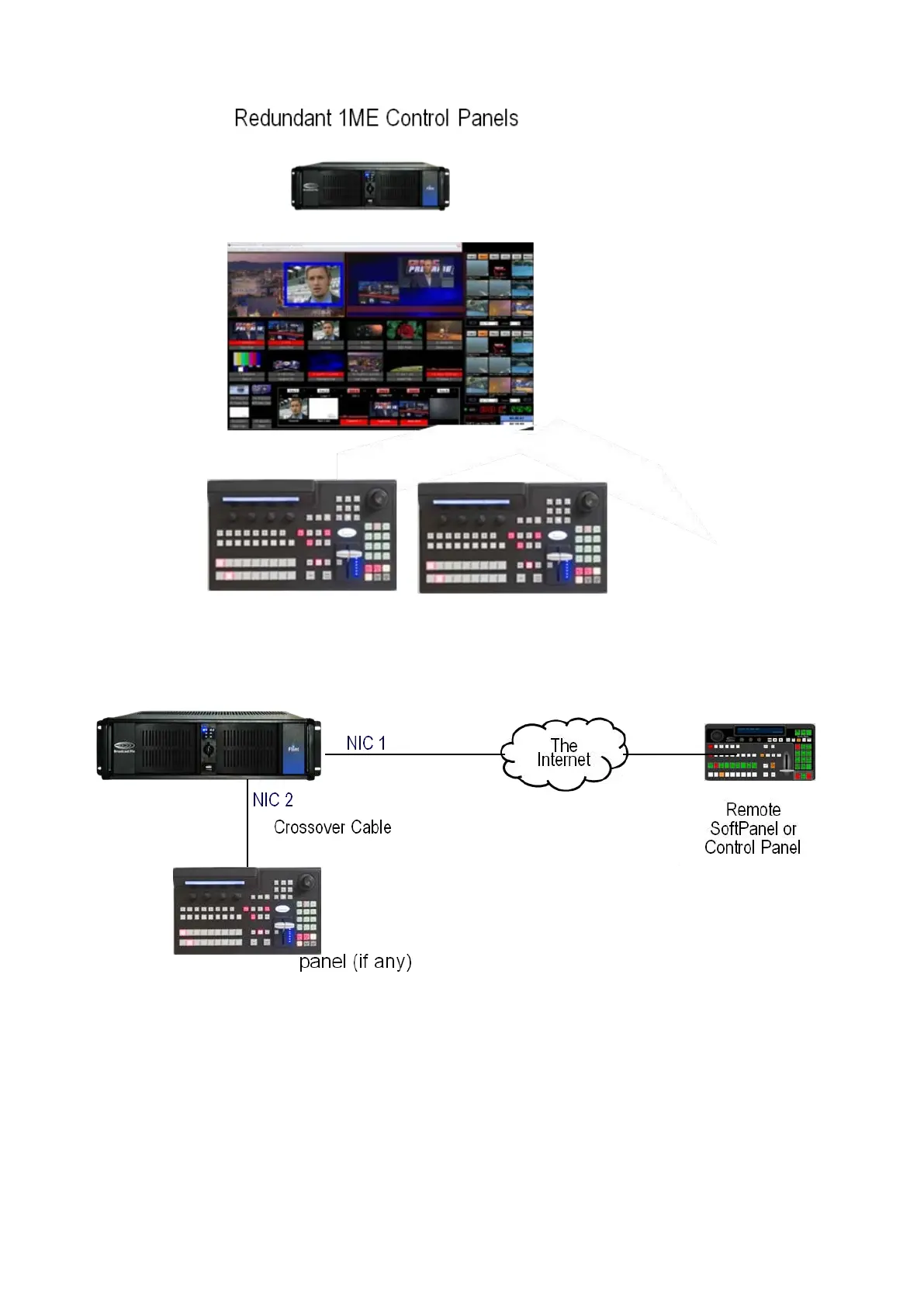
The Broadcast Pix system may be remotely controlled over the Internet. Remote
control is done through the system’s second Ethernet port, NIC 1.
To configure remote control a system:
Attach the remote panel to NIC1 on
the Broadcast Pix Server, which is the
1 GB Ethernet port, via an
appropriate Internet connection (DSL
is fine).
In BPswitcher, select the Setup



 To Next Page