BPswitch Operators Manual
44 / 413
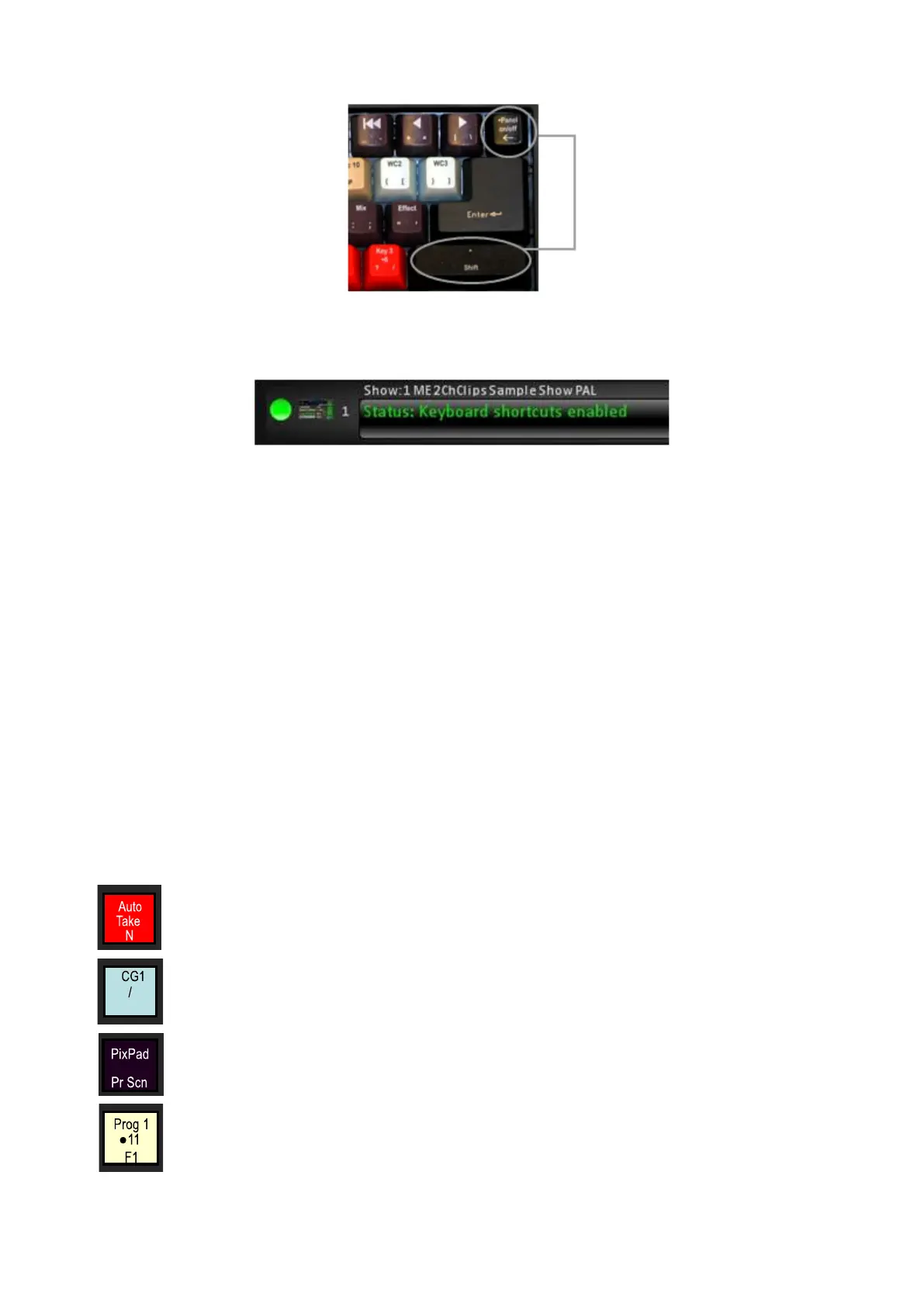
When enabled, the status bar display “Keyboard shortcuts enabled”, as shown
below.
When the main BPswitcher application has the focus, the keyboard acts as a
control panel. When any settings window, other application window or when
Inscriber is launched to to edit an Scribe file, keyboard shortcuts will automatically
be disabled in order for the keyboard to work with that application without effecting
the on-air video. When you return to BPswitcher, the keyboard will automatically
be re-enabled for a seamless transition.
To disable shortcuts:
Simply repeat the same steps which were used to enable shortcuts. When
disabled, the on screen message on the Multi-View will change saying that the
shortcuts have been disabled.
Using Keyboard Shortcuts
The Broadcast Pix Shortcuts Keyboard is color-coded for ease of use, and is
separated by 5 different colors:
Red: Auto Trans & Direct Keys
Purple: PixPad, Motion Controls & Transition Controls
Off-White: Preview, Program & Source Rows



 To Next Page