BPswitch Operators Manual
111 / 413
and displayed as such on the switcher
panel.
As you type a name, the PixButton icon
will update automatically to show a
preview.
Press OK. The Memory will now
appear with its name in Memory list for
the show.
Custom Images on Memory PixButtons
In the Edit memory window, If you uncheck Use name of PixButton, then you can
assign a Custom PixButton by clicking on Custom button. This will open the
‘Choose
custom PixButton image’ window, where you can navigate to find a custom image
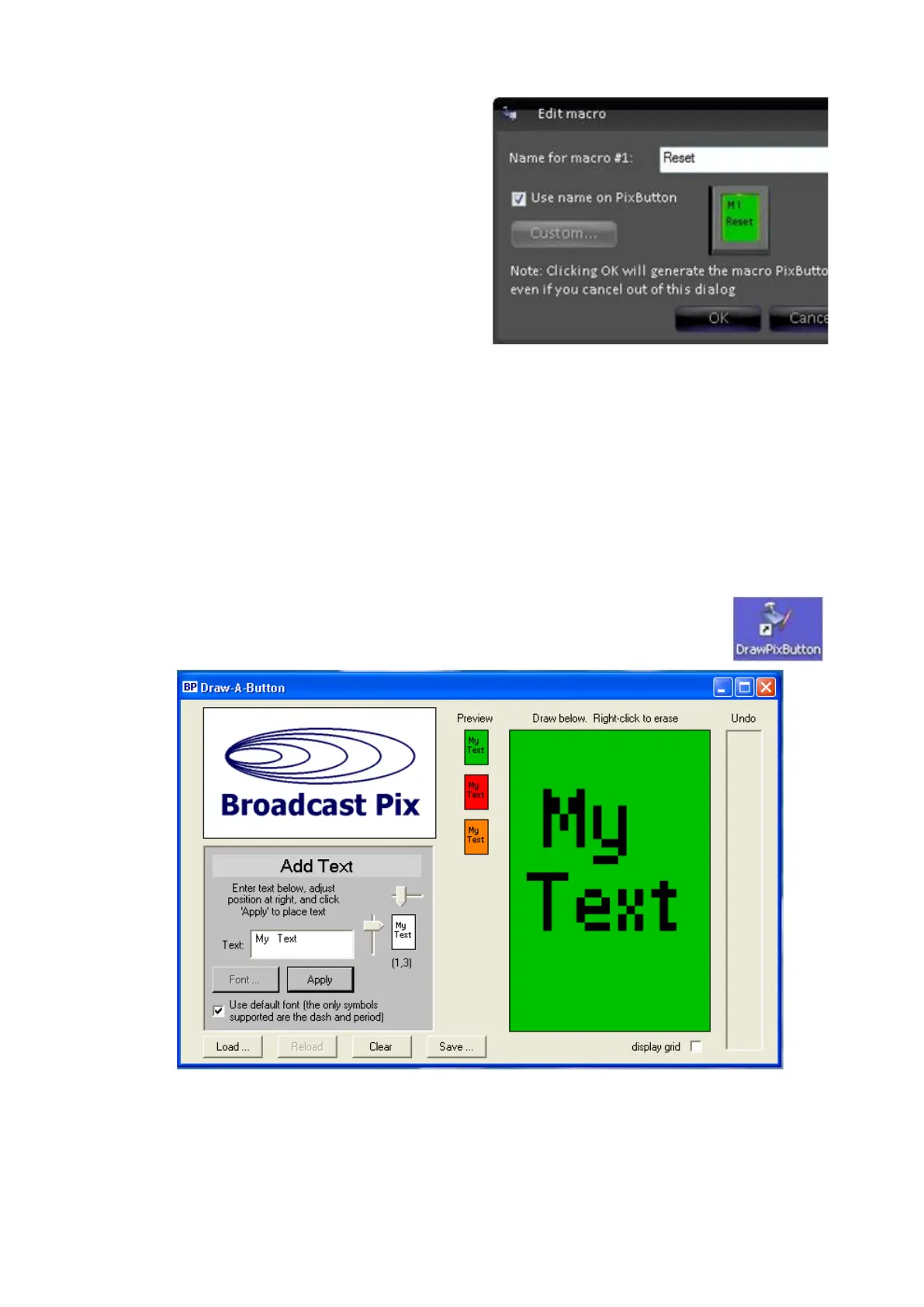
created by the Draw PixButton application, as shown below.
To create a custom PixButton image:
Double-Click the Draw PixButton application, which can be
found on the desktop. And the application will launch, as
shown below.
Enter text to appear on the button in the Text field.
Position the text with the 2 arrows, and the position will show in the white
preview window. It is recommended to use the default font, if desired you
may select another, by un-checking the Use default font box.



 To Next Page