BPswitch Operators Manual
312 / 413
Enabling Audio-Follow
To use the Audio Follow Video, the System Option needs to be installed. On new
systems this is preinstalled, to enable this option after the initial purchase, see
Installing System Options for more information.
Audio-Follow Activation
Enable your audio mixer to receive MIDI commands on the port in which you have
connected to, either MIDI, USB, PC or other depending on the manufacturer. You
must also activate your mixer to be able to receive (RX) and transmit (TX)
Program Change and Control Change information for Audio-Follow to work
properly. Refer to the MIDI section of your audio mixer’s manual on how to select
these options, as they may be located in several menus.
It may be necessary to install drivers from your audio mixer, depending on which
connection you are using with your audio mixer:
• If you are using a Serial cable to control your audio mixer, no extra drivers are
needed.
• If you are using a USB to MIDI converter, drivers are installed automatically
using Windows when that device is plugged in.
• If you are using a standard USB cable, you must install the appropriate drivers
that came with your audio mixer.
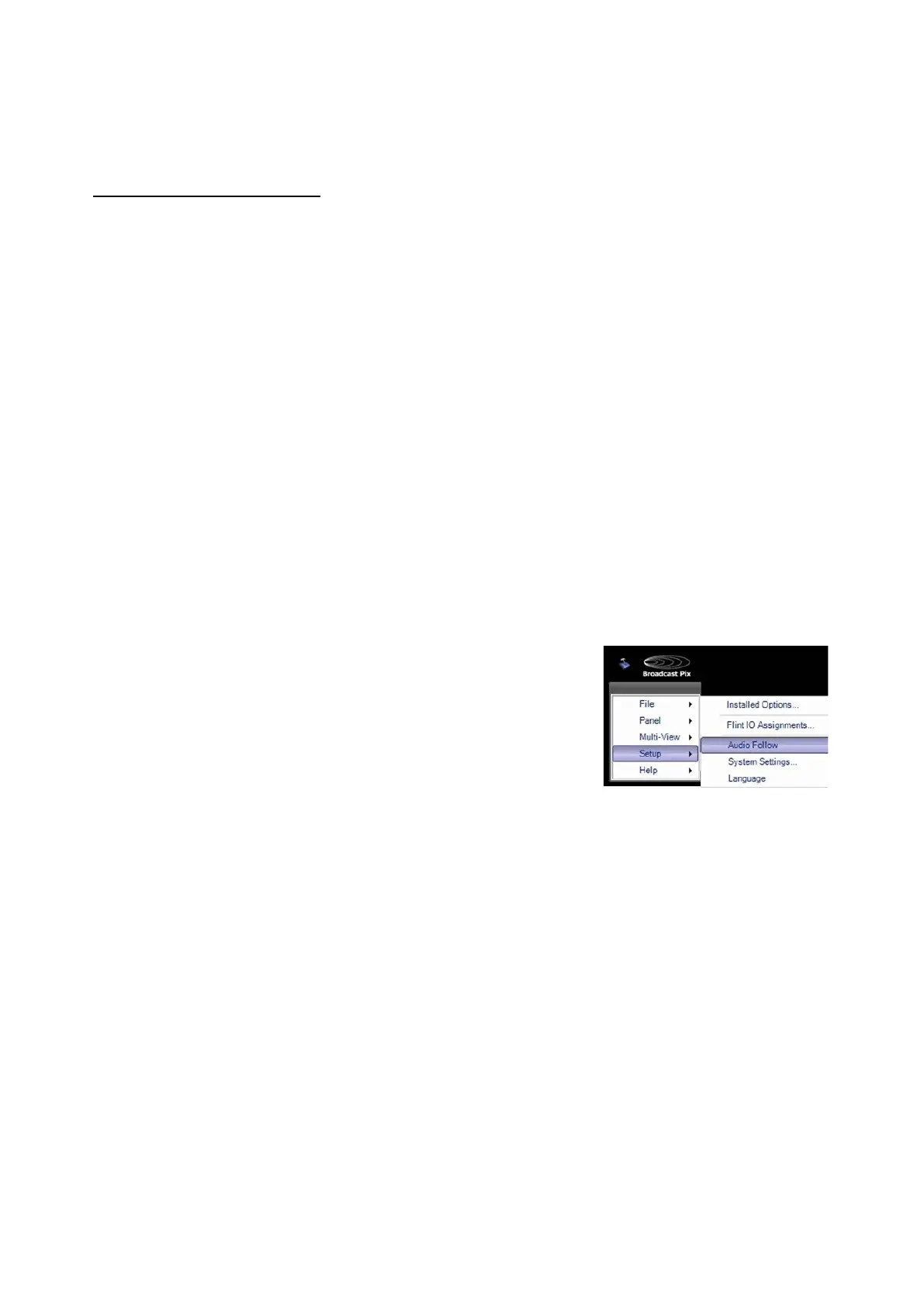
Open the Audio Follow window by selecting Setup
then Audio Follow, as shown on the right.
The programming interface window will appear.
In the lower right corner, set the COM port
appropriately to an available communication port.
Use USB when a USB cable is plugged in or COM
X when a serial cable is plugged in.
The “Not Ready” message changes to “Ready”
when the port opens without error
s. If a COM port is
in use by another device, like camera control, Audio
Follow will not work. You need to disable that port
on the device to make it active in Audio Follow.



 To Next Page