BPswitch Operators Manual
66 / 413
To revert to the default name of a window:
When entering a custom name it may become
difficult to remember which window is being
modified.
Right-click on a label name, this example will
use an output window.
A white text box will appear, delete/clear all
the letters in the text box, leaving a blank
name, as shown on the right.
Press the [Enter] key on the keyboard.
The custom name will be removed showing
the default and translated name if a non-
English language is selected.
Multi-Lingual Multi-View
By default the Multi-View labels and menu names are all in English, however if
desired the text may be substituted for you own in virtually any language. This
feature allows the Multi-View to be international and further assist operators,
allowing them to produce in their native language. By default the system comes
with English, Portuguese, Spanish and Simplified Chinese, but through the use of
the Translation Assistant program, any text and language (including Unicode text)
may be used.
Currently the following components are available for Multi-Lingual use:
- Top level menus under the Broadcast Pix logo
- All labels on the Multi-View (i.e. Key and Device Names)
- Right-click contextual menus
- Pop-up and warning messages
Note to enter Unicode or Far East Languages the appropriate international fonts
must be installed. On Windows 10 systems they come pre-installed.
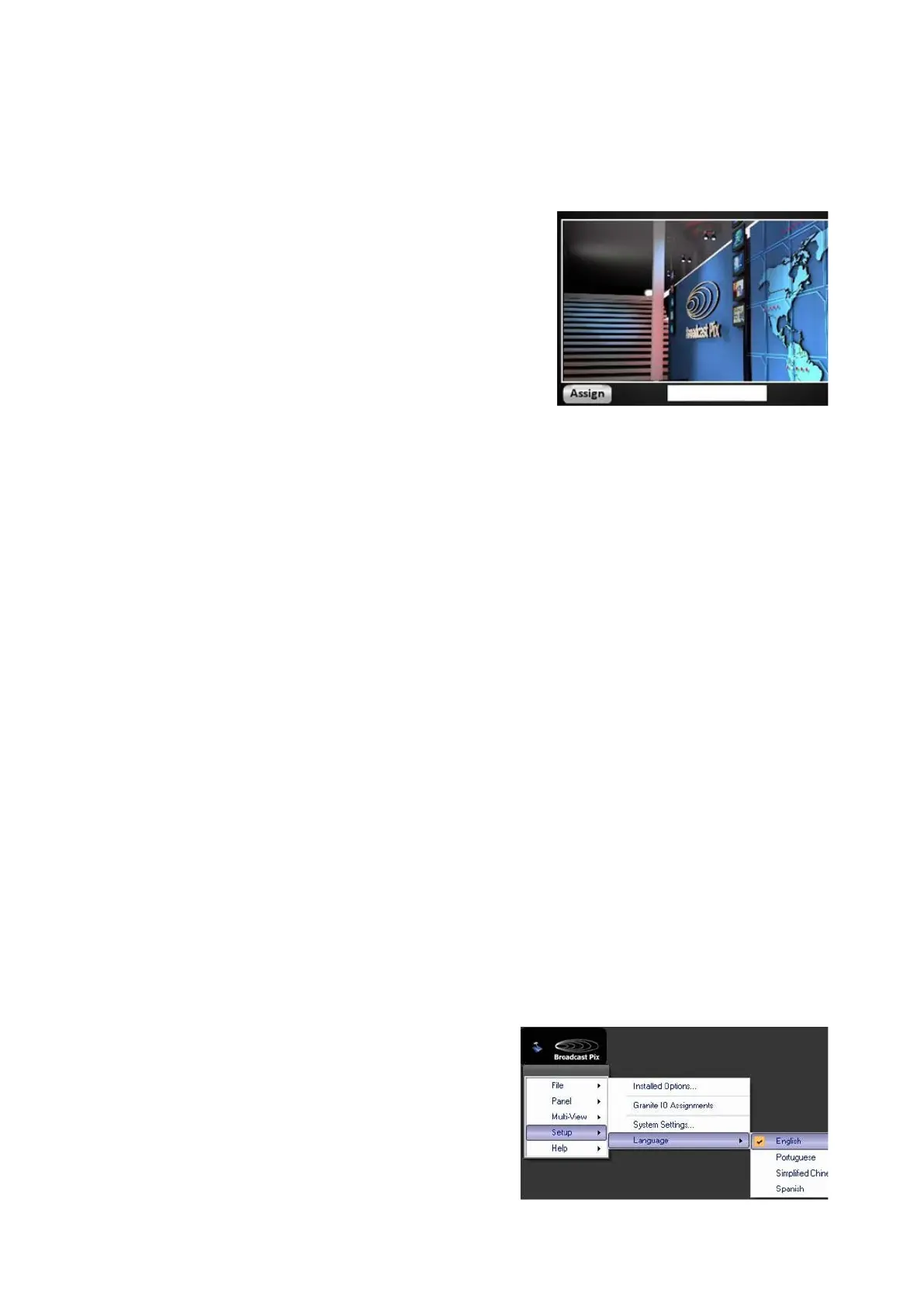
To change the language of the Multi-View:
In BPswitcher, click on the Broadcast Pix
Logo menu and select the Setup drop
down menu.
Click on the Language menu item, as
shown on the right.
In the drop down menu select the desired



 To Next Page