BPswitch Operators Manual
67 / 413
language, English Portuguese,
Simplified Chinese, Spanish or one the
user defined custom languages.
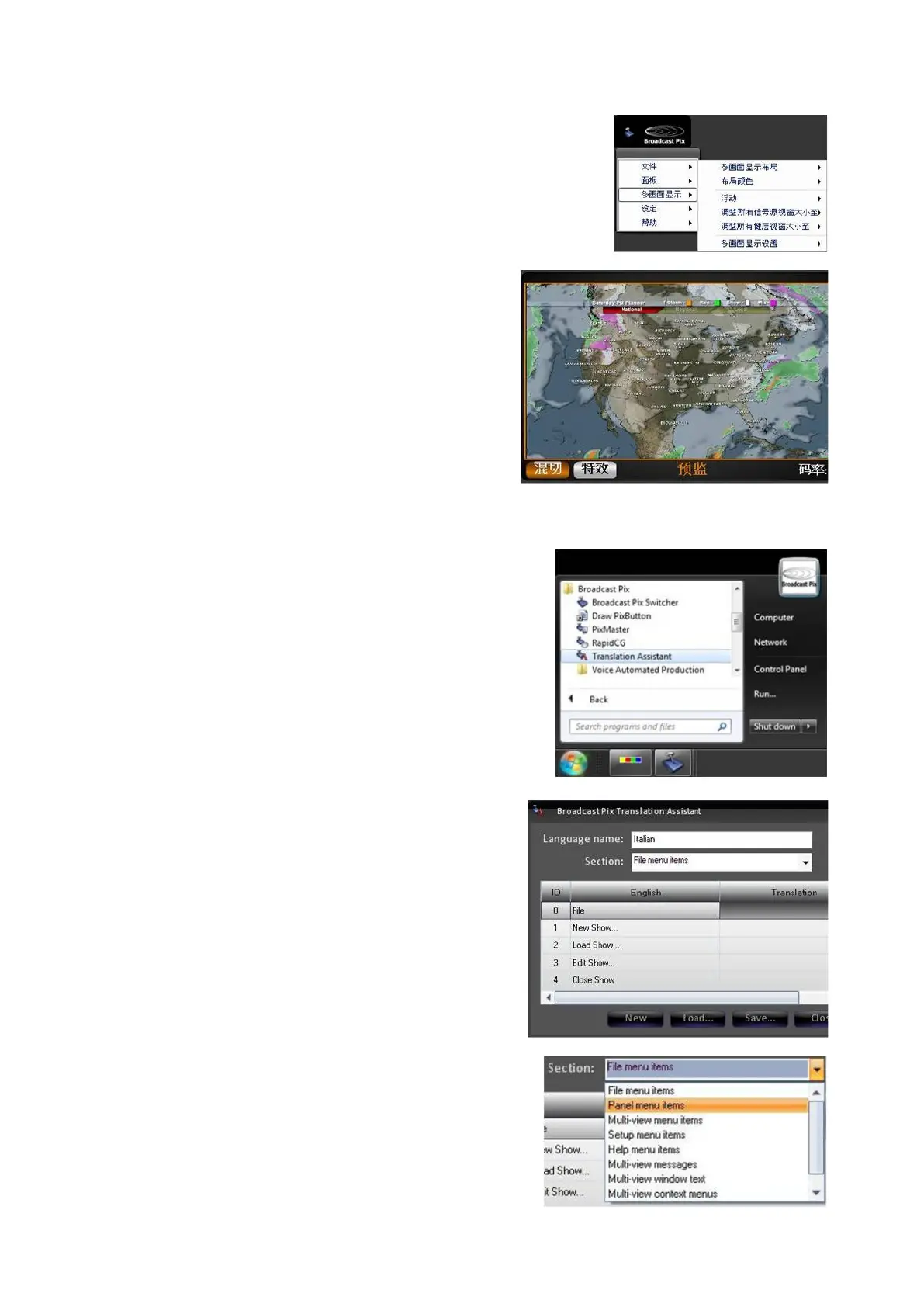
Now any translated text will change,
including the Multi-View labels and the
drop down menus, as shown on the right.
Note only translated text will change, any
item not translated will remain in English.
See the next section for creating custom
translations.
To create a custom translation:
Navigate to the Start Menu, All Programs,
Broadcast Pix, and select Translation
Assistant, as shown on the right.
Click on the New button.
To modify an existing translation, click on
the Load… button and select the desired
translation file.
In the Translation Assistant program, enter
the desired name of the new language in
the Language name: text box.
This example will use ‘Italian’, as shown on
the right.
A grid of all the English names and labels
will appear, with a blank text entry under
the Translation column.
For each line item, click in the blank
Translation section and Enter the
translated name.
Note that there are multiple line items and
multiple sections. Use the Section: drop
down menu to select more groups of labels



 To Next Page