BPswitch Operators Manual
359 / 413
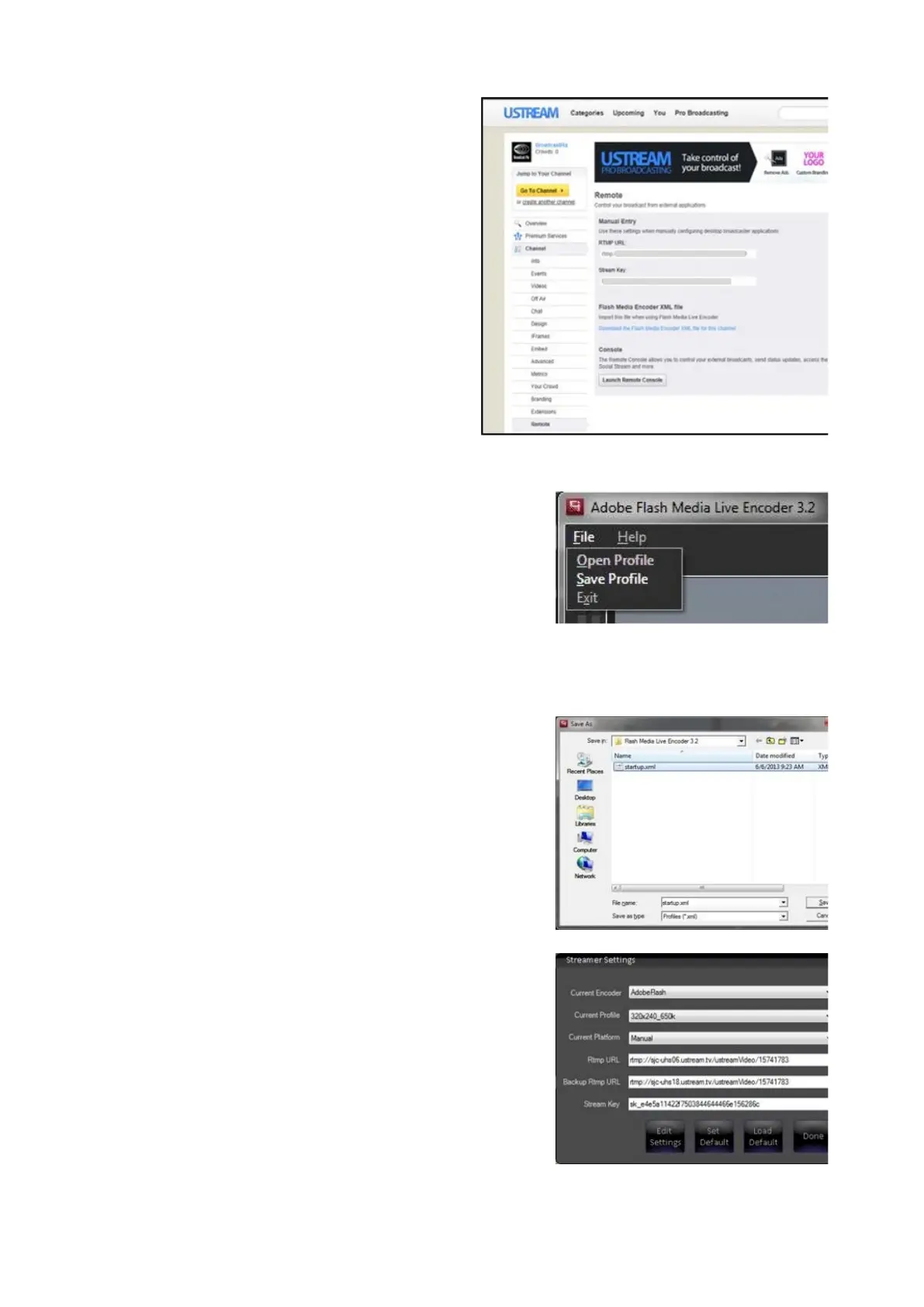
Saving a Flash Profile
To assist with easier recall of different
streaming configurations, all the parameters
from Adobe Flash Media Live Encoder can be
saved into a Profile.
Click on the File menu at the top of the screen.
Click on the Save Profile option, as shown on
the right.
In the Save As dialog box, enter the desired
name of the profile.
Click on the Save button to save the profile.
Close the Adobe encoder application by going
to the File menu and selecting Exit.
The newly created/modified profile will now be
visible in the Streamer Settings window under
the Current Profile drop down menu.
When a Profile is selected the URL and
Stream name will appear. Changing settings
here will not be applied, as all settings need to
be saved in a profile.
Once the desired stream Profile has been
selected, there is no need to open the encoder



 To Next Page