BPswitch Operators Manual
141 / 413
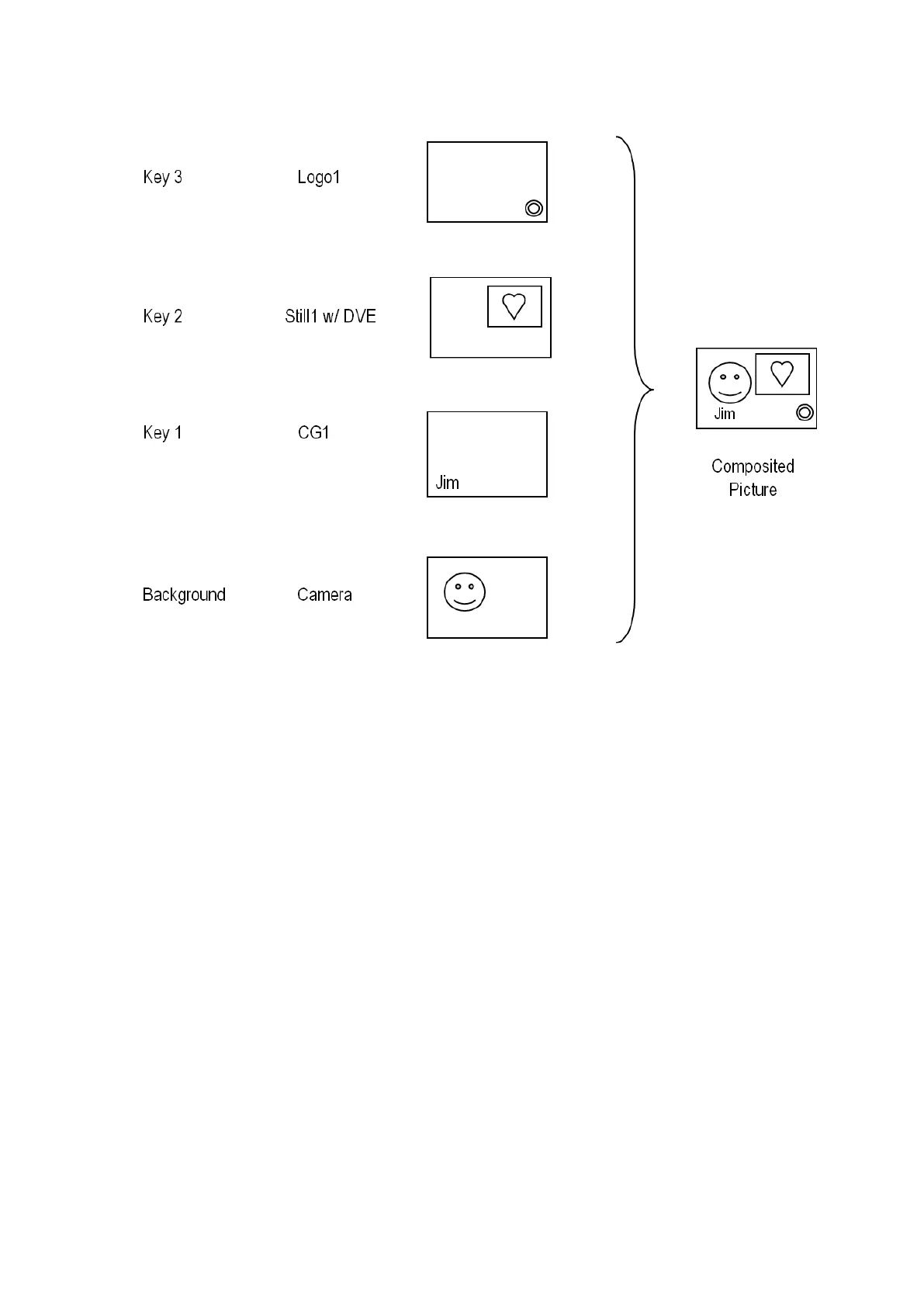
In the example below the composition includes four layers:
Key Controls
The Broadcast Pix panel provides three groups of buttons for controlling the 3
keys: Key Select Buttons, Key Transition Buttons and Direct Key Buttons. The
Source Row is also used with the Key Select Buttons.
Each of the 3 Keyers is treated as a device, so pressing any one of the three Key
Select buttons assigns all of the device controls to that Key, including: Joystick, 3
or 4 knobs, PixPad and the Display.
In addition, all three keys are also shown graphically and in full motion on the
Multi-View for feedback.



 To Next Page