BPswitch Operators Manual
84 / 413
to
automatically add clips and graphics to any show, even ones that are on air. This
greatly enhances your workflow.
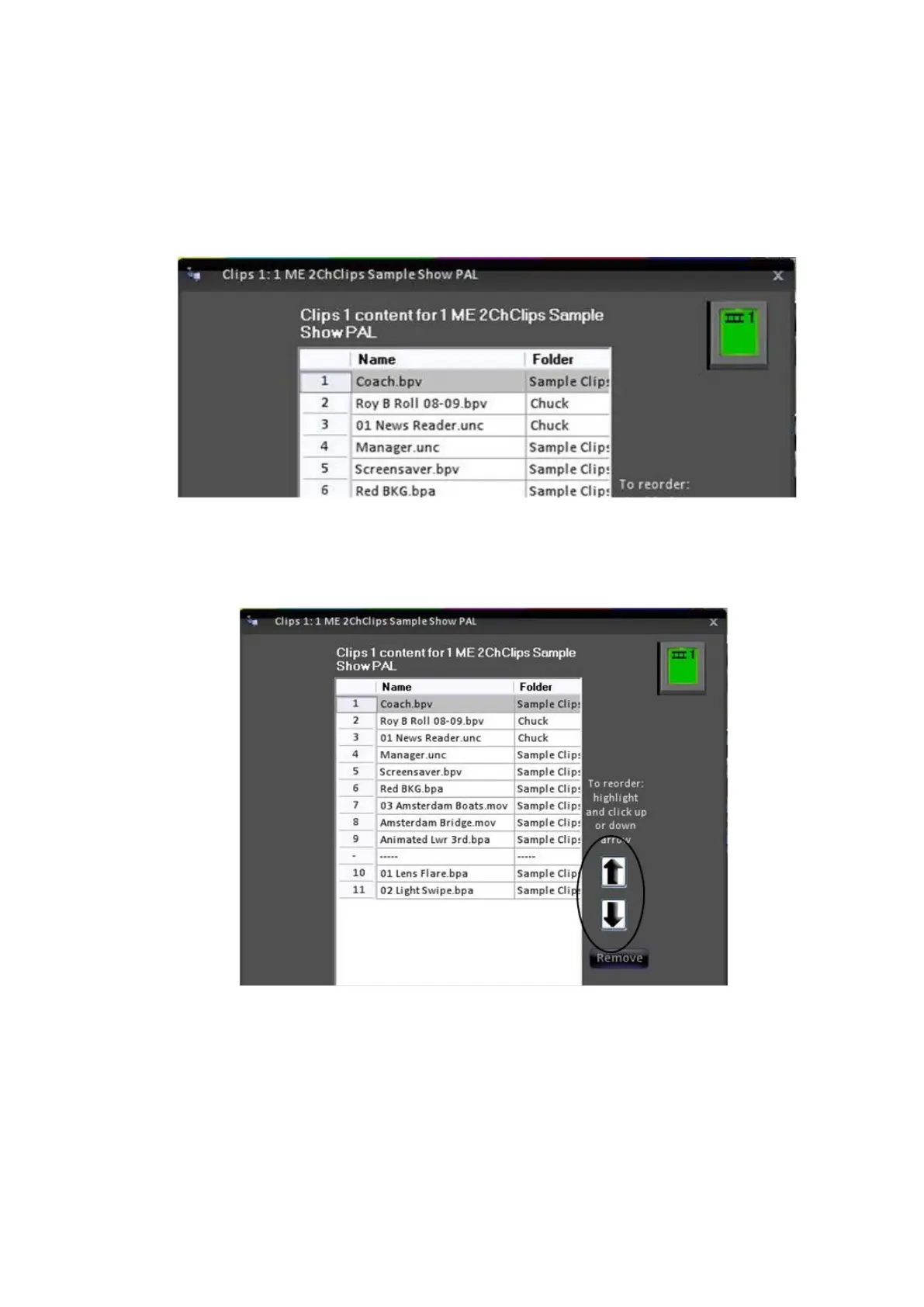
To Reorder Content
Select the content you wish to move, and it will highlight.
Click on the up arrow or down arrow and the highlighted content will move
down or up one position. Each time you click it will move once. In the
illustration below, it has been clicked down once, so it moved one position.
NOTE: If you’re doing a lot of editing, you do not have to press OK until you are done with
everything.
To Reorder a Group of Content
In addition to moving one file up and done the list, you can also move an entire
group of elements at once.



 To Next Page