BPswitch Operators Manual
124 / 413
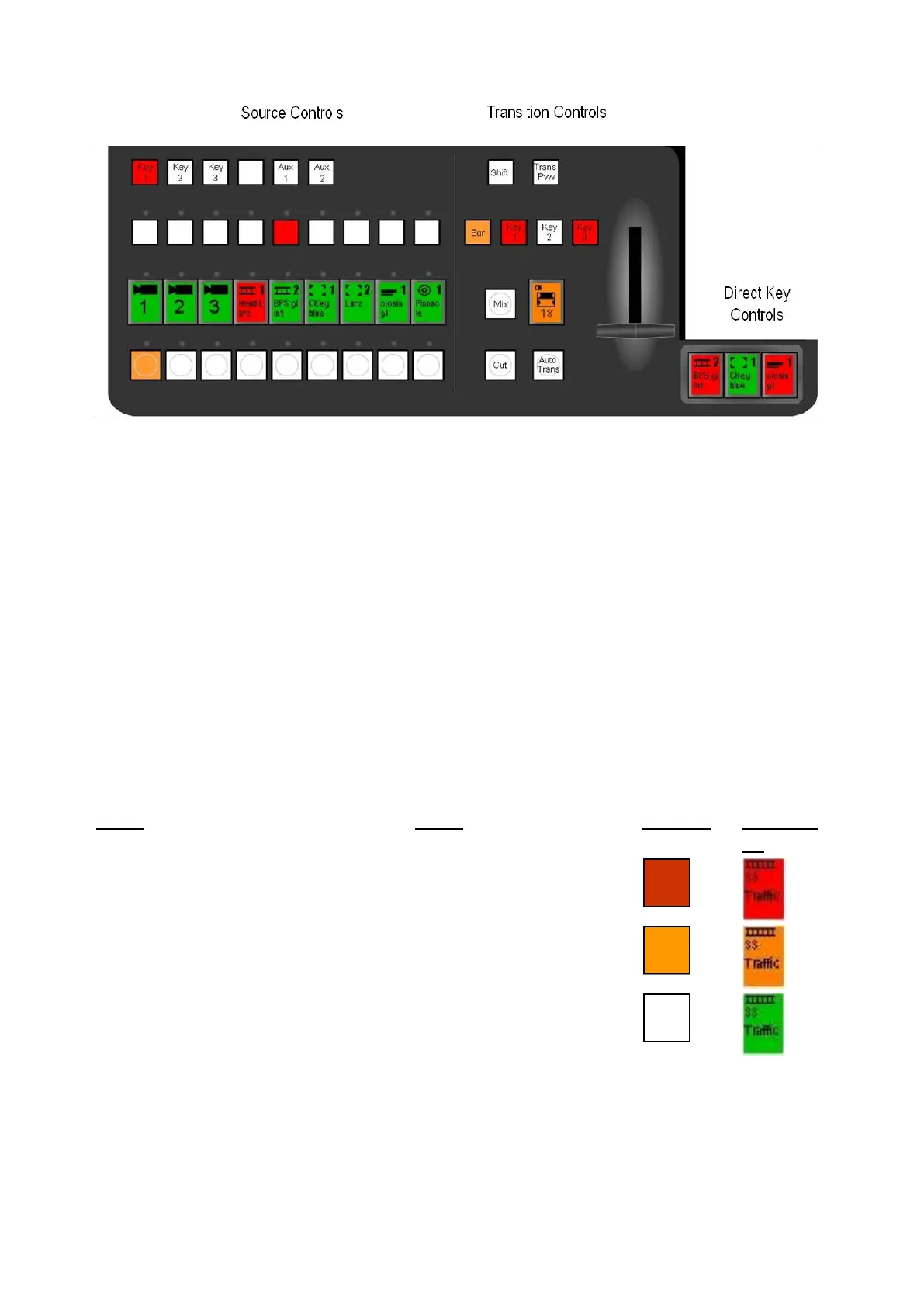
To select sources for bringing on-air, as backgrounds or key
overlays. And for filling keys and auxiliary outputs.
To change what is on program, with a cut, mix or effect.
To manually turn keys On/Off. They also show key status:
device, element and tally.
Tally
Broadcast Pix uses tally to identify at a glance what has been selected. Tally is
displayed simultaneously on the panel, Multi-View and BPswitch tally output. If the
optional tally box is installed, the program tally is also sent out.
Panel Tally
White (buttons)
Green (PixButtons)
Multi-View Tally



 To Next Page