BPswitch Operators Manual
37 / 413
Devices
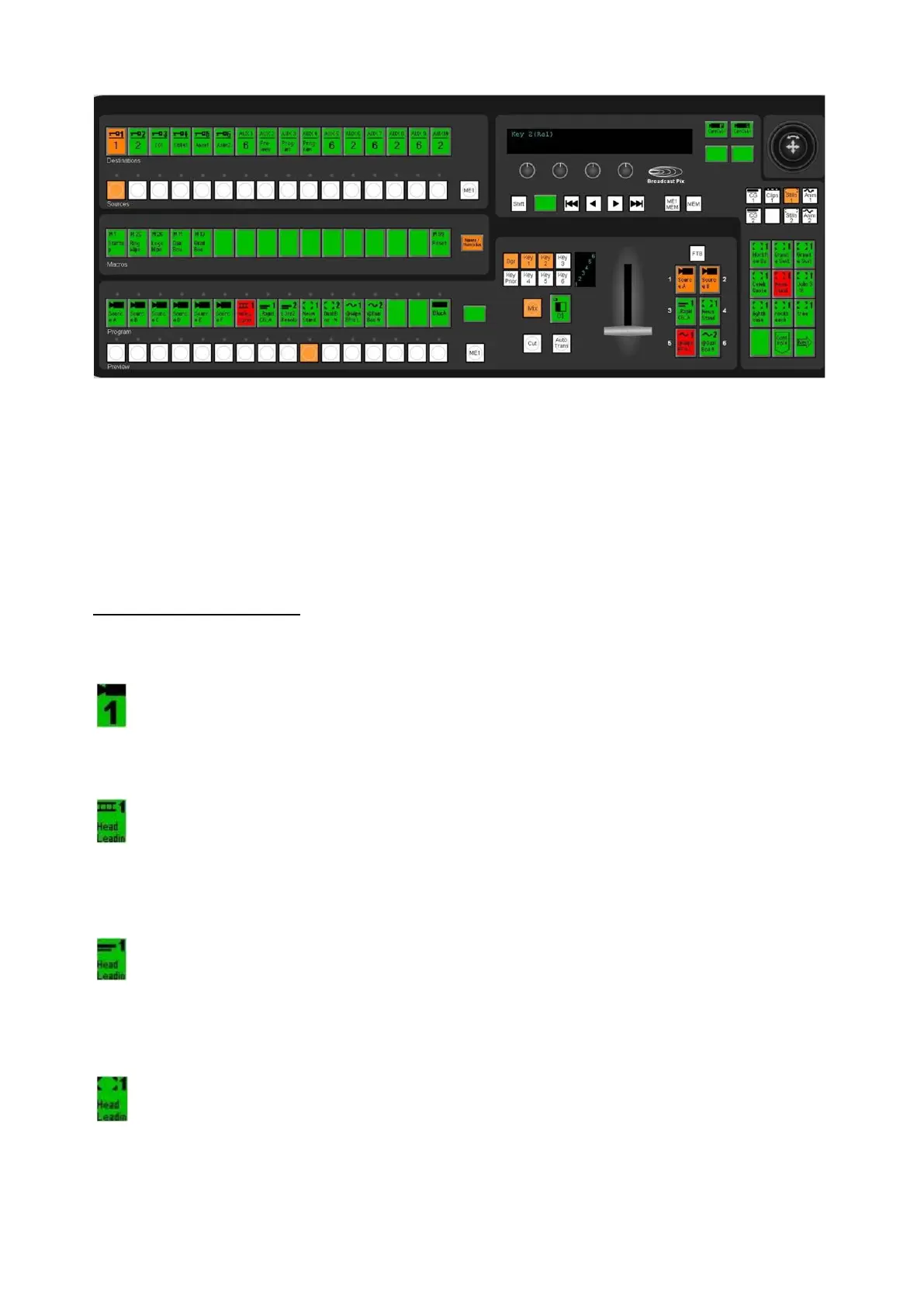
The Broadcast Pix panel can control a studio of devices. Each device performs
one function. In a traditional live television studio, many of these devices are in a
separate box with its own operator. The Broadcast Pix panel provides flexible
control over a wide range of devices, by using the device controls. When a device
is selected the entire bank of device controls are assigned to that device, including
a Joystick, 4 knobs, motion buttons, and a PixPad of 12 buttons. The list of
supported devices will grow over time, check for new devices at
www.broadcastpix.com. Each device has a unique icon that appears on the top of
the PixButtons. Broadcast Pix Software Version 7.5 of FX/RX supports the
following devices, and use the following icons:
Switcher:
Select both external and internal input with a control panel. Classic
program/preview layout. Illustration shows Camera 1. Other icons are used
for VTR and other sources.
HD Clip Store: (2 Channel)
Instant access to clips, import and play-out. Use motion controls and view
time codes. Plays compressed HD clips with embedded audio & alpha
channels (H.264 .mov/.mp4, ProRes .mov, DNxHD .mov, QuickTime
Animation .mov).
HD Character Generator: (2 Channels)
Create broadcast quality graphics with shadows, bevels, transparencies,
logos and many more. Create your own look, or use easy templates. Add
motion with rolls, crawls and 2D animations. Update NewBlue files
dynamically with a right-click.
HD Still Store: (2 Channels)
Have thousands of photos and graphics at your fingertips. Recall with a
press of a button from the corresponding library shown on the monitor.
Import many file types: .bmp, .jpg, .tga, .gif and .png in HD/SD resolutions.



 To Next Page