BPswitch Operators Manual
152 / 413
Modifying a DVE Box
Several parameters of the DVE box can be modified including size, position, crop,
border size and border color.
To modify a DVE box:
Get the desired DVE Box on the preview monitor by executing steps 1 through 5
above in To Create a DVE Box.
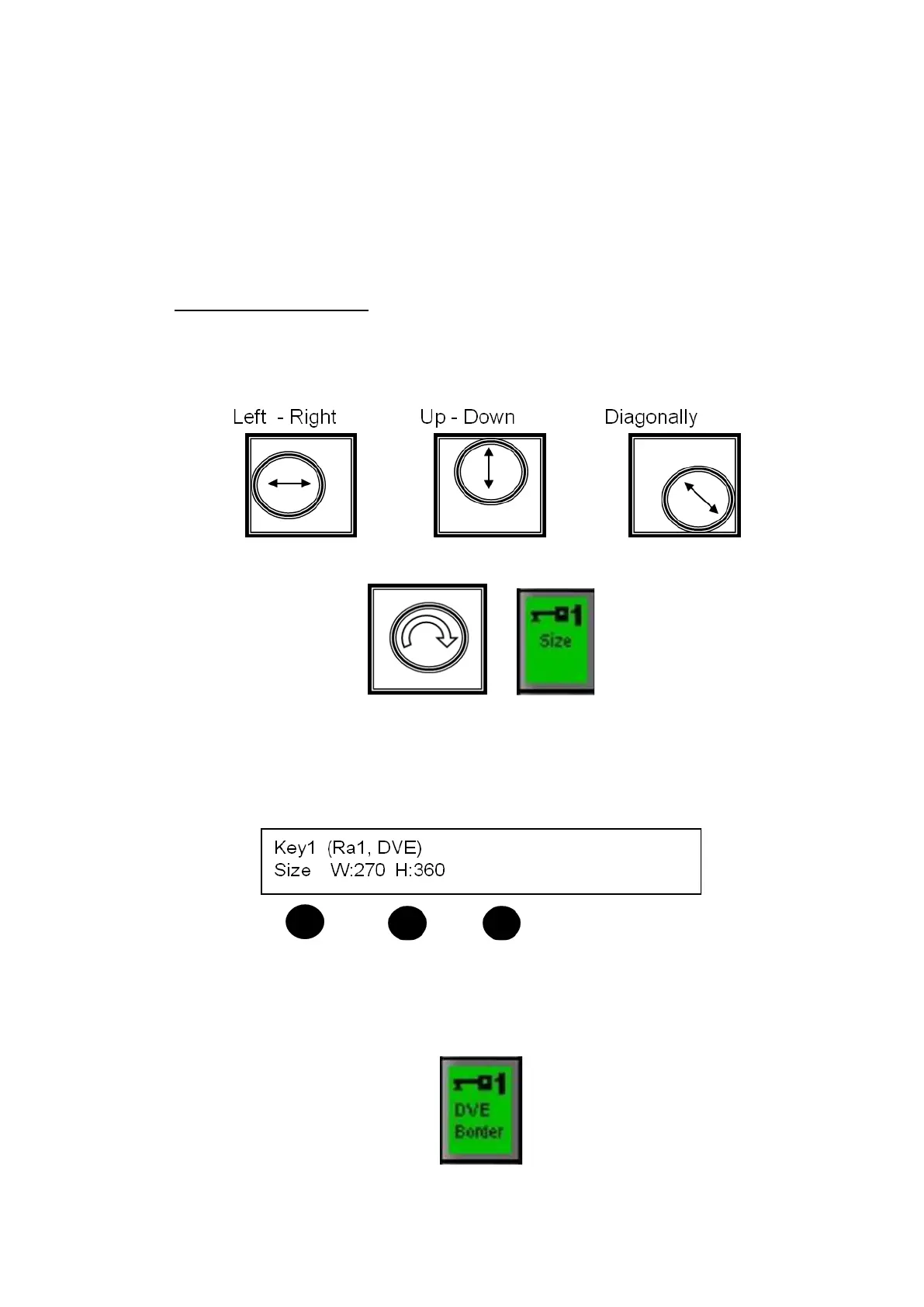
The position of the DVE Box may be modified by using the Joystick, as
follows:
The size of the DVE Box may be modified by twisting the Joystick.
or
The size may also be changed by pressing the [Size] PixButton and then
twisting the [left knob] for overall size, and the [center knob] and [right
knob] to individually control width and height respectively. The numbers
refer to pixels (full screen 1920x1080).
The edges of a DVE box may also have a simple colored border. To apply a
border press the [DVE Border] PixButton on the PixPad in Device Control-B.
The panel display will read a border thickness above the 1
st
Knob. Turn the
knob to increase /decrease the border thickness.



 To Next Page