BPswitch Operators Manual
148 / 413
To Change the Key Fade Rate
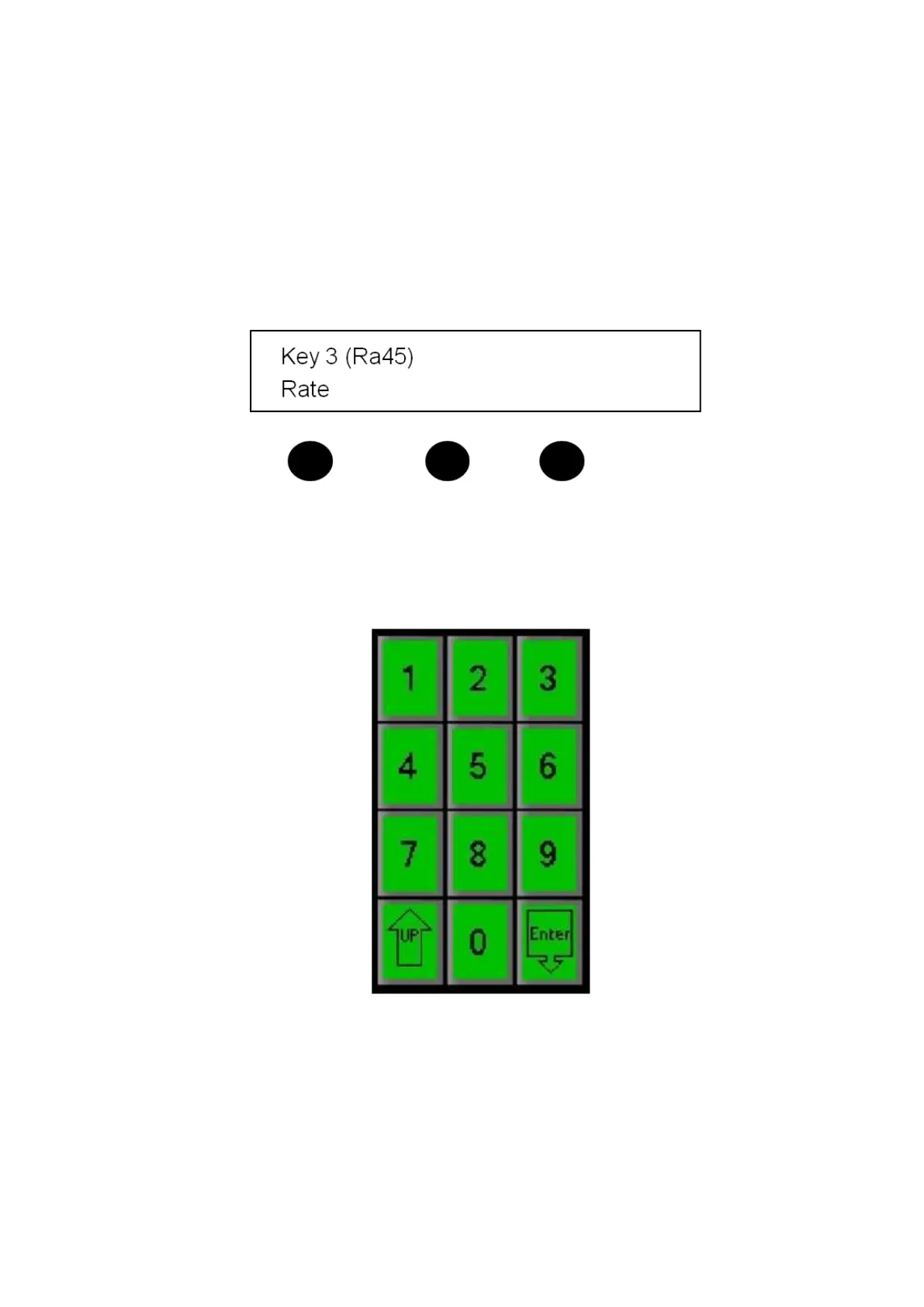
The fade rate for all 3 Keys can be set with a knob or the numeric keypad in the
PixPad. To change the key fade rate:
Press the [Key Select] button for the desired keyer, to assign the Device
Controls to that key.
Turn the [left knob] to the desired transition rate, which will be shown after
the letters Ra in the display above the knob.
or
Press the [Key Rate] PixButton on the Key PixPad for the desired Key, enter
the rate with the [numeric keypad] or use the first knob, as done for a
transition rate, and press [Enter] to apply the rate.
Key Priority
Key Priority allows you to change the layer order of the keyers by bringing a key
layer up towards the foreground or down towards the background. This is useful
when creating DVE boxes (see next section) and want to zoom a keyer full screen
over another. It is also useful in compositing graphics and boxes without the need
to reassign sources to different keyers. The Key Priority is controlled from the



 To Next Page