BPswitch Operators Manual
147 / 413
You can reset the cropping to none/000 by pressing the [Crop Reset] button
in the Keyer Modifier PixPad
The Key may be positioned any where on screen, even when a
DVE is not applied.
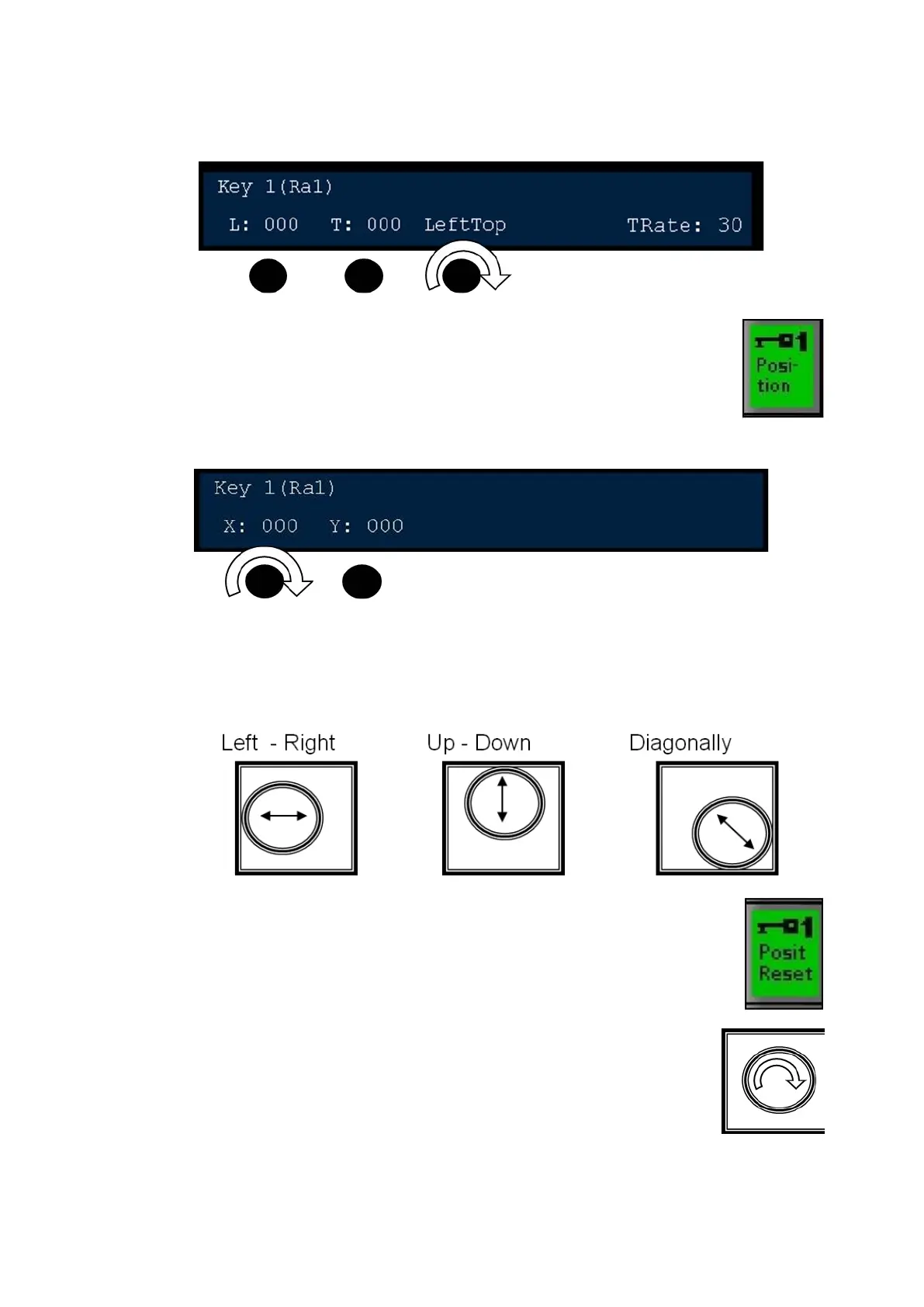
Press the [Position] PixButton, as shown on the right, and the
following knob values will appear as shown below.
Twist the [1
st
Knob] for X-Axis control and/or the [2
nd
Knob] for Y-Axis
control, using the knobs provides fine tuned control.
For quicker control, the Joystick may also be used. Move the Joystick:
Once a keyer has be repositioned, the display and Keyer
window on the Multi-View will read out Rp next to the key rate.
You can reset the position to 0,0 by pressing the [Posit Reset]
button in the Keyer Modifier PixPad.
Or when no DVE is applied, twist the Joystick to reset the
position to 0,0.



 To Next Page