BPswitch Operators Manual
296 / 413
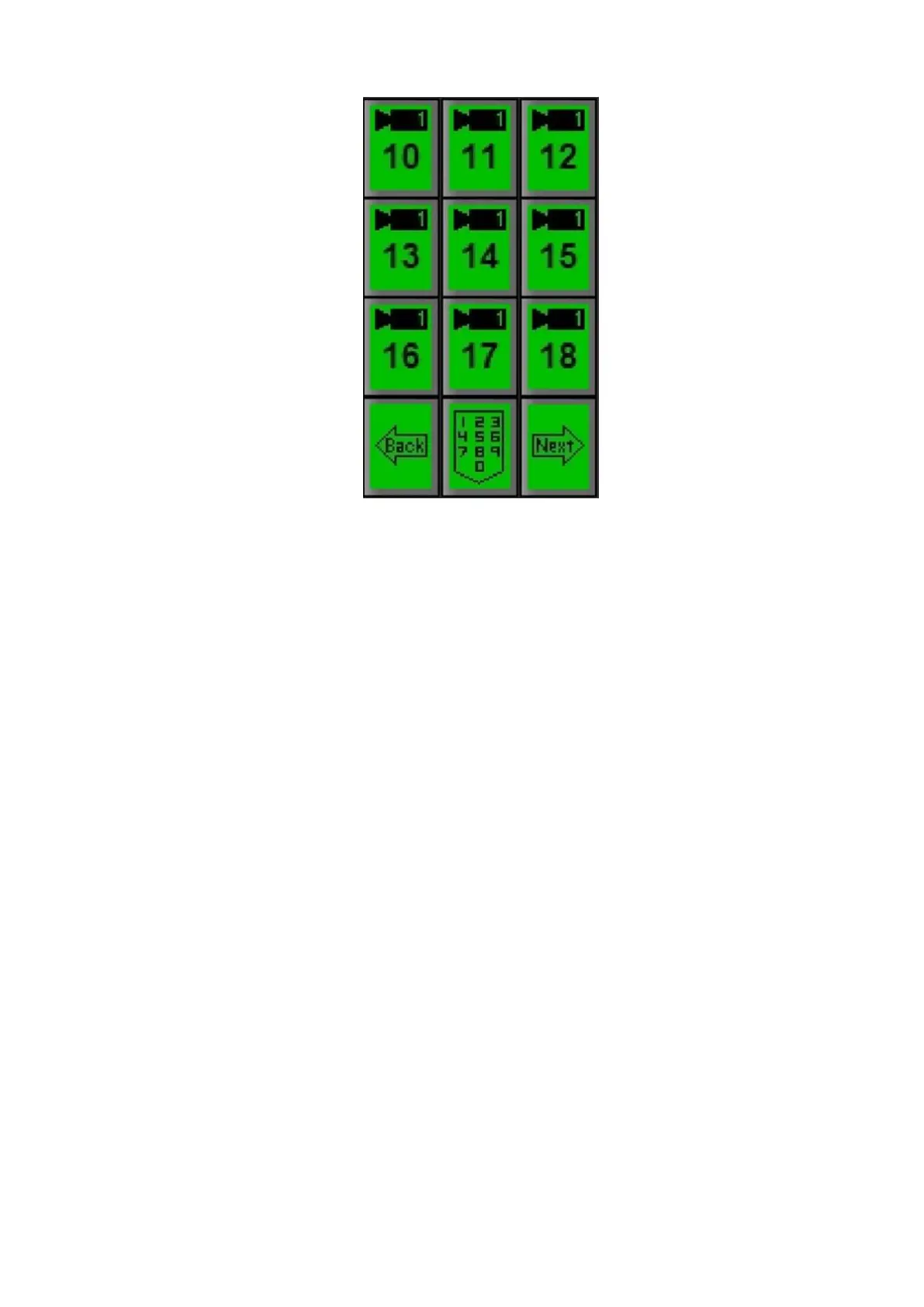
Keep pressing the [Next] PixButton to reach the preset you desire. You can
back up by pressing the [Back] PixButton.
When you reach the desired location press its [Preset X] PixButton. The
camera will move to it, and the large display will show this preset position
number.
Recall Speed for Hitachi Preset Positions
Each Hitachi camera can have 31 preset positions saved. In addition to
remembering tilt, pan, zoom and focus, each of these 31 positions can also
remember a recall speed: either fast, medium or slow. When each preset position
is saved it will automatically set this recall speed at whatever speed the system is
currently set to.
To set the Recall Speed:
On the camera’s Preset PixPad, press the [Settings] PixButton, and the
Settings PixPad will appear:



 To Next Page