BPswitch Operators Manual
215 / 413
Once captured, a pop-up window will
appear to notify you that a still has been
successfully captured. It may take a few
seconds for this window to appear.
Click on the OK button.
A file named customname.bmp will be
created in the Capture Folder.
NOTE: If it is desired to capture more than one still image, it is necessary to rename the file that
is saved to the Capture Folder, since any other captures will overwrite the first one.
Changing the Capture Folder Destination
If desired the destination of the Capture Folder for the captured stills may be
defined. This may be useful to change to a Watch Folder of the Stills Store so
images automatically appear in the show when captured. The default location is
C:BroadcastPix\captures.
To change the Capture Folder:
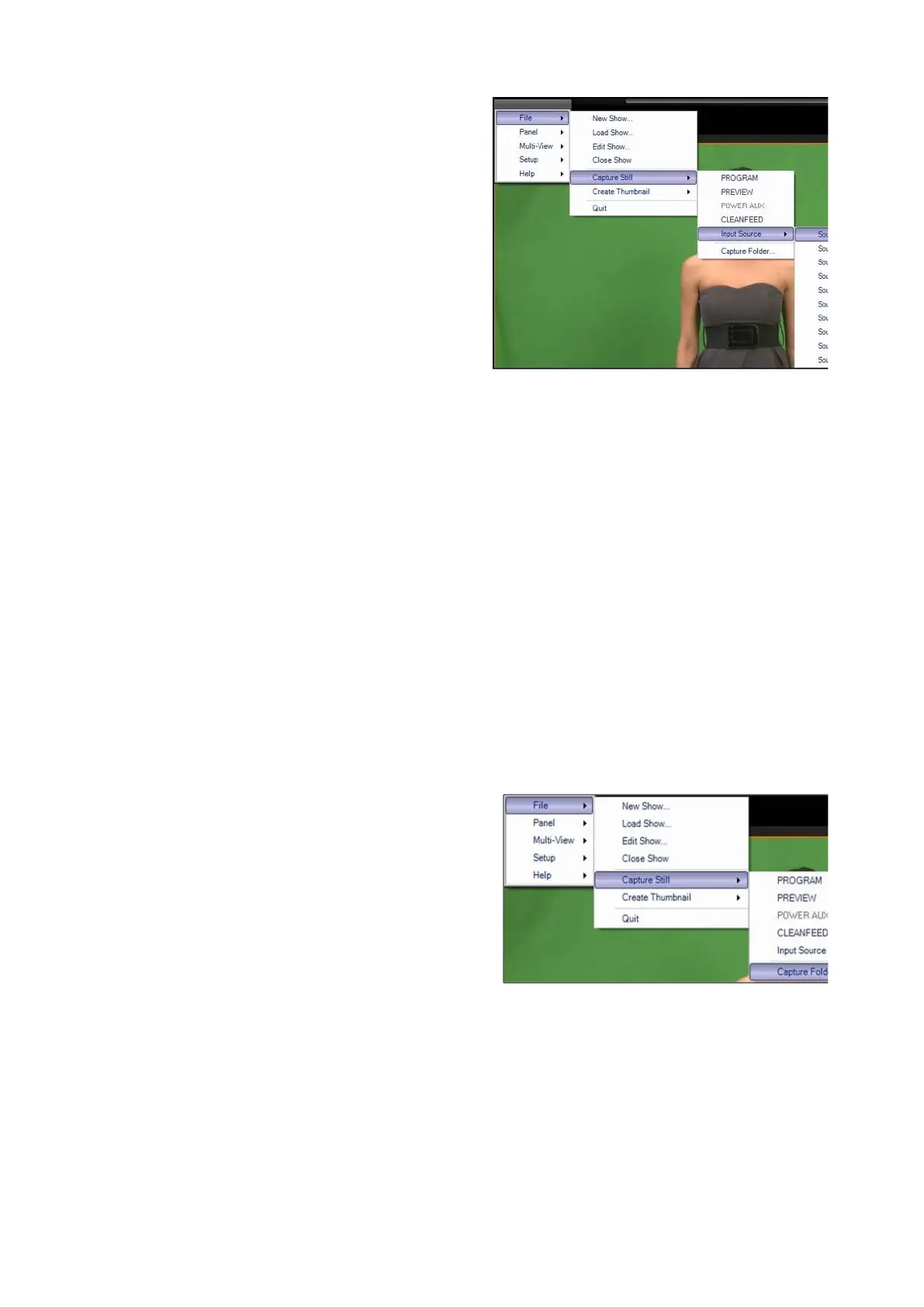
In BPswitcher select the File drop down
menu.
Select the Capture Still menu.
Select the Capture Folder… option, as
shown on the right.



 To Next Page