BPswitch Operators Manual
287 / 413
For Rapid movement, move the joystick a lot
To Zoom the Camera on a standard 2-Axis joystick, first push
down the 4
th
Knob, the Broadcast Pix logo on the control panel will
dim, signifying that the joystick is now controlling the Z axis.
Move the joystick Up to zoom out
Move the joystick Down to zoom in
To Zoom the Camera on the optional 3-Axis joystick:
Twist to the right to zoom in
Twist to the left to zoom out
For a slow zoom, twist the joystick a little
For a fast zoom, twist the joystick a lot
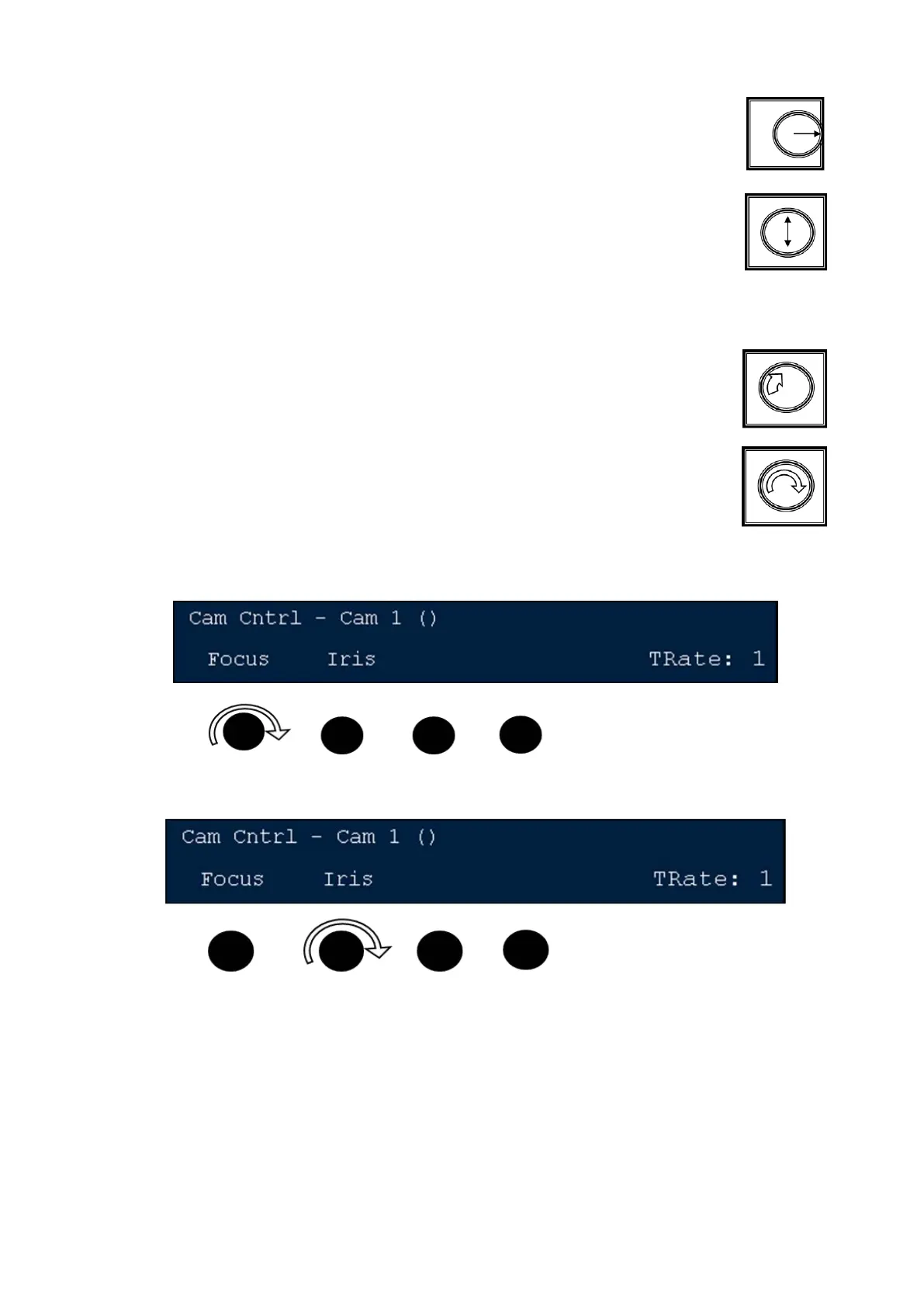
To adjust the focus of the active camera, twist the left knob
To adjust the Iris of the active camera, twist the 2
nd
knob
Motion Controls for Hitachi Cameras
The pan, tilt and zoom functions for all cameras have built-in motion controls. The
more you move the joystick the faster the camera will move, and the less the
joystick is moved, the slower the camera will move. In addition, the Hitachi camera
control
have more customizable settings for Fast, Medium and Slow controls for pan, tilt
and zoom functions. These controls apply only to the Hitachi Camera Control and
not to Sony, Panasonic or Telemetrics cameras. These speed controls do not



 To Next Page