BPswitch Operators Manual
135 / 413
An arc wipe is similar to a clock wipe, except that the
movement is in a much wider arc, in which the center of
movement is off the picture, rather than in the middle of the
picture as in most clock wipes.
Selecting a New Effect by Number
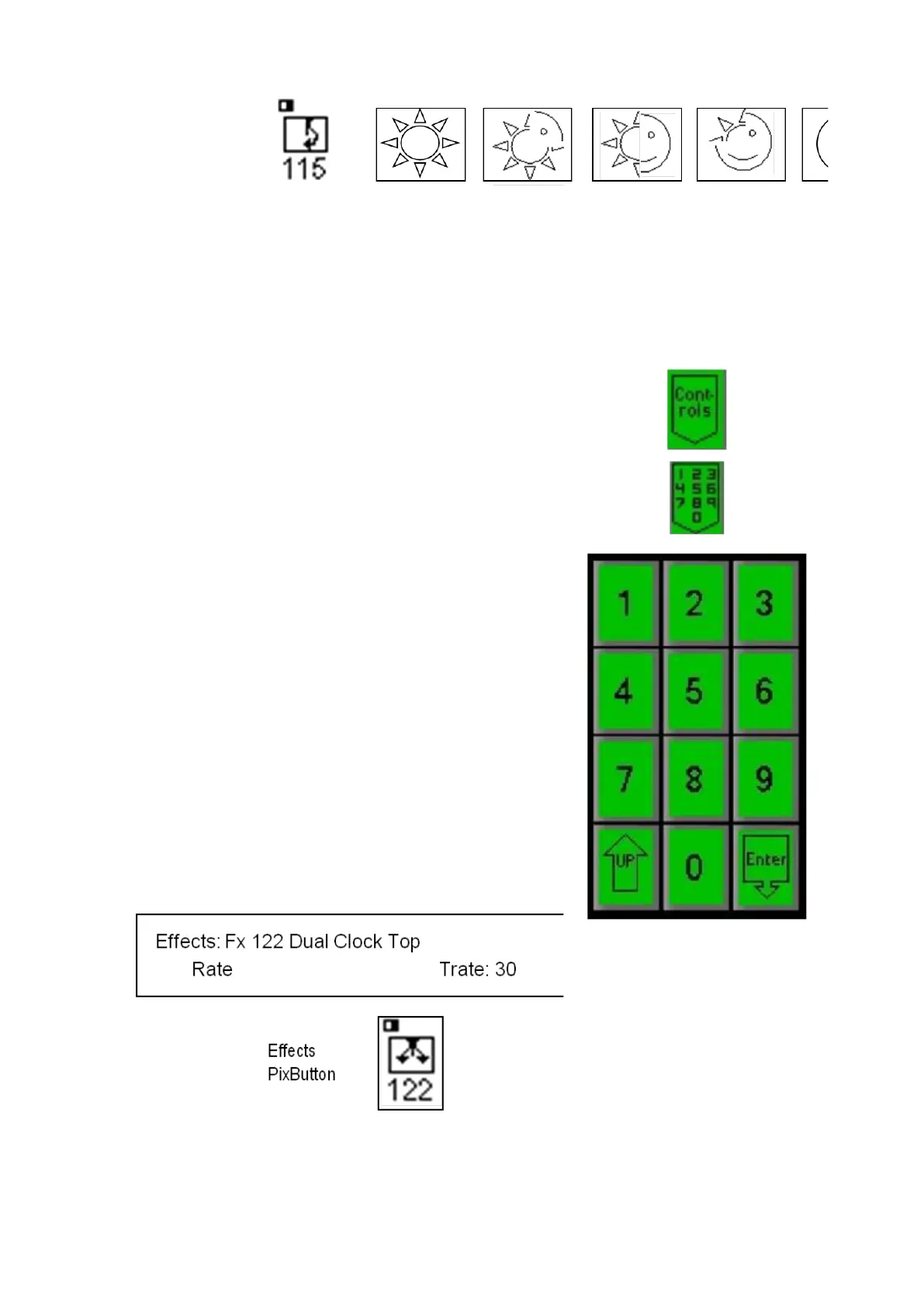
On the Effects PixPad, press the [Controls
PixButton], which will bring up the effects
controls PixPad
Press the [numeric keypad] PixButton, and
the PixPad will change to the following numeric
keypad:
Enter the effect [Number] you wish using the
numeric keypad. As you enter each number it
will appear in the display. For example Fx #
122, as shown below.
If you enter a wrong number press the [UP]
PixButton, which will bring back to the previous
PixPad, where you can start again from step
#2.
Press the [Enter] PixButton and the effect will
appear in the [Effects PixButton], and its name
and number will also appear in the display.
The PixPad will change to the effect chosen
and it will be illuminated.
Changing Effect Transition Rates
The transition rate of any effect or mix may be changed by either turning the Rate



 To Next Page