BPswitch Operators Manual
134 / 413
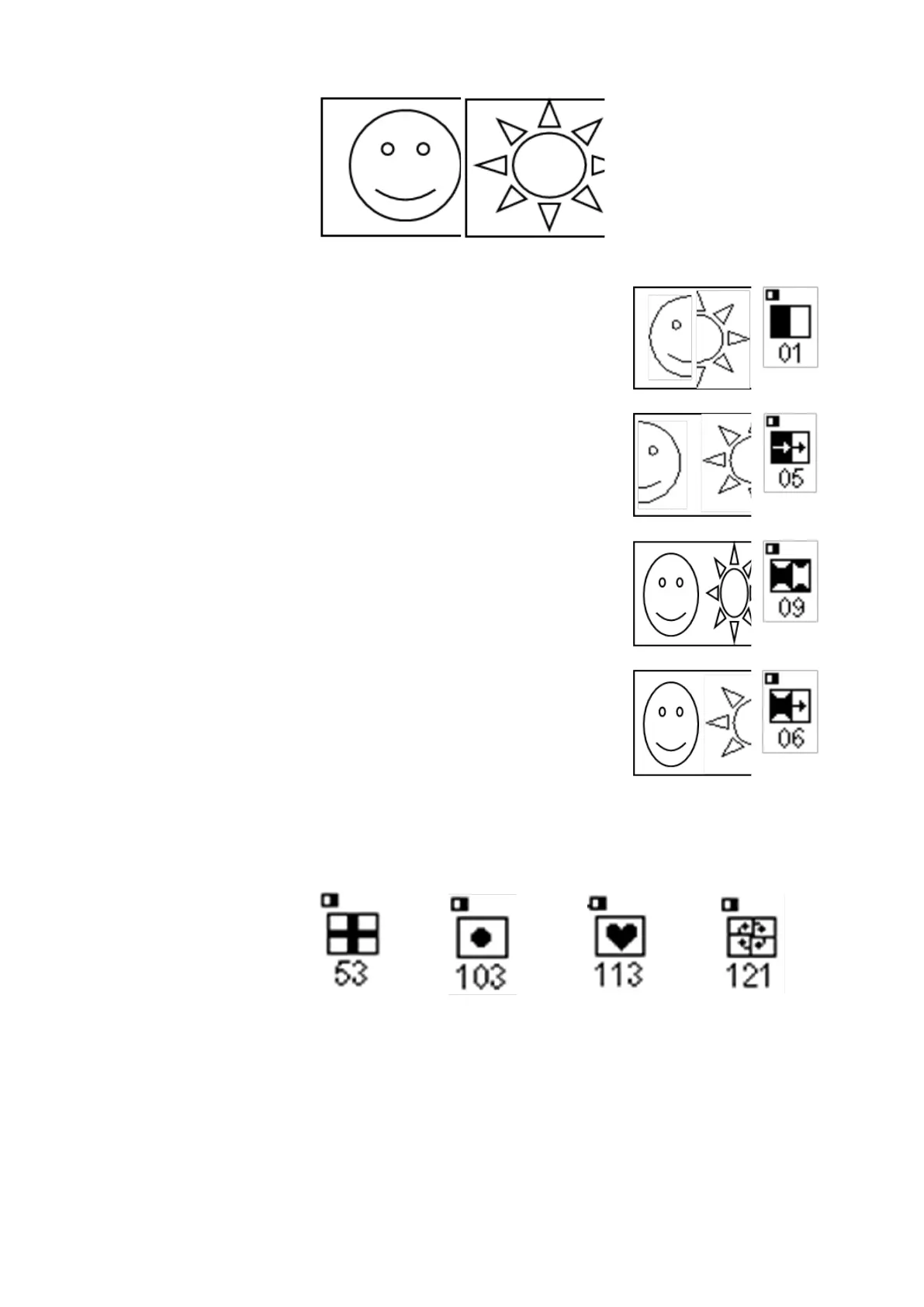
Both Images stay in place, and one is
wiped over the other
One or both of the images are moved,
as being pushed off-air, or pushed on-
air. (disabled in V3)
One or both of the images are
squeezed from their current position to
an edge. (disabled in V3)
The three styles may be combined. For
example, Fx 6 squeezes on the
foreground, while pushing off the
background.
Gradient wipes have a pattern and enable a soft-edge to be
applied, as described in section 4.3.5.
Some of the many gradient wipes are:
Many of the wipe patterns are circular clock wipes, which
start in one position and then move in a circle. Their icons
show a black region where the foreground begins to enter,
and then a curved or diagonal arrow with the direction of the
clock movement. For example, clock wipe Fx 115 has the
following icon, and creates the illustrated effect:



 To Next Page