BPswitch Operators Manual
109 / 413
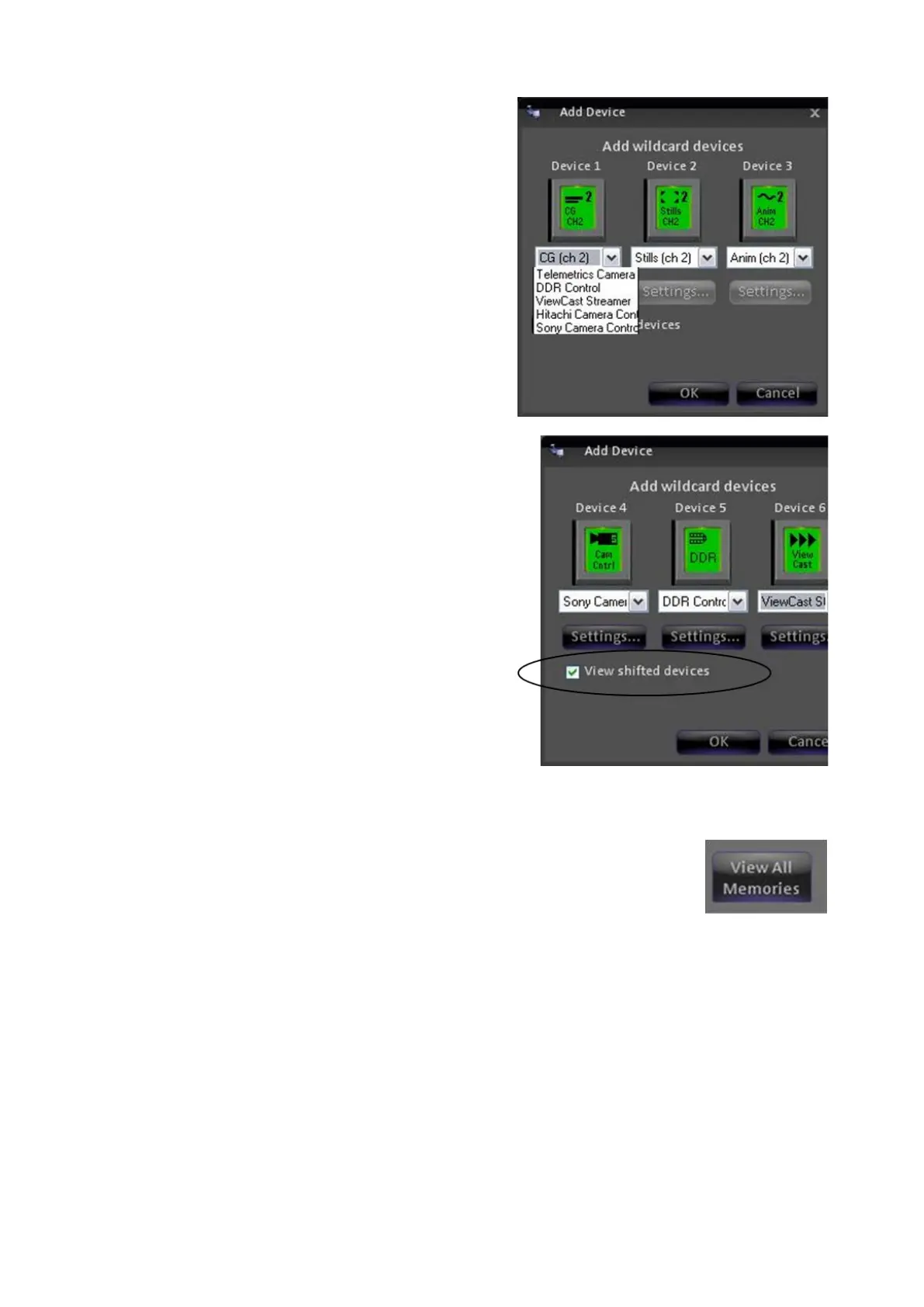
Select the desired device from the drop
down window.
To assign device buttons D-F or 4-6 on
the shifted side, click on the View shifted
devices
checkbox and repeat steps 2 and
3 above, as shown on the right.
Click on OK to return to the Edit Show
Settings window.
To remove a wildcard device
Select remove from the drop down list.
Click on OK to return to the Edit Show
Settings window.
Show Macros
In the show’s memory window, click on View All Macros button,
which will expand the memory window to include the central
library of all memories.



 To Next Page