BPswitch Operators Manual
189 / 413
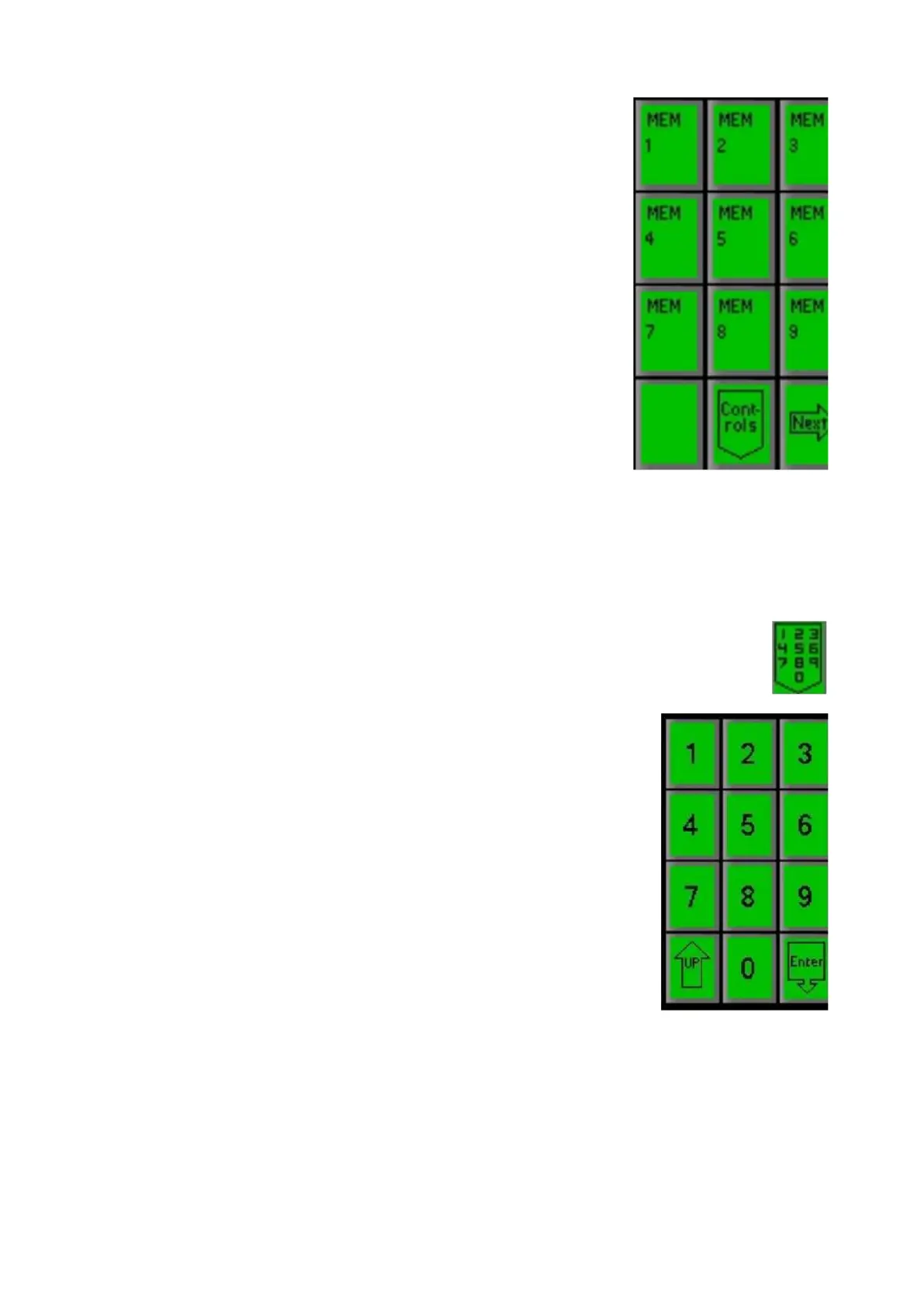
If the desired SnapShot MEM is not on this top page,
press the [Next] PixButton until you reach the page
that contains it.
Once a Memory is recalled the display will read out the
memory number and its attributes, plus the Status Bar
on the Multi-View will display which SnapShot MEM
was recalled.
NOTE: Memories are global, if sources are remapped or content is moved your Mem might not
recall correctly. At times the display may read “Mem X failed to fully load”. In BPswitcher go to
Help->View Logs->Error Log... to view what element failed to load.
To Recall a Mem by Number
Press the [Mem] device button, and the Mem PixPad will
appear.
Press the [Controls] PixButton.
Then in the following PixPad select the [Numeric
keypad] PixButton.
Enter the number of the desired MEM in the number
PixPad.
Press the [Enter] PixButton to recall the MEM.
NOTE: Memories are global, if sources are remapped or content is moved your Mem might not
recall correctly. At times the display may read “Mem X failed to fully load”. In BPswitcher go to
Logging, Error Log to view what element failed to load.
Fluent Macros
Fluent Macros is a powerful memory system that takes SnapShot Memories to
another level. It enables a sequence of panel button pushes to be recorded and



 To Next Page