BPswitch Operators Manual
351 / 413
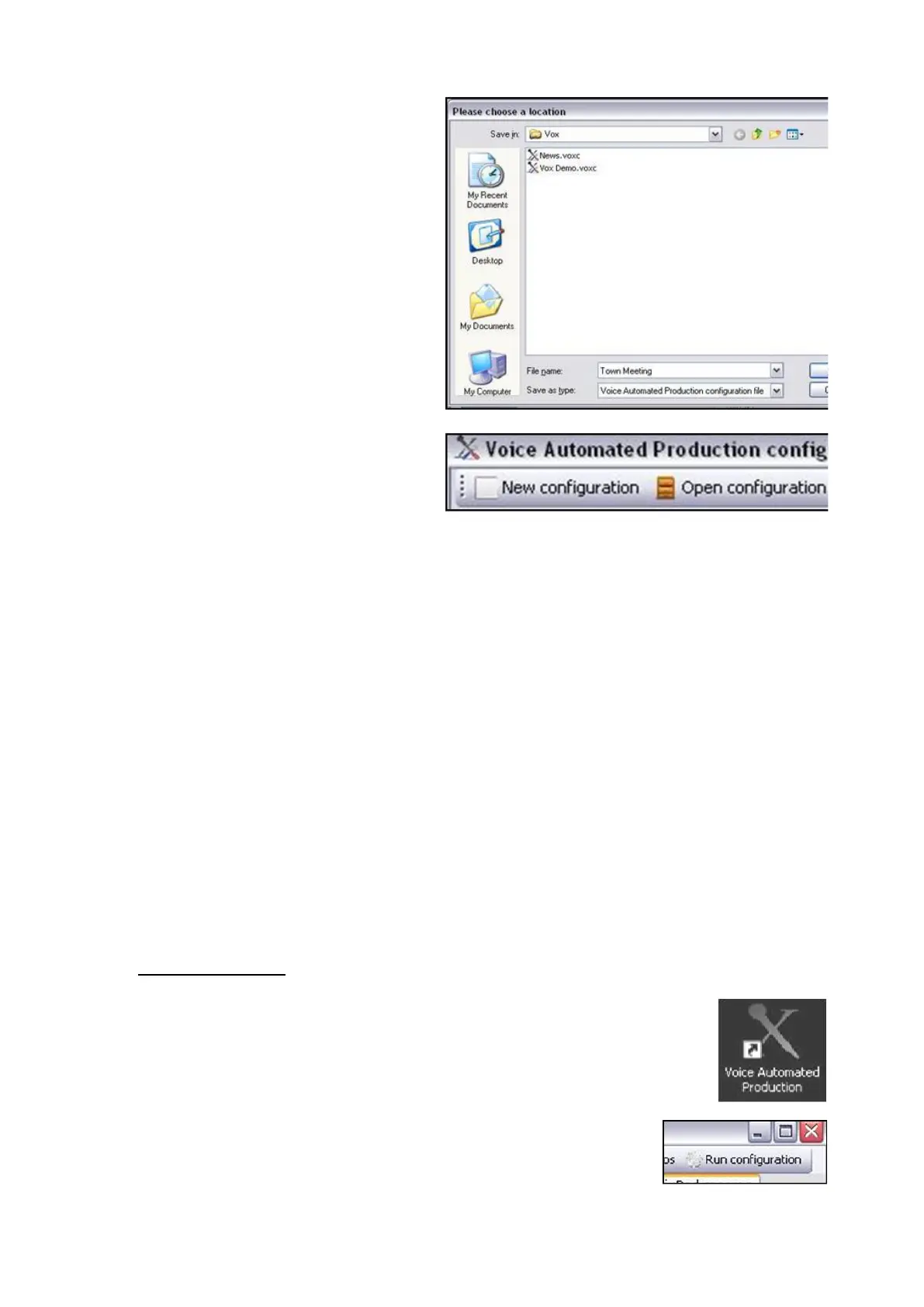
Once a configuration file has been
created, the Save configuration
button at the top of the window can
now be used to override the setup.
To save a new configuration file,
repeat steps 1-3 above.
To start with a blank configuration,
click on the New configuration
button, as shown on the right.
To open a configuration file to
modify it, click on the Open
configuration button at the top of
the window, and a Windows open
window will appear. Navigate to the
specified location path and click on
the OK button.
Running VOX
For the VOX unit to be actively listening on each input and for it to trigger Macros
the VOX Voice Automated Production software must be running.
To run Voice Automated Production:
Ensure that the BPSwitcher
application is running, and that a
show is loaded, as described in
Running a Show.
Launch the Voice Automated
Production software by double-
clicking on the desktop icon, as
shown on the right.
This software may also be
launched from the VOX Editor. On
the top window of the VOX Editor,
click on the Run configuration



 To Next Page