BPswitch Operators Manual
350 / 413
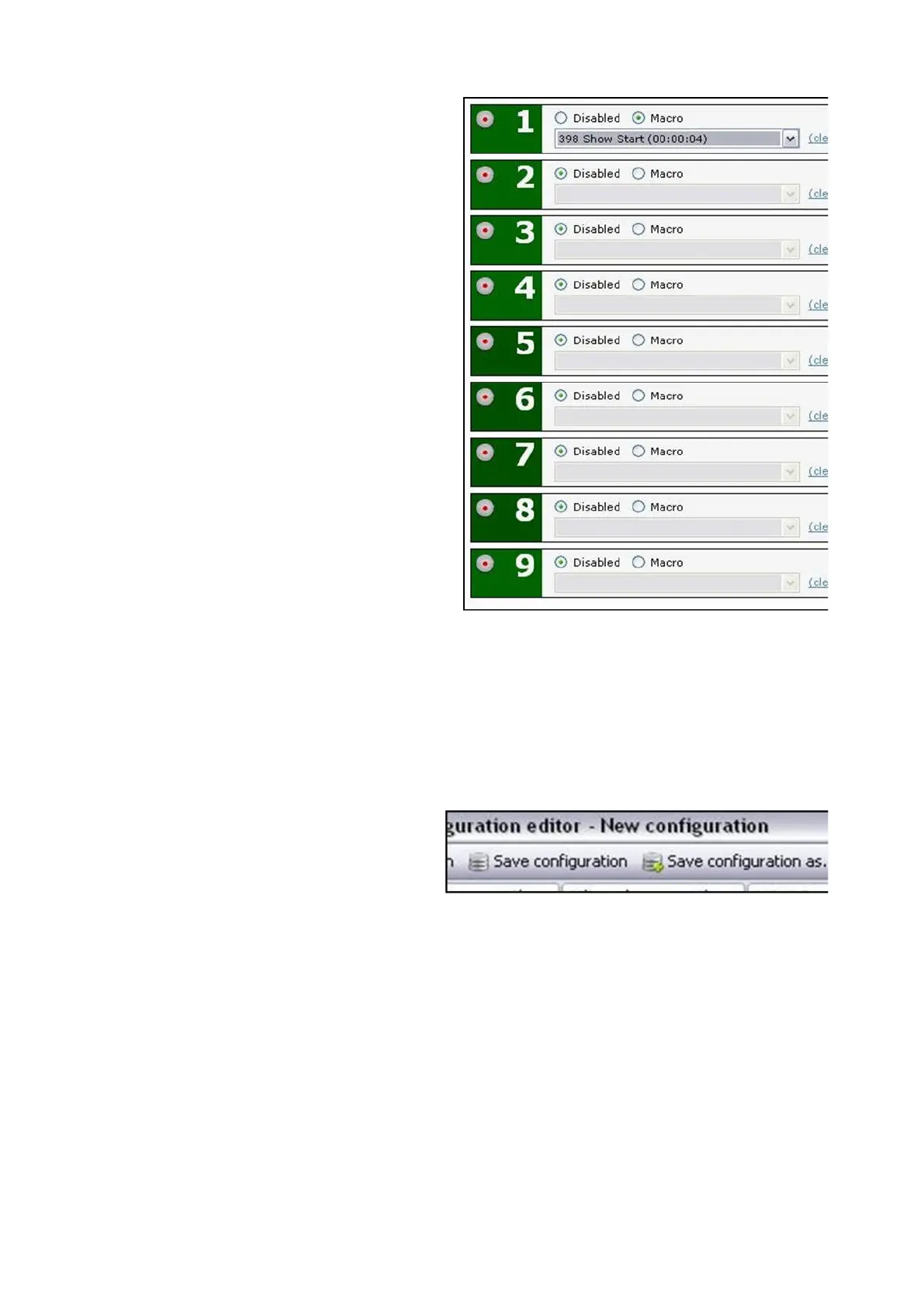
For each PixPad button, 1-9, click on
either the Disabled radio button to
have no Macro assigned or Macro
to
assign a Macro.
Use the drop down menu radio
button to select the desired Macro,
as shown on the right.
To save the configuration:
Once all the Macros have been assigned and all the timing settings have been
adjusted to accommodate the type of production, the setup needs to be saved.
This allows for multiple set ups to be loaded to the VOX system, similar to the
Broadcast Pix Show, allowing for custom Macros and timing for each show you
produce.
Click on the Save configuration…
tab at the top of the window, as
shown on the right.
A Windows Save As window will
appear, enter a name in the File
name text box, in this example
‘Town Meeting’.
It is recommended to save these
files in one common folder, i.e.
C:BroadcastPix\Vox
Click on the Save button. A .voxc
file will be created, in the specified
location path.



 To Next Page