BPswitch Operators Manual
390 / 413
Adding a Separate Graphics Operator
In some live productions, it may be desirable to have two operators, one for
graphics and one for everything else. This may be desirable if graphics are
changing during a show such as for a sporting event, or if the show is so complex
that the primary operator wants help.
Two Operators with Separate Graphics Operator and 1 Panel
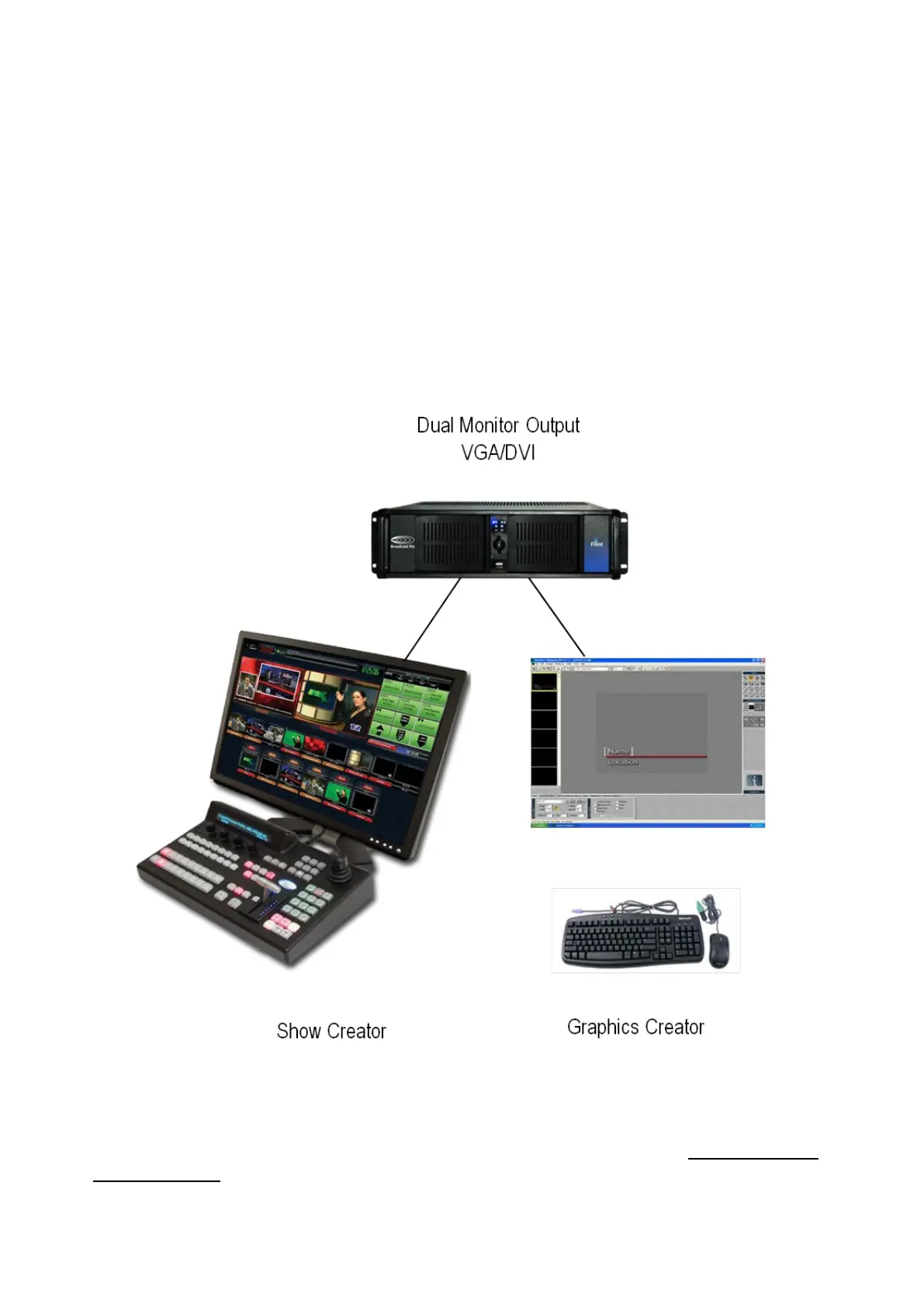
To enable this environment, a second monitor should be added (all BPswitch
systems support two monitors). Then the Multi-View can be displayed on the
monitor for the Show Creator and the Inscriber GUI can be displayed on a
separate the monitor for the Graphics Operator, as shown below.
NOTE: Only one keyboard and one mouse can be connected to the Server at any given time.
Two Operators with Separate Graphics Operator and 2 Panels
If you increase the number of simultaneous panels supported, see Optional Multi-
Panel Support, then the graphics operator can view a window containing all or a
portion of the Broadcast Pix SoftPanel. This enables the graphics person to view



 To Next Page