BPswitch Operators Manual
313 / 413
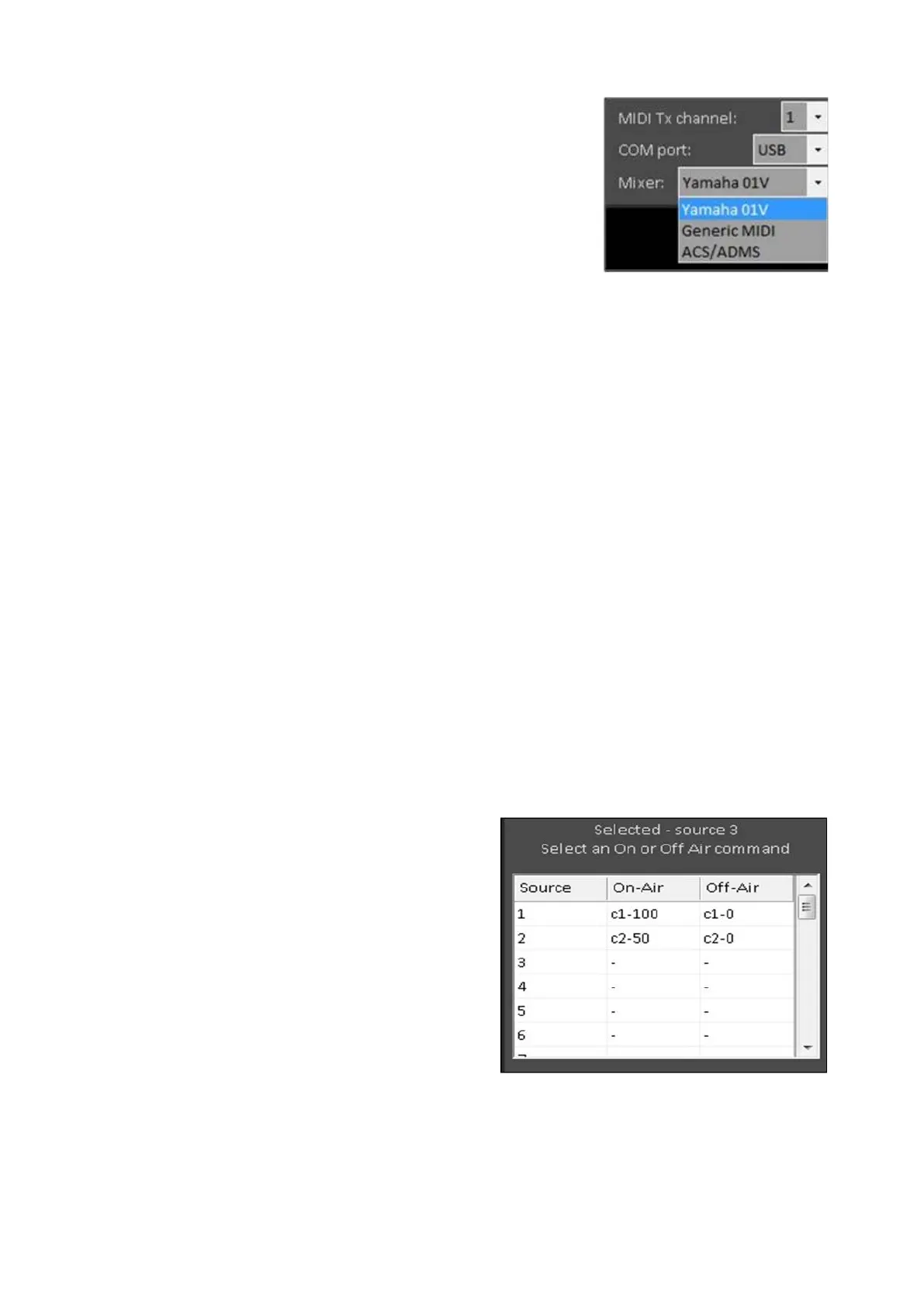
Under the Mixer drop down menu, select the type of
audio mixer you are controlling either Yamaha O1V,
Generic MIDI or ACS/ADMS, as shown on the
right.
Yamaha O1V can be used for any Yamaha brand,
Generic MIDI can be used for any non-Yamaha
brand and ACS/ADMS is for Matrix Switchers from
Broadcast Tools.
Note: When using ACS/ADMS, only control
numbers 1 to 99 may be entered with values of 0 for
off or 1 for 0. No scene changes are supported.
VU Metering is support through the Yamaha 01V
setting only.
Under the MIDI Tx channel drop down menu, select
the transmit channel being used on the Audio Mixer,
from 1-16.
Audio-Follow Setup
Each show can have its own set of Audio-Follow commands. Two programming
options are available for each table entry; either a single scene change (MIDI
Program Change command) or one or more control change (MIDI Control Change
commands). You can not have both a scene change and a control change for one
entry. Control changes may differ from manufacturer to manufacturer, so it is
important to refer to your audio mixer’s manual for a complete list. For example on
a Yamaha 01V, control numbers 1-12 effect the fader levels for channels 1-12.
Program the On-Air and Off-Air
commands in the table provided.
The sources numbers 1 - 32 refer
to the inputs to how they are
mapped on the control panel/show
in the Show Editor. The first 9
sources are shown, scroll down to
reach the shifted sources (10
through 18).
Each control change is formatted
by first typing in a ‘c’, followed by
the control number (1 to 127), a
hyphen (or minus sign) ‘-’ and the
desired value to set it to (0 to 127).
More commands can be added by



 To Next Page