BPswitch Operators Manual
314 / 413
adding a space in between
commands, leaving out the “c” in
front.
For example to bring fader 1 to
100% volume type: c1-127 in the
On-Air column, to bring it off air
type: c1-0 in the Off-Air
column. To
bring faders 1 and 2 up at 50%
volume type: c1-63 2-63 in the On-
Air column.
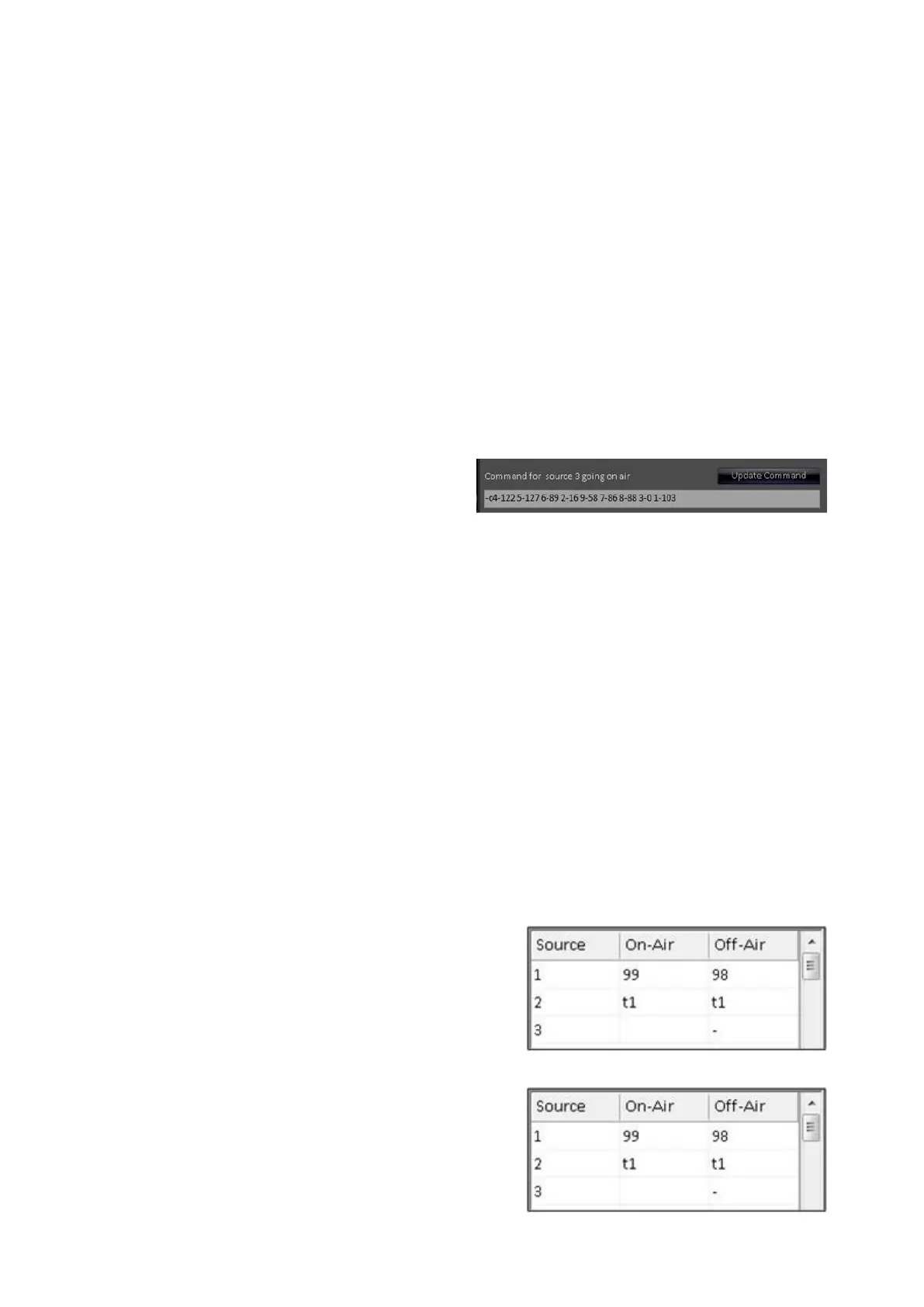
If more space is needed, you may
type in the bar below the grid, as
shown on the right.
Ensure that you select the Update
Command
button for the command
to be entered in the On-Air or Off-
Air column.
NOTE: 32 sources are available for use on 2000 systems only, normally you have up to
18 source buttons that can be assigned,
A scene change is a memory
setting inside the audio mixer that
can recall virtually any combination
of settings. For example a scene
change could recall a reverb effect
and turn on fader 3. You need to
first create and save your
memories/scenes from your audio
mixer, refer to your mixer’s manual
on how to save a scene change.
To recall a scene change (either 0-
99) simply type the number of the
scene change in the On-Air or Off-
Air column of the source, as shown
on the right.
Only one scene change is allowed
per source.
You may also ‘Tie’ one or more
video sources together. When a
source is tied to other sources, the
on-air command is executed for all
the sources but the command goes
off-air only when all the tied



 To Next Page