BPswitch Operators Manual
297 / 413
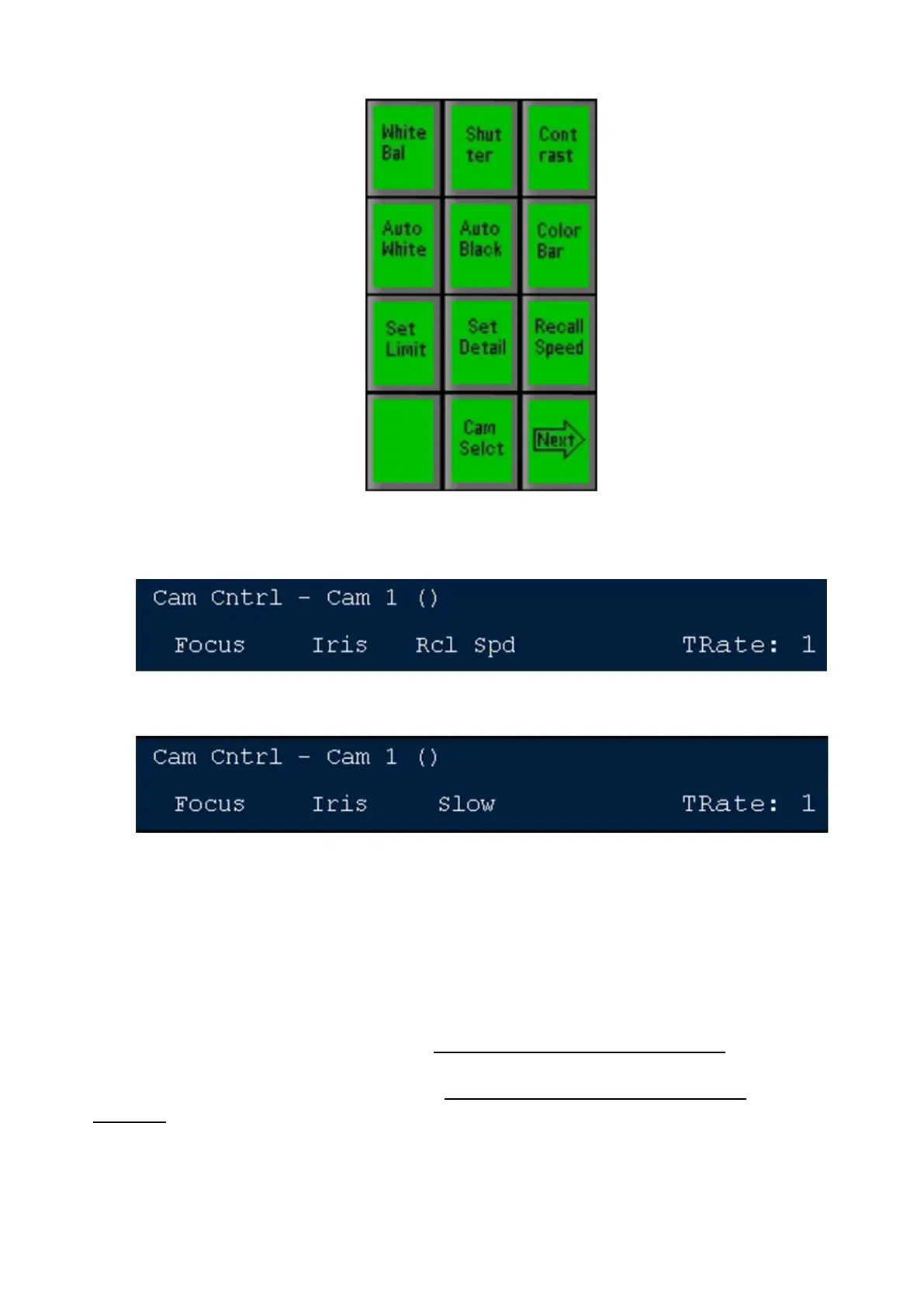
Press the [Recall Speed] PixButton and the display will show the current
speed at which the recall speed is set to: either: Fast, Medium or Slow
Turn the 3
rd
knob to the desired speed and it is set.
Camera Preset Thumbnails
For Sony, Panasonic and Telemetrics camera controls, the Multi-View PixPad can
show camera presets, useful to keep track of where the presets go to when
operating the system. These thumbnails are automatically captured when the
Save Preset
function is performed, as described in Setting Camera Preset Positions. The
image is generated based off the tally input number assigned in the Camera
Control Settings menu, as described in Changing Camera Control Device
Settings. The tally number is based off the physical input number the signal is
connected to on the back of the Switcher, and not where it is mapped on the
control panel.
To view preset thumbnails:



 To Next Page