BPswitch Operators Manual
311 / 413
Turn the second knob labeled Iris. Turn to the left to close the Iris, turn to the
right to open it. The display will update showing positive or negative Iris
numbers.
To control the Master Black:
Turn the third knob labeled M.Black. Turn to the left to reduce the pedestal
amount, turn to the right to increase the pedestal amount. The display will
update showing positive or negative Master Black numbers. Master black
only works when Telemetrics has a controller that can initialize the cameras
or when using the Studio Software.
To control Iris Commands:
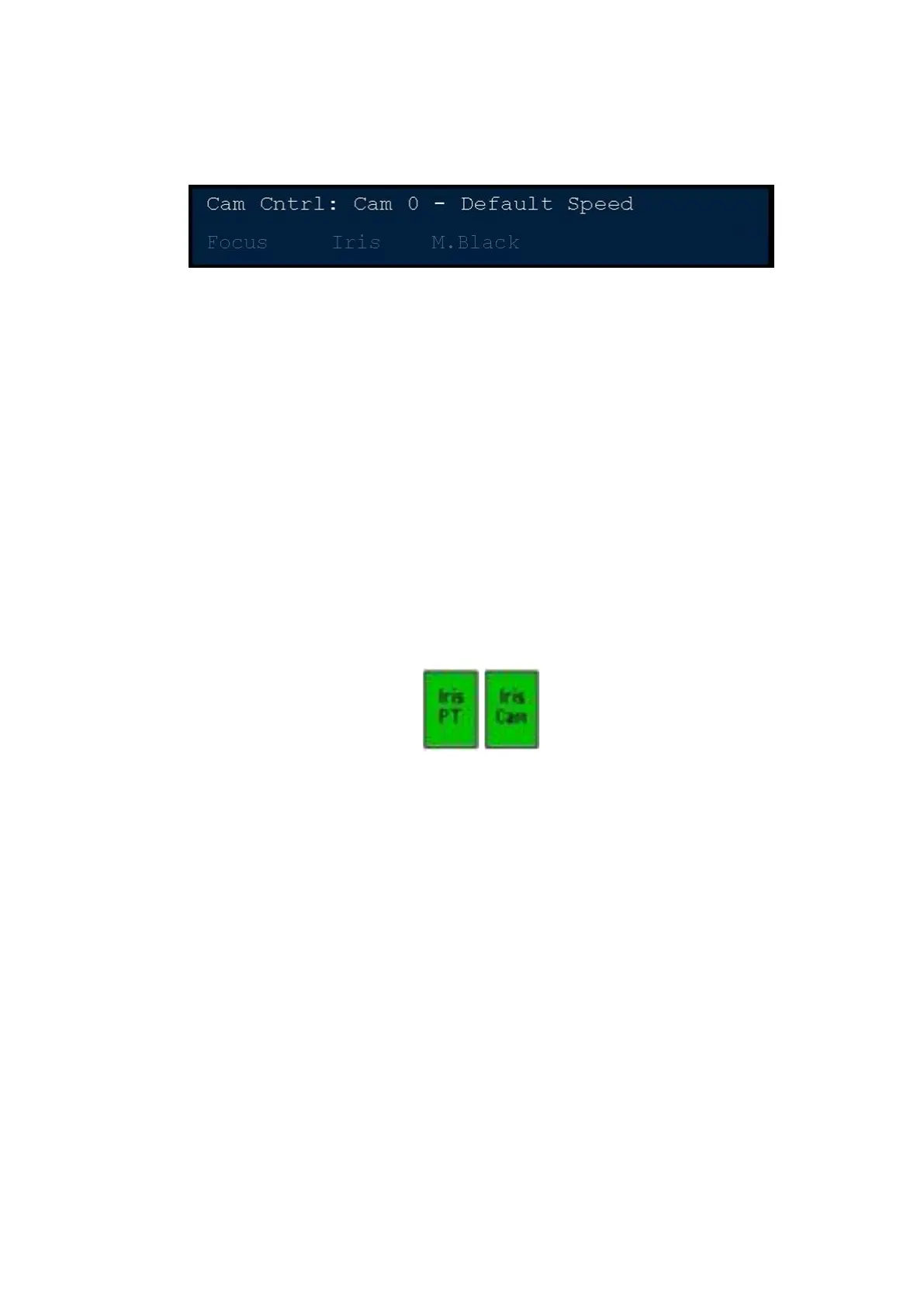
In the Controls PixPad, press the [Iris PT] PixButton. Now the iris controls
can be adjusted by the Broadcast Pix control panel or the Telemetrics
controller.
To control the iris from a manufactures or 3
rd
party panel, in the Control
PixPad, press the [Iris Cam] PixButton. Now all iris control is through the 3
rd
party controller and not Broadcast Pix/Telemetrics.
Optional Audio-Follow-Video Control
As an option the Broadcast Pix switcher can provide control of virtually any
external audio mixer, digital or analog, through a Musical Instrument Digital
Interface (MIDI). Controls can be as simple as turning on a source when it
transitions to program, or as complex as calling up scene changes to modify effect
parameters like reverb, panning and equalization controls. Audio Follow Video is
triggered by the Program status of a source, either when it’s on-air or goes off-air.
This option can either use one of the Servers COM or USB ports to communicate
data to and from the audio mixer using MIDI commands. Some mixers, such as
the Yamaha 01V or 01V96, have a ‘To Host’ adaptor (either a USB-B and/or 8-pin
mini-din connection) and/or a standard 5-pin MIDI connection. You may use any
connection to connect the Server to your audio mixer. If using a standard MIDI
connection, use the supplied M-Audio Uno USB to MIDI converter. If using a COM
port you will need a 8-pin mini-din to DB9 serial cable (the same which is used for
Sony Camera Control). For assistance about which connection to use, please
contact technical support.



 To Next Page