BPswitch Operators Manual
103 / 413
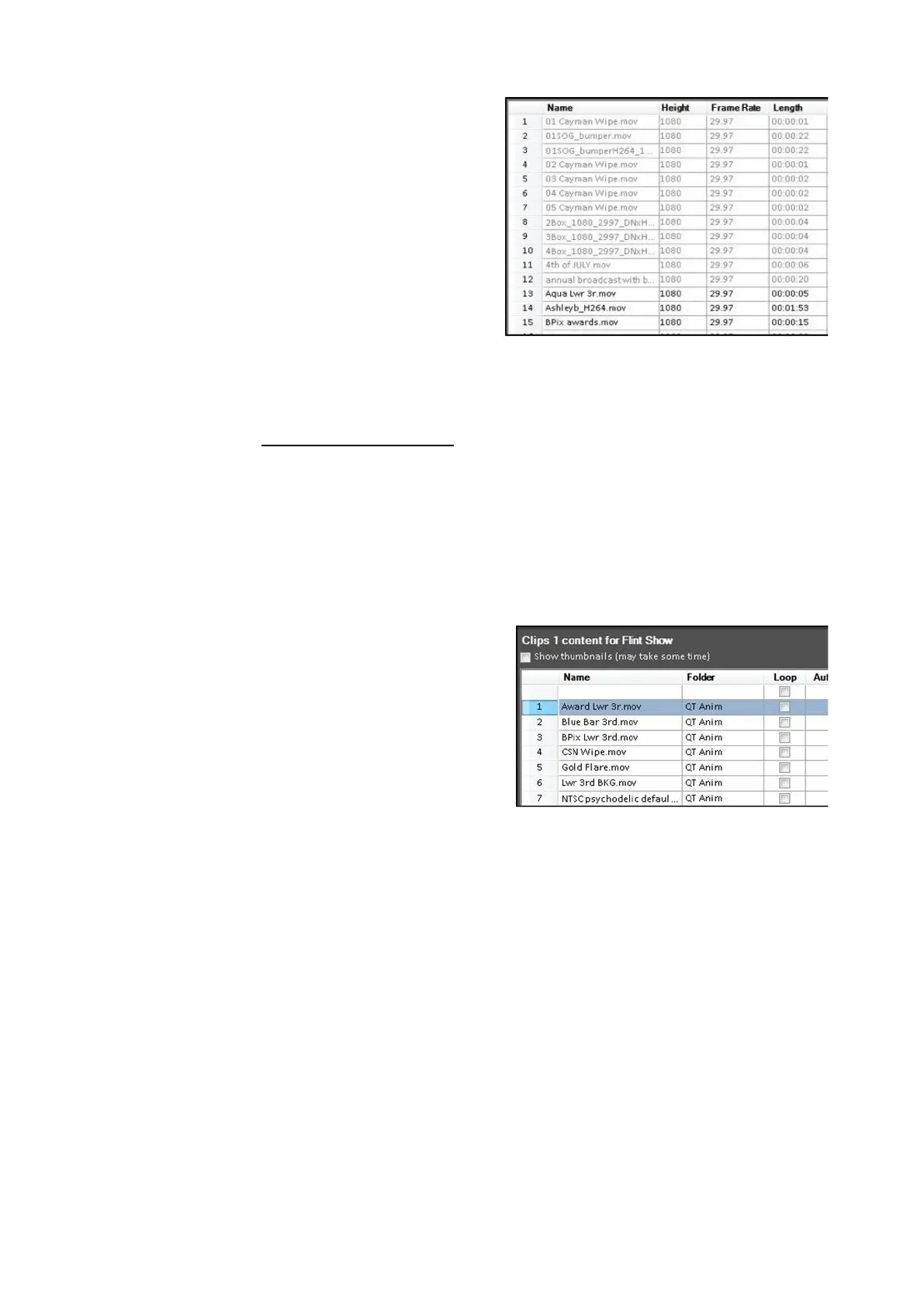
The Name column will be locked and not
move, however as you scroll more
details will become visible, including:
Size, Date, Height, Width, Frame Rate,
Length, and Compression (or codec).
Modifying Attributes
As you will read in Clip Control Modifiers, there are many modifiers for content,
especially for clips. In the Show Content section of PixMaster these attributes can
be viewed and modified directly from the Show Editor allowing for easier
modification when changing multiple attributes. In addition, as new files are added
to the system through a Watch Folder the default attributes can be modified,
eliminating the step to modify attributes.
To Modify Attributes:
In the Show Content section of PixMaster,
all the available modifiers for the selected
device will be visible. To view more
attributes drag the navigation bar at the
bottom of the screen to expose more
options.
For every piece of content there is a
checkbox for every attribute, allowing you
to easily see which attributes are ac
tive, in
addition to easily modifying them. To
change an attribute simply check or
uncheck the desired attribute.



 To Next Page