BPswitch Operators Manual
275 / 413
Preview row of the switcher.
If desired, place a check mark next to
the Follow Current Camera option,
as shown on the right.
The Follow Current Macro Camera
option is similar, and follows the
camera when triggered by a Macro.
As you select different cameras on
Preview, the device will follow
without the need of reselecting the
correct camera providing an easier
method of controlling cameras.
Note: This setting only functions
when the Sony Camera Control
device is selected in the Device
Controls section.
During a production, live on-air
movement may be necessary. To
reduce any unwanted fast
movement, the Slow speed setting
can automatically be turned on when
that camera number is switched on
Program.
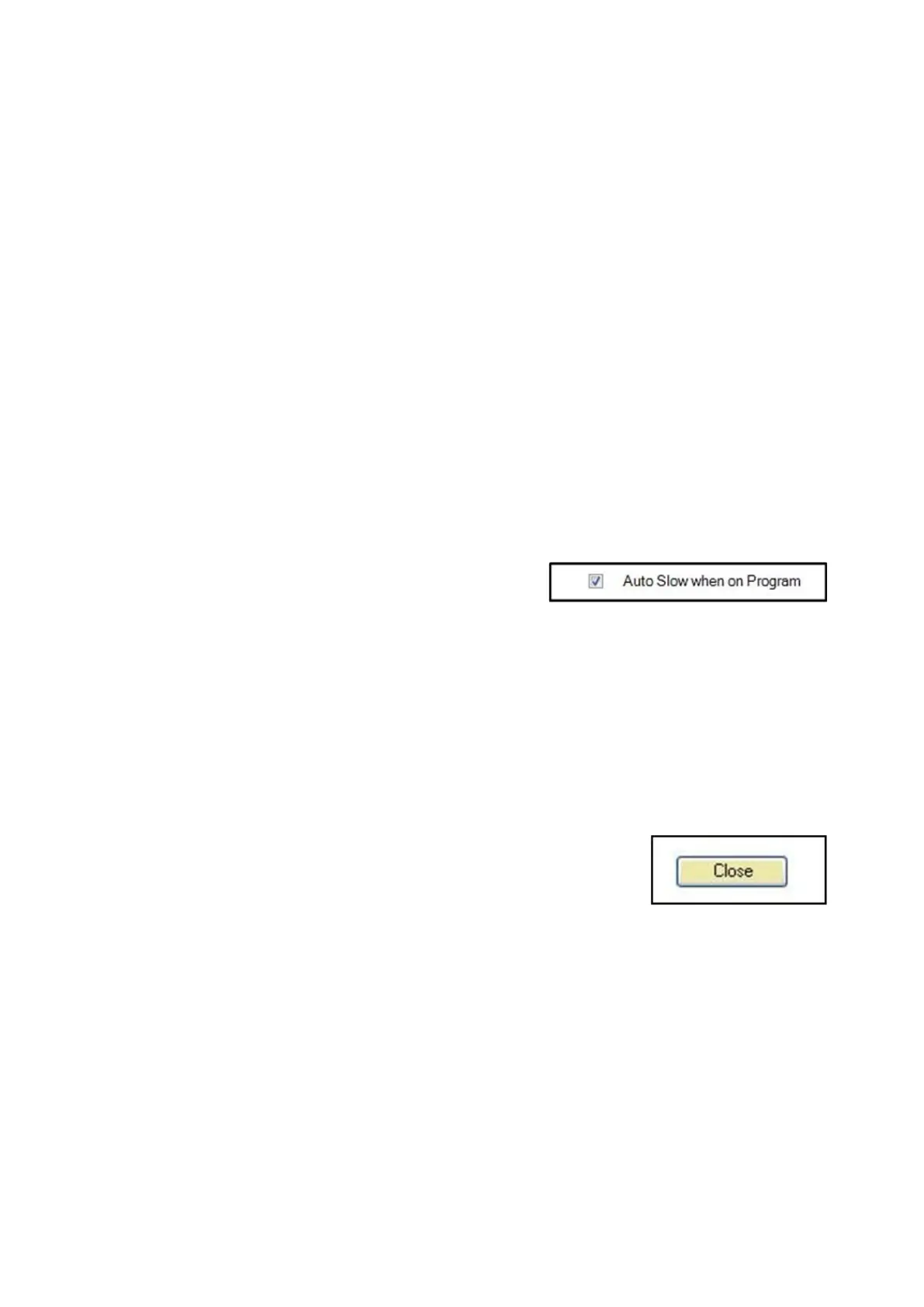
If desired, place a check mark next to
the Auto Slow when on Program,
as shown on the right.
To save the settings, select the
Close button. In the System Settings
window, click on the OK button to
close the window.
Hitachi Camera Control Settings
It is possible to change various setting in the Hitachi Camera Control Settings
window. The Joystick Speed tab allows for 3 different speed controls for pan, tilt
and zoom. The Communication tab allows the select of the proper COM port. The
Knob Settings tab allows for focus and iris speed adjustment.



 To Next Page