BPswitch Operators Manual
276 / 413
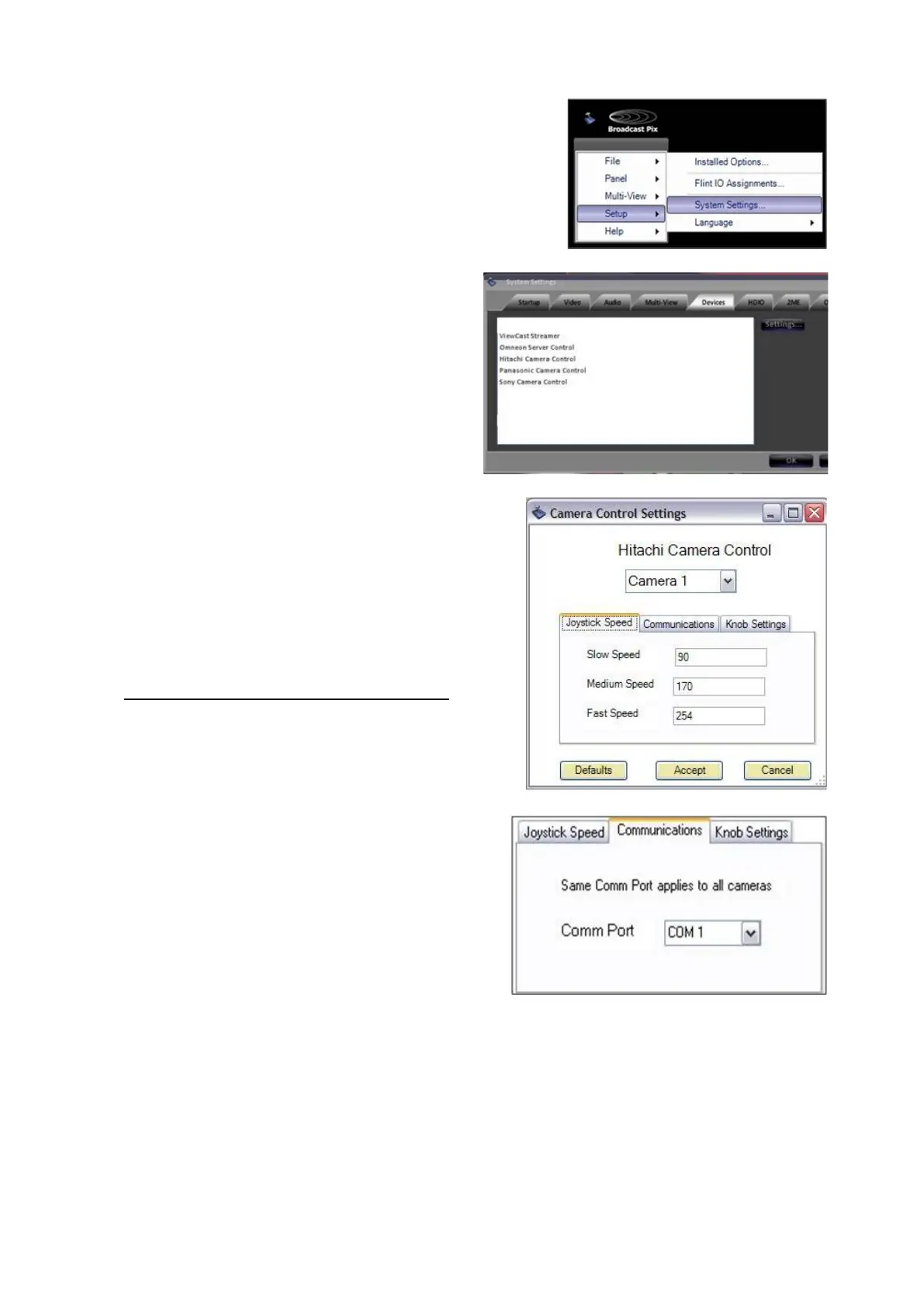
In BPswitcher go to the Setup menu
and select System Settings…, as
shown on the right.
In the System settings window, select
the Devices tab.
In the list of enabled devices select
Hitachi Camera Control and select
the Settings… button.
The Camera Control Settings window
will appear as shown on the right.
In the Joystick Speed tab, enter the
desired values for Slow, Medium &
Fast speeds. You may enter a number
from 1-254.
These speed values are activated
depending on which motion control
button is illuminated, as described in
Motion Controls for Hitachi Cameras.
To change the COM port being used,
click on the the Communications tab
and select the appropriate comm port
under the Comm Port drop down
menu.



 To Next Page