BPswitch Operators Manual
250 / 413
Click on the OK button to save your clips.
The newly recorded clips will now appear in the
PixPad.
Accessing More Channels
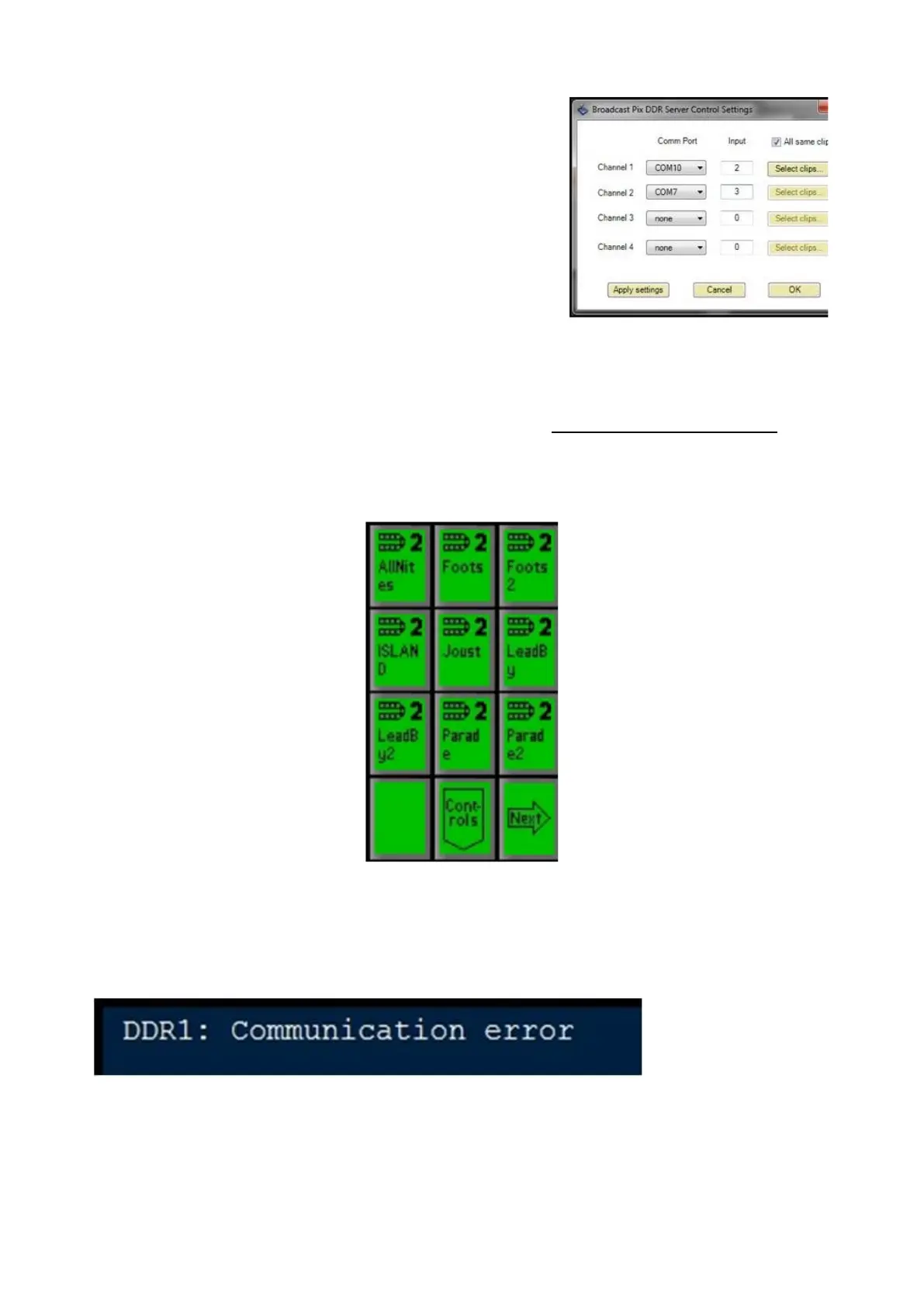
Control of the other channels (2/3/4) of the external DDR is done in the same
manner as the for the first channel, as described in Controlling External DDR. To
let you know which channel you are controlling, the number of the channel
appears in the large display and in the upper right corner of every PixButton, as
shown below for channel 2.
DDR Error Messages
If there is no wire connection between the RS422 Edgeport and a desired channel,
then an error message will appear in the display, for example if you unplug the
wire for the first channel, it will say:
If a clip is renamed or deleted on the external server while being controlled by
Broadcast Pix selecting an offline clip will display:



 To Next Page