BPswitch Operators Manual
249 / 413
may be manually changed locally on
the external server, allowing for
unlimited clip records.
To stop recording a new clip:
Ensure that the DDR control is selected and a record
channel has been selected.
Press the [Controls] PixButton at the bottom of the
PixPad, which will bring up a new PixPad, as shown on
the right.
Press the [Controls] PixButton at the bottom of the
PixPad, which will bring up a new PixPad.
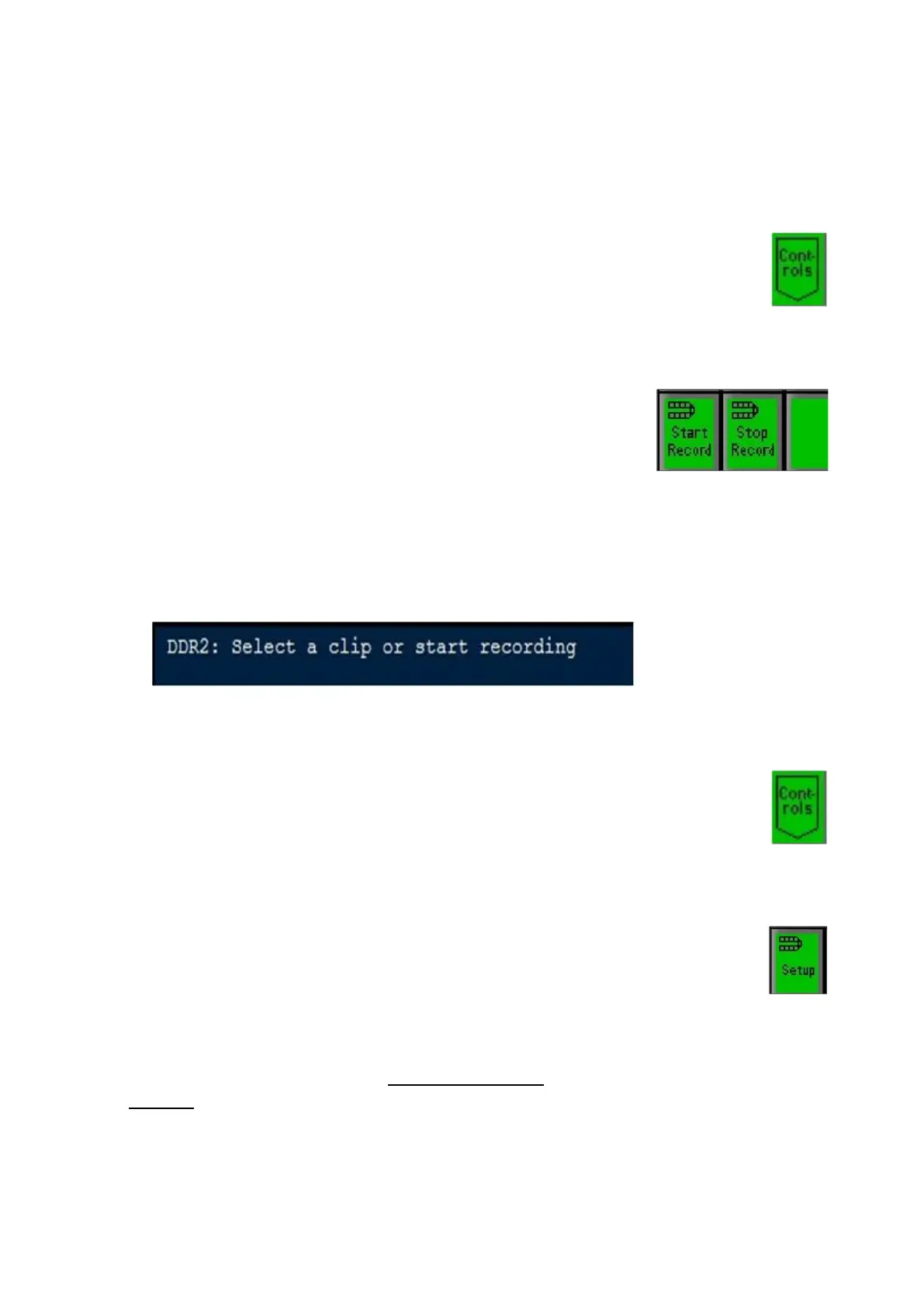
The display will change to a generic message of ‘Select a
clip or start recording’, as shown below.
The new clip WILL NOT appear in the PixPad, as it needs
to be added to the clip list.
To add a newly recorded clip to the PixPad:
Ensure that the DDR control is selected and a
record channel has been selected.
Press the [Controls] PixButton at the bottom of
the PixPad, which will bring up a new PixPad, as
shown on the right.
Click on the [Setup] PixButton, as shown on the
right.
The DDR Setting window will appear on screen,
click on the Select Clips button and select the
desired clips as described in Selecting Clips to
Access.



 To Next Page