FX/RX Switcher and the names are
automatically created from the BPswitch Input
Assignments window. They may not be
reordered.
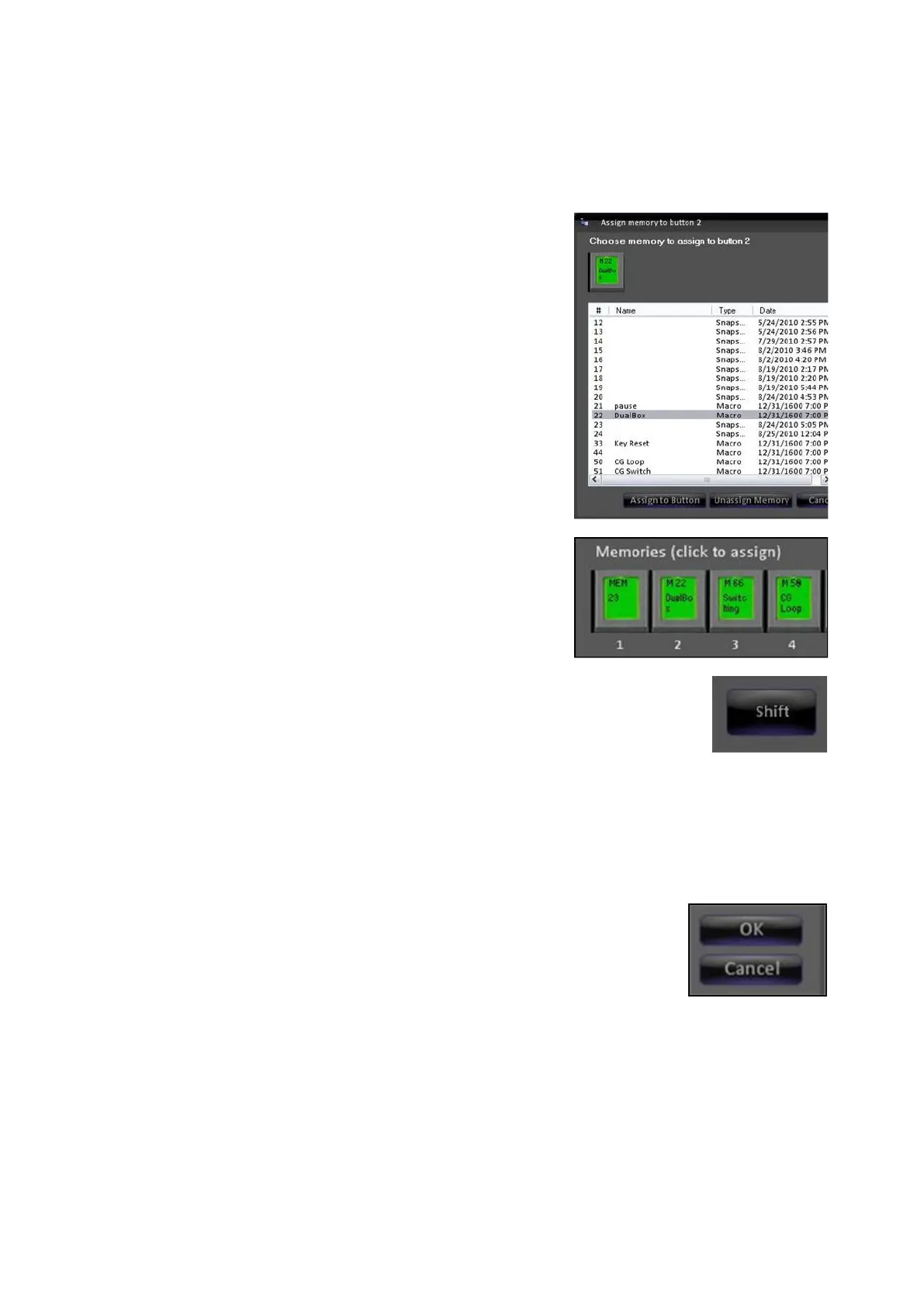
To assign Macro or SnapShot memories, in the
Memories section click on the desired memory
button either 1 through 11. An assign memory
window will appear, as shown on the right.
The list of numbered Macros and SnapShot
memories from the memories folder will appear.
Only memories with a leading number may be
viewed in this list and assigned.
Select the desired memory and click on the
Assign to Button button.
The assign window will close and the PixButton
will update showing the number and/or custom
name, as shown on the right.
To view/assign memories 12-22 click on the
Shift button, as shown on the right.
To un-assign a memory, click on an assigned
memory button, and in the Assign memory
window click on the Unassign Memory button.
The PixButton will now be blank.
selected mode for each panel is recalled. Any panel may have access to all 22
modes.



 To Next Page