BPswitch Operators Manual
291 / 413
joystick up or down will control Pedestal commands, and moving the joystick left or
right will control track systems left and right. When you let go of the joystick, the [>]
button will remain on the default function.
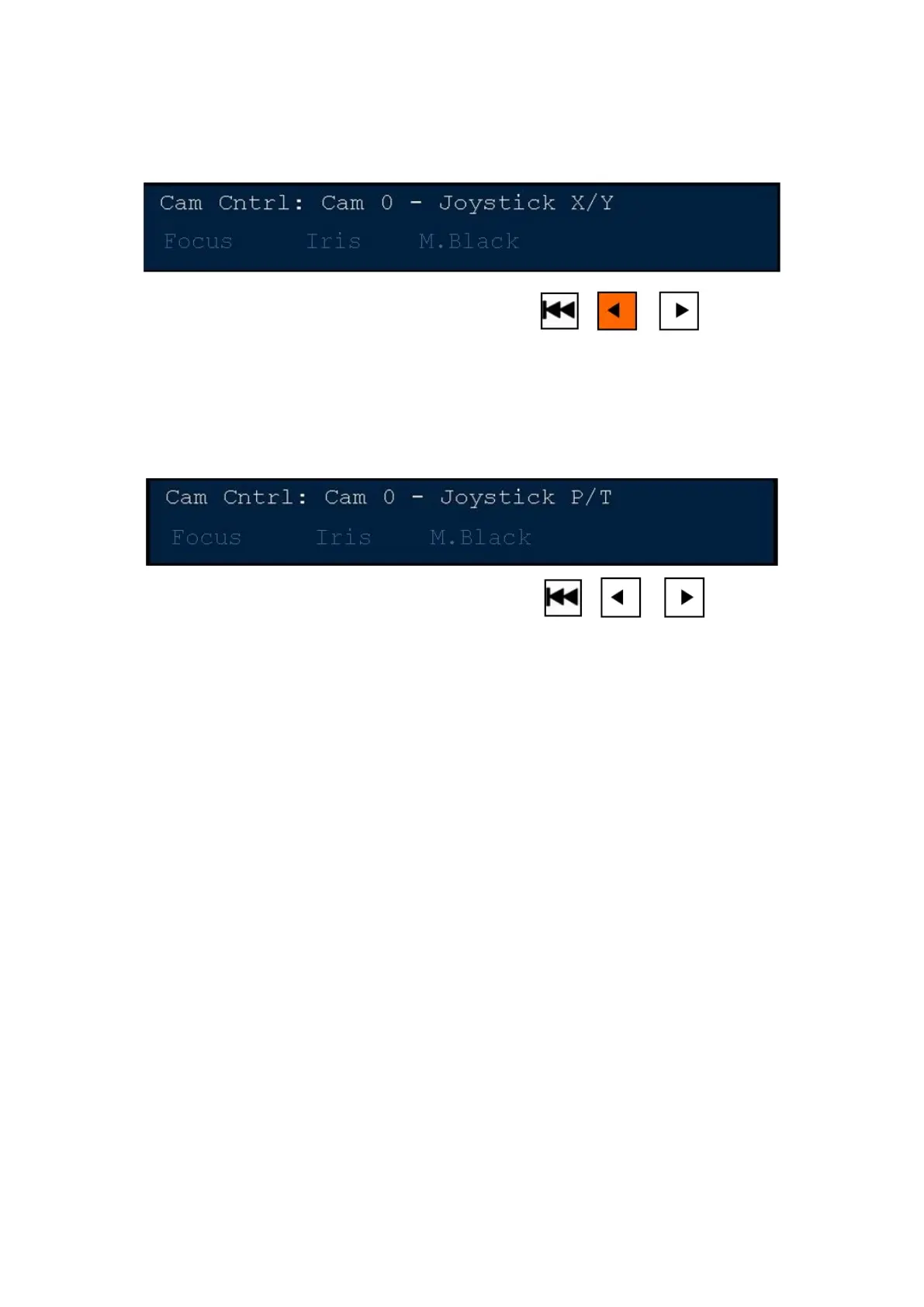
To control Pan/Tilt movements:
To go back to the default mode of controlling Pan and Tilt commands, ensure that
the Back motion control button is not illuminated. Press the [<] motion control
button and the display will read out “Joystick P/T”, as shown below.
Setting Camera Preset Positions
One of the most valuable ways to use camera control is with preset positions.
Each Hitachi camera may have up to 31 preset positions, depending on which
Sony camera being used there are up to 16 presets, depending on which
Panasonic head being used, there are up to 99 presets and depending on which
Telemetrics system being used there are up to 255 presets. These presets can be
assigned to the PixPad for rapid recall. With Telemetrics systems, timed
sequences may not be stored/saved by Broadcast Pix, this function must be done
with the Studio Software CTS-ST-S. Only snapshot presets can be saved from the
Broadcast Pix. In addition, these camera presets can be viewed as a thumbnail on
the Fluent-View PixPad.
To assign preset positions:
Select the camera you wish to add a preset position for, by pressing the
camera number PixButton, as shown on the below left. For example, for
Camera 1, press the [Cam 1] button and the Presets PixPad for Cam1 will
appear as shown on the lower right.



 To Next Page