BPswitch Operators Manual
292 / 413
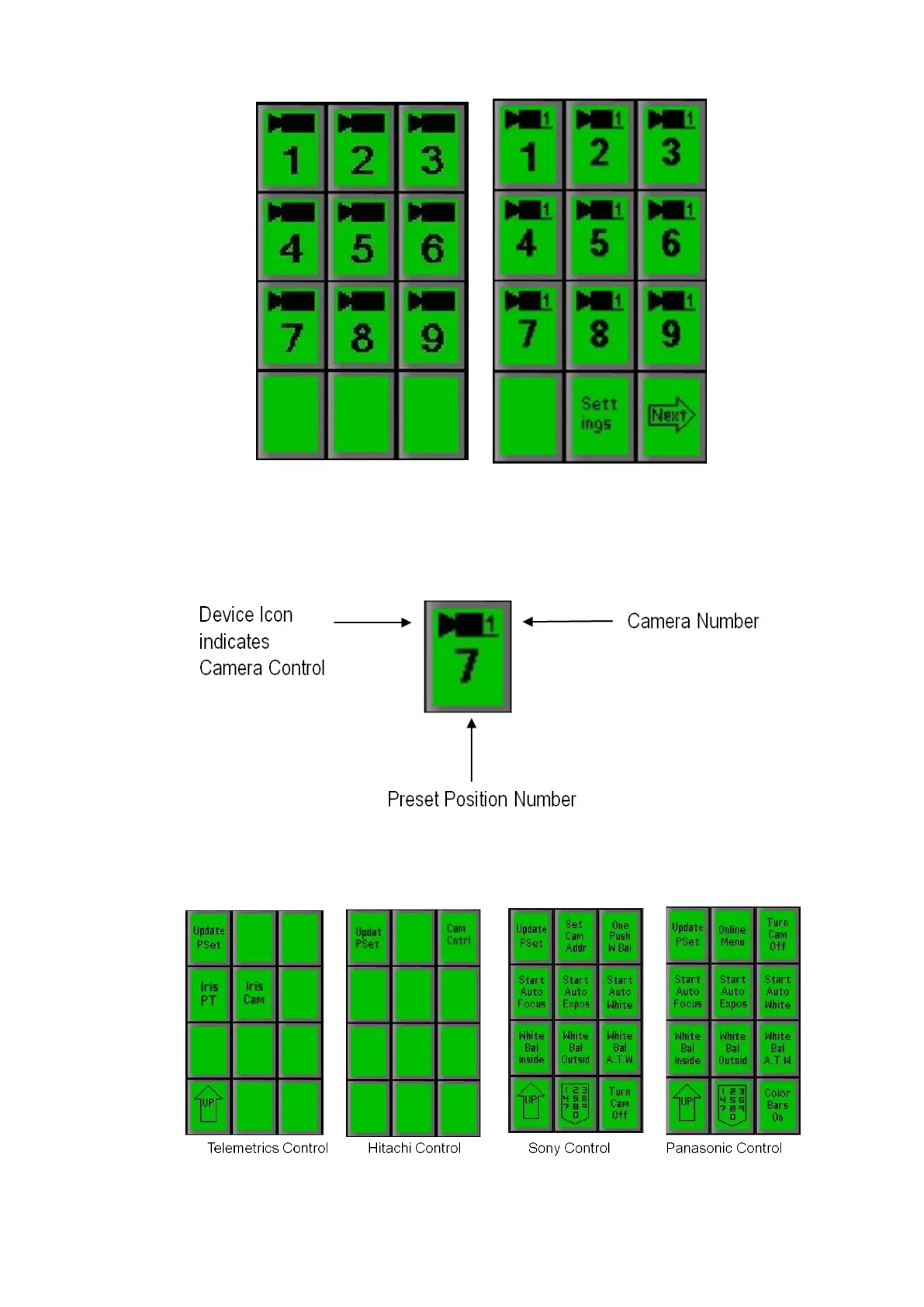
On the above PixPad, the PixButtons for each Preset Position tell you the
following information. Note that each camera’s preset positions are
independent. For example, each camera can have a preset position 7 saved,
but none of these preset position 7’s are related to each other.
Press the [Settings] or [Controls] PixButton, on the Presets PixPad shown
above and one of the following PixPads will appear:
Press the [Update PSet] PixButton, and the following PixPad will appear:



 To Next Page