BPswitch Operators Manual
293 / 413
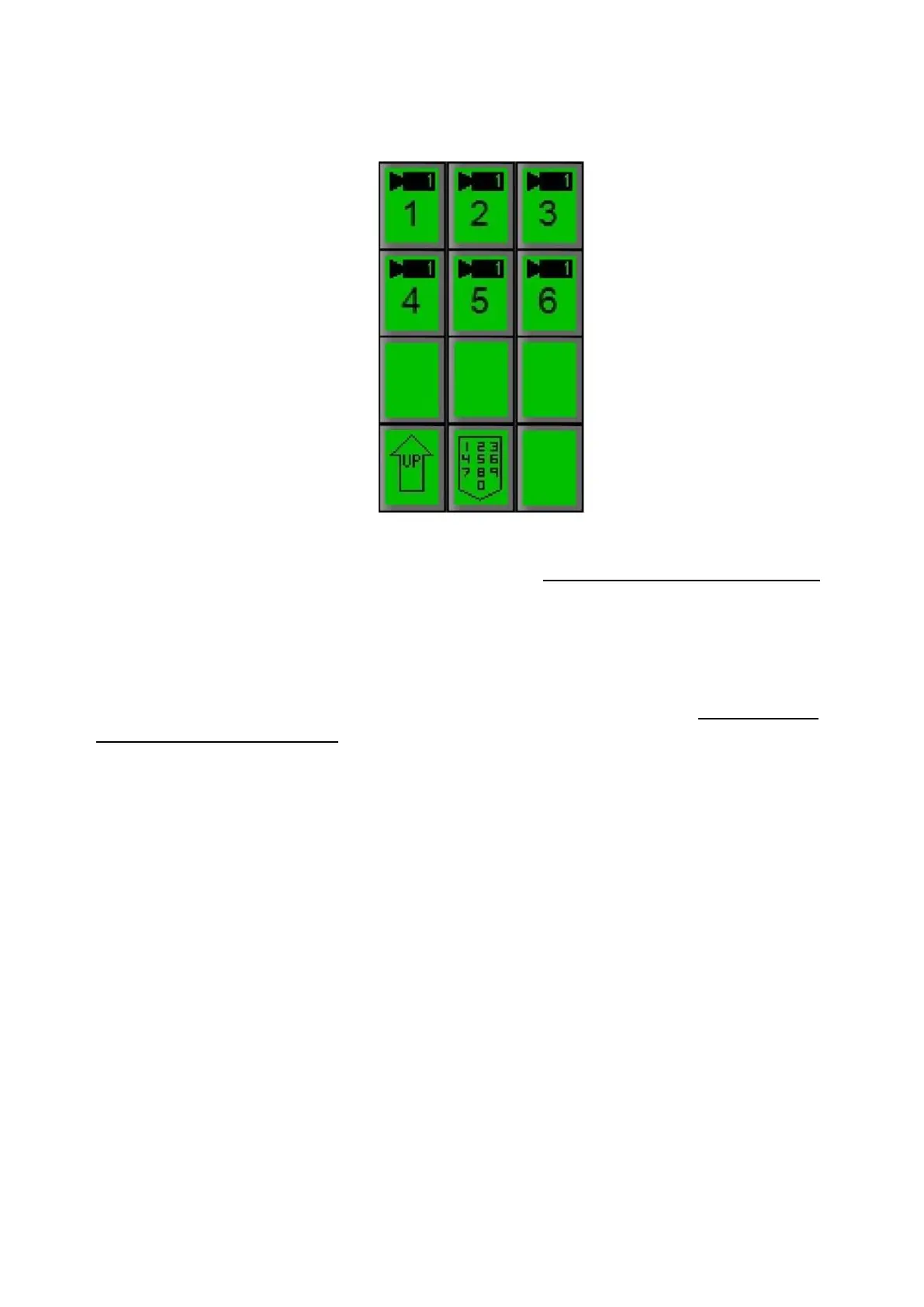
Depending on which camera type is selected, more preset numbers will
appear.
Manually move the camera to the desired position you wish to save by using
the Joystick and the Knobs, as described in Controlling a Camera Manually
(Bring the desired camera up on the preview monitor by pressing its source
button in the preview row, so you can see its position as you adjust it.)
NOTE: The Preset Position will remember pan, tilt, zoom, focus, gain and other
CCU functions. The recall speed is saved on Hitachi cameras only, the recall
speed will be captured at whatever speed is set to the camera, see Recall Speed
for Hitachi Preset Positions.
When you have the camera positioned where you want it, press the [Preset
X] Pi
xButton for the Preset Position number where you would like to save this
camera position. Note that the [numeric] PixButton automatically changes to
a [Save Pset] PixButton.
If you wish to save it in a preset Position above 9 (if available) press [Next]
PixButton and the the next nine camera presets will appear. If desired keep
pressing the [Next] PixButton until you reach the Preset Position you wish to
use. Or you may select the [numeric] PixButton to enter a specific preset
number.



 To Next Page