BPswitch Operators Manual
88 / 413
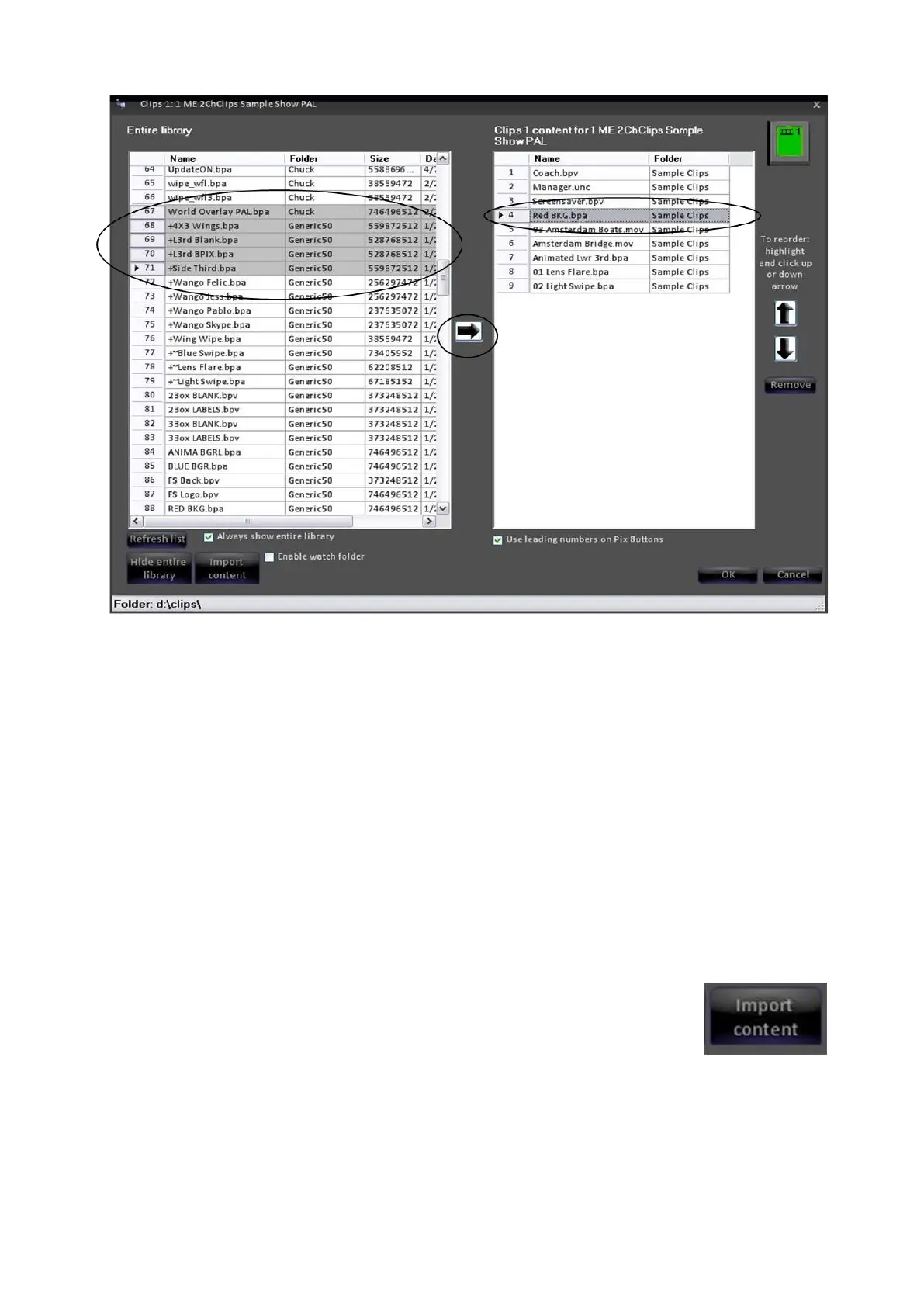
Then, select the area in the show list into which you want to insert the
selected group of clips.
NOTE: You can also select and move non-contiguous material by holding down the Ctrl key while
selecting individual items in the library. This is a standard Windows convention, and works in all
other areas of the system.
Manually Importing Content
In addition to adding clips and graphics to the show from the central clip library,
you can also import clips from other locations on the Server, such as from a hard
drive, CD, DVD, external disk, USB flash memory, a computer network, etc.
To import a clip into the example
Clips 1 store shown on the previous
page, click on the Import Content
button This will open the Import
Options window.
For Clips, choose whether you want
to move the clip from where it is
now, or make a copy of it and place



 To Next Page