BPswitch Operators Manual
355 / 413
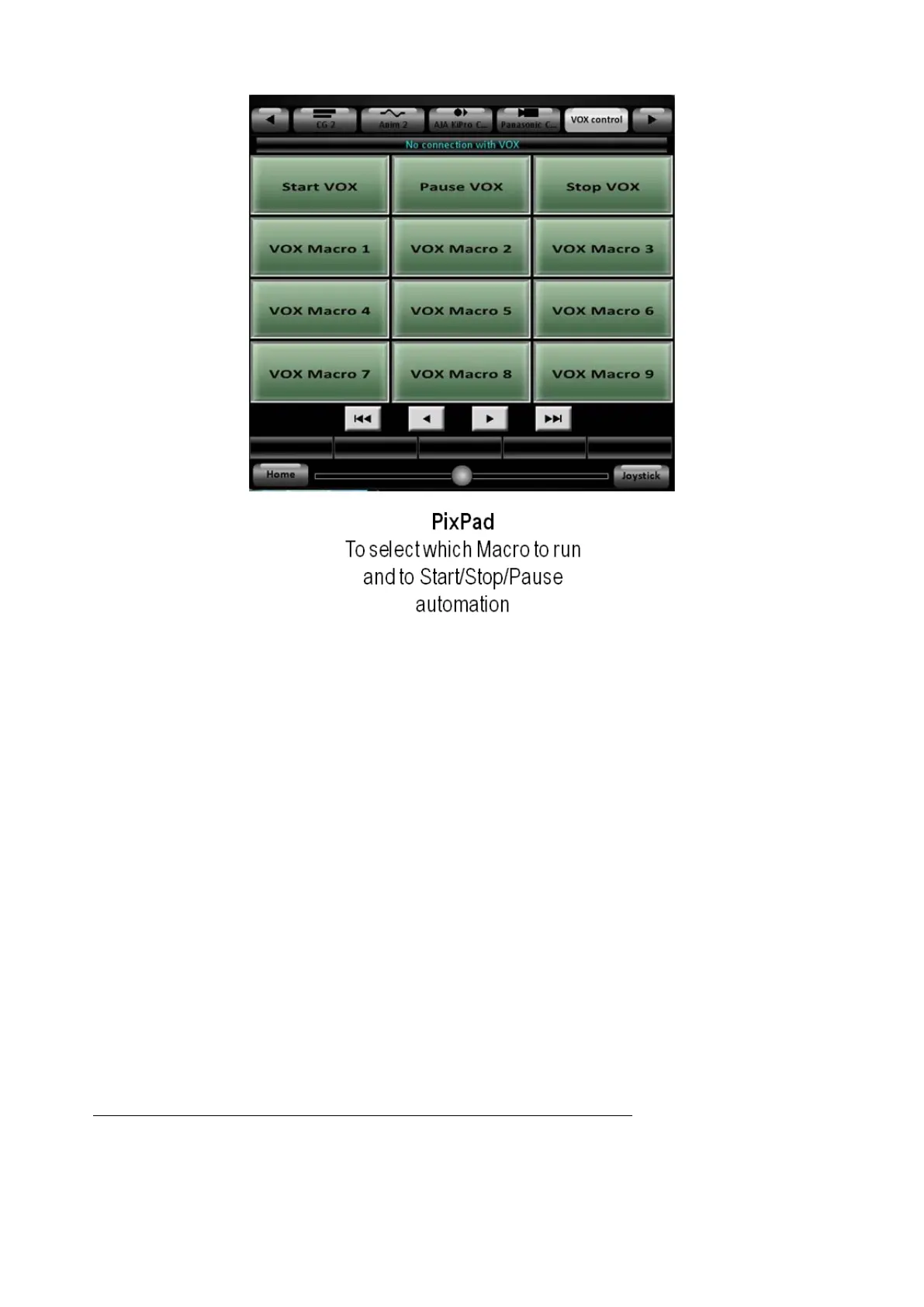
Pressing the [VOX Macro 1-9] PixButtons will trigger the assigned Macro from the
VOX editor, as soon as a Mic or General Macro finishes. This adds another point
of control for the Host/Presenter or Audio technician to override or assist the
automated production.
Pressing the [Start VOX] PixButton will start/resume the VOX automation.
Pressing the [Pause VOX] PixButton will pause the automation at the current start.
Pressing the [Stop VOX] PixButton will stop the automation process.
Streaming
Every BPswitch system has the ability to stream the Program output directly to a
content delivery network (CDN) using any of the popular streaming websites, like
Ustream, LiveStream or JustinTV. Most of these streaming providers offer free
services and require an account to be created. The BPswitch systems use Adobe
Flash Media Live Encoder to create a Flash/H.264 stream or Microsoft Expression
Encoder to create a WMV stream. These 2 encoders are the qualified encoding
software, using any other encoding software may cause unpredicted performance
issues and is not supported. They come pre-installed on new BPswitch Systems.
On existing units you may download the Microsoft Encoder here:
http://www.broadcastpix.com/downloads/WMV_Encoder.exe
The Program video output from the Broadcast Pix software is automatically sent to
the encoder through software and the audio comes from the Web output of the
internal audio mixer, as described in section 7.22. Audio is automatically



 To Next Page