BPswitch Operators Manual
87 / 413
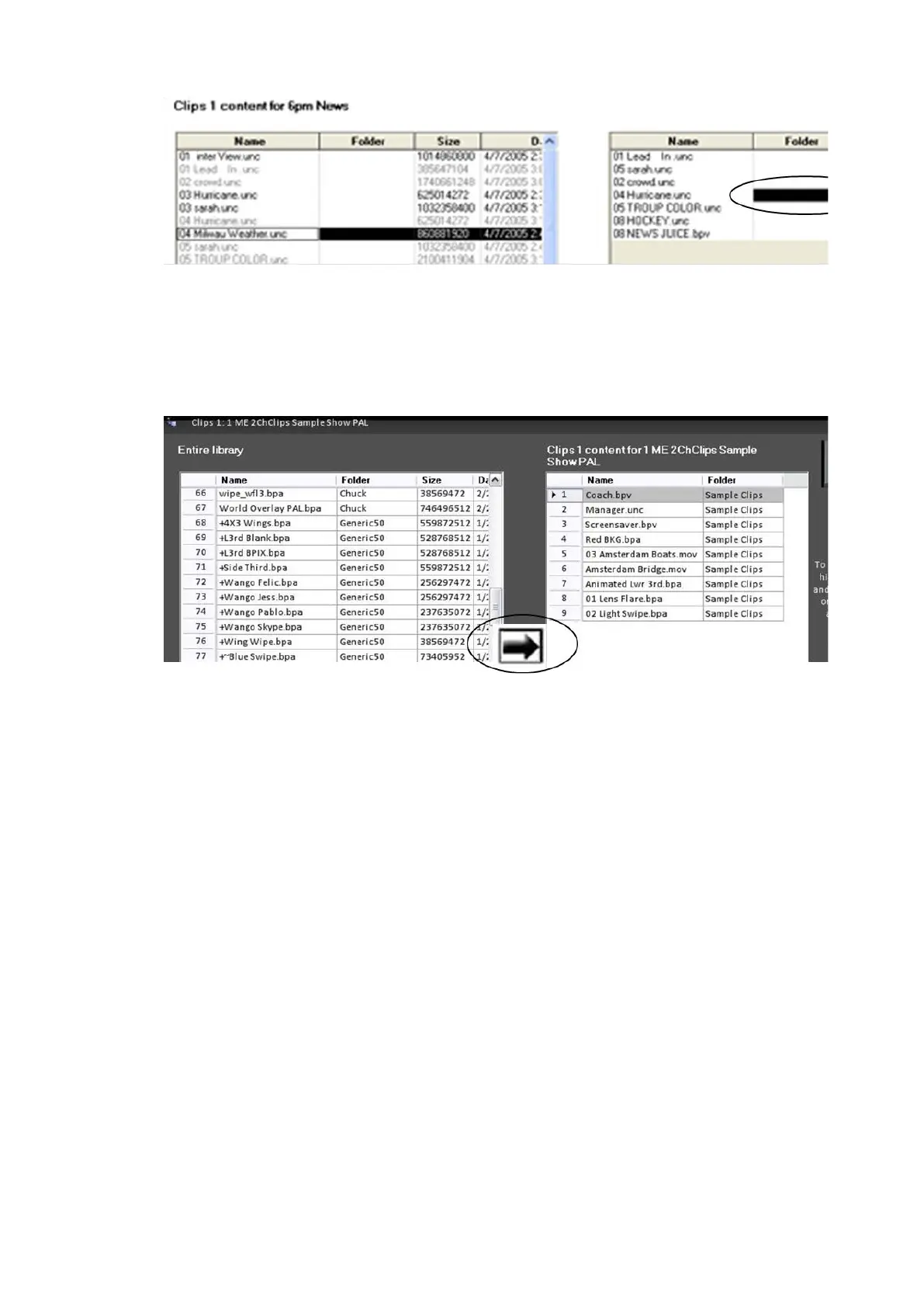
Press the forward arrow, in the middle of the screen. The content is now
inserted into the desired position in the show.
A shortcut to add content into a show is double-clicking with the mouse,
instead of using the forward arrow.
NOTE: The newly added content is now grayed out on the library list to indicate that it is now in
the show.
Adding a Group of Content from the Central Library
You don’t have to add content one at a time, you can bring in any contiguous
group
from the library list all at once.
Click on the first item of the group you wish to move, and it will highlight
Hold down shift on the keyboard
Click on the last item of the group you wish to move and it and all the
ones in
between will highlight.



 To Next Page