BPswitch Operators Manual
47 / 413
PixPad Navigation
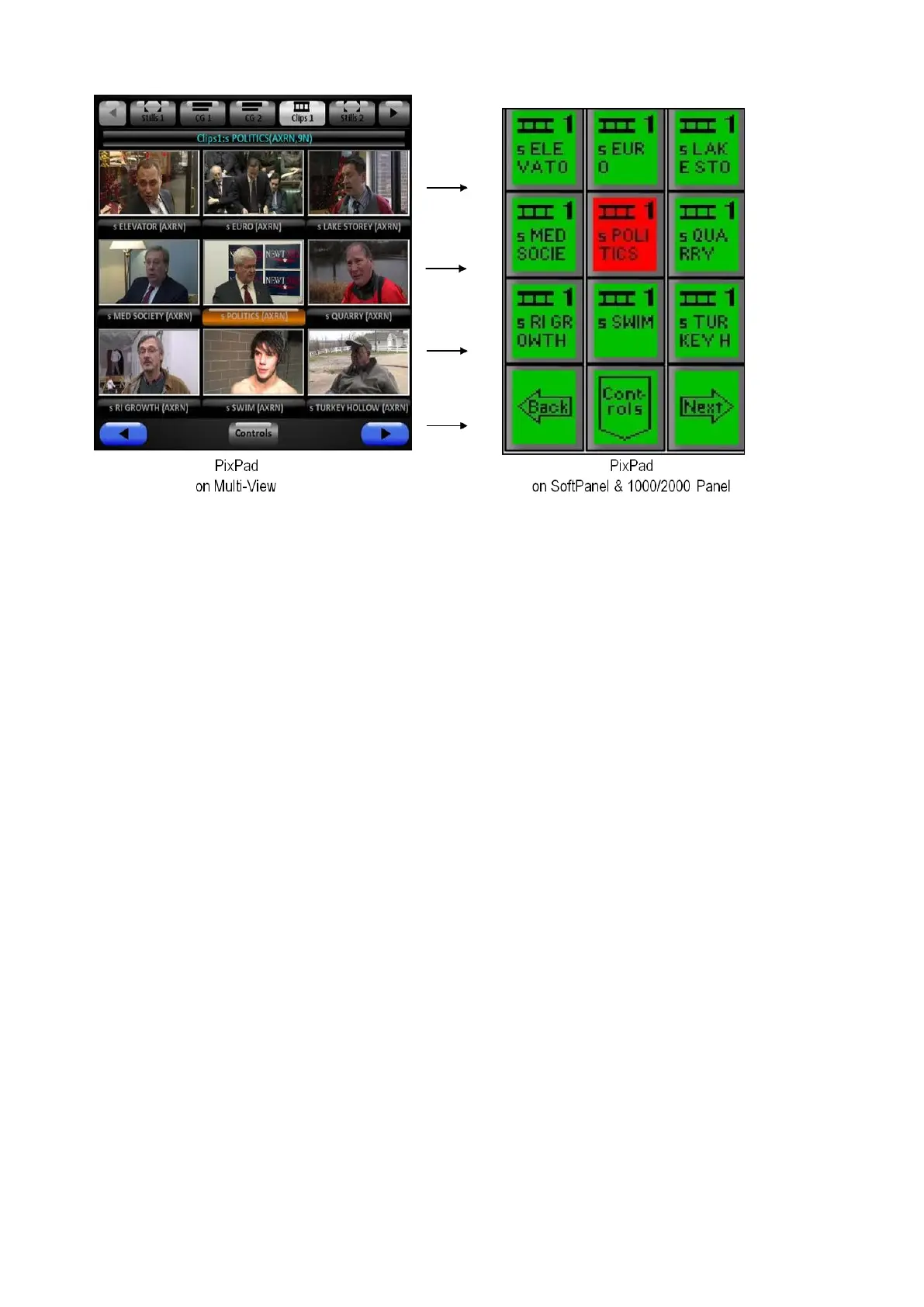
The PixPad is a versatile part of the Device Controls that is used to access
content and many fast action controls. It has several navigation aids that
streamline its use.
For most PixPads (other than control modifiers), the top nine PixButtons are to
select which content element, effect or memory you want. The bottom three
PixButtons are to move to the next PixPad, move back to the previous PixPad in
the library or move down a level to view controls for the device. The PixPad can
be controlled with either a mouse, touch screen or from the control panel.



 To Next Page