BPswitch Operators Manual
368 / 413
Click on Edit Show Settings and the Edit Show Settings window will open.
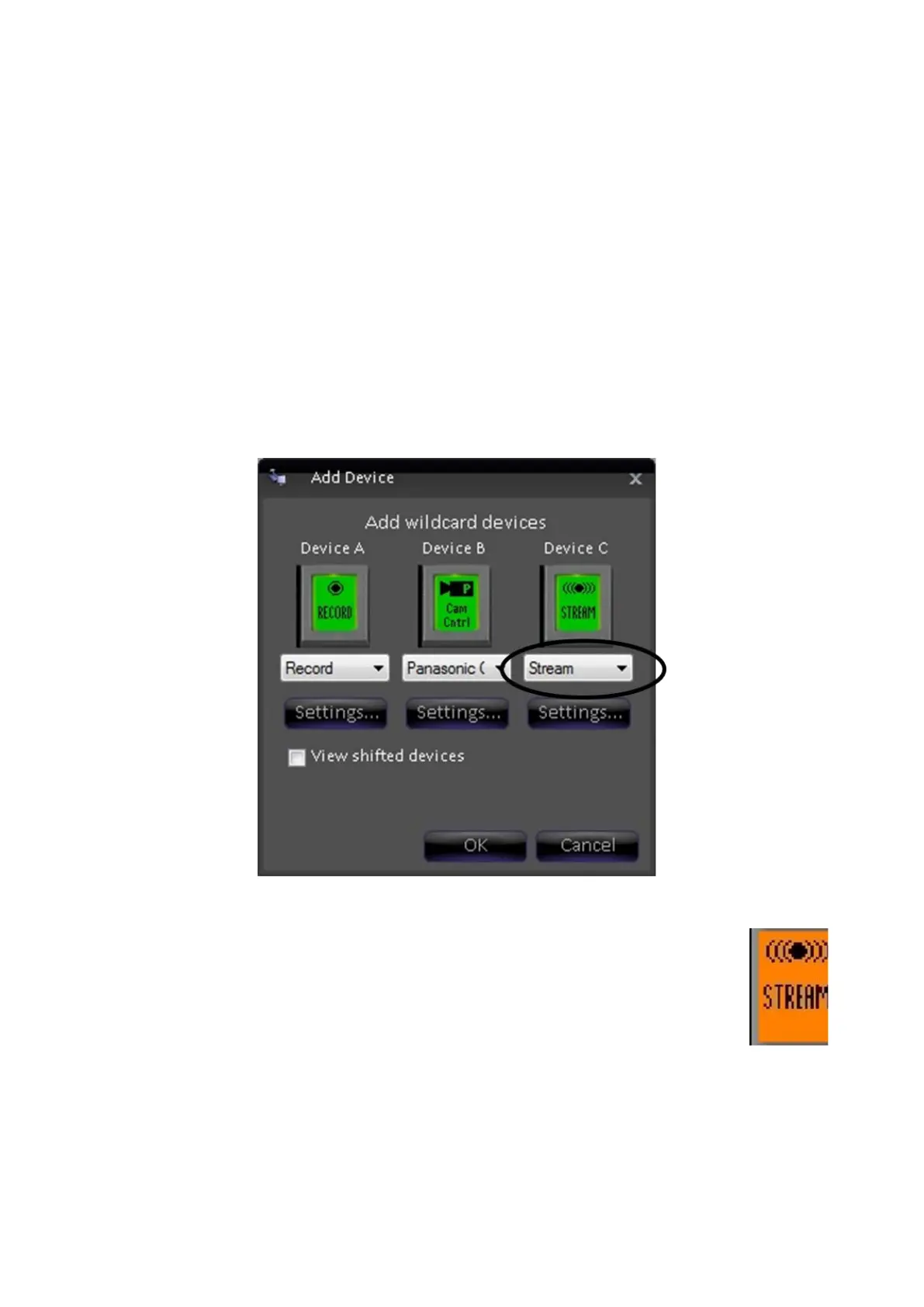
Click on More Devices and the More Devices window will open, as shown
below.
Select the desired wildcard device button to which you want to add stream
control and a drop down menu will appear.
To select devices D-F or 4-6 select the View shifted devices checkbox.
Click on Stream, and it will appear on the PixButton, as shown below.
Click on OK, to apply the Stream Control the show, then Close in the Edit
Show Settings window and Save Show to apply all the settings.
Selecting Stream Control in a Production
To assign the device controls to Stream Control:
Press the [Stream] wildcard [Device Selection] PixButton and it will
illuminate orange and the following device controls will be appear.
Stream Control device controls:



 To Next Page