BPswitch Operators Manual
82 / 413
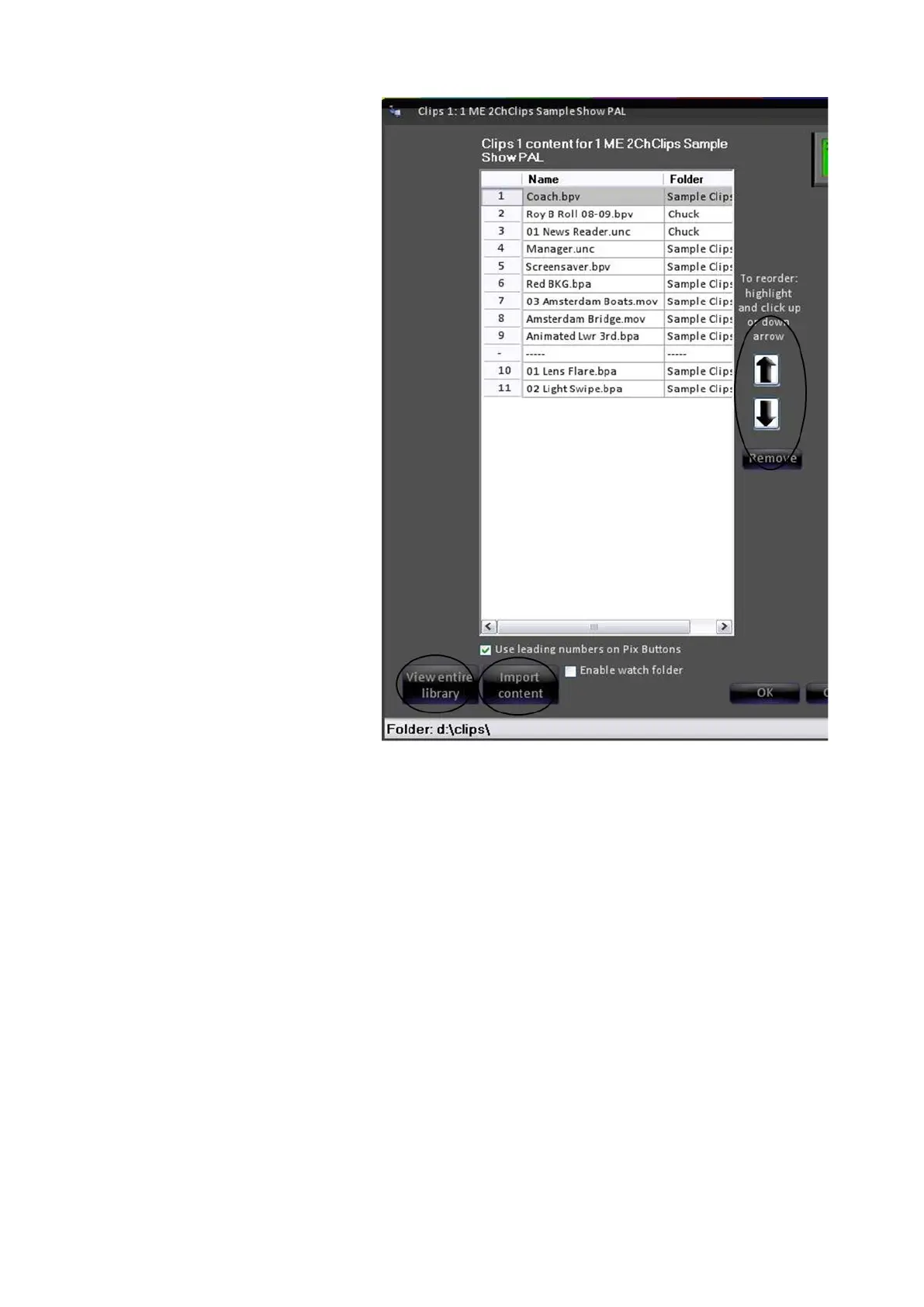
case for the “Clips 1” clip store,
enables you to:
Reorder the clips in the show
Import new clips into this show
(and into the library from
anywhere on your system or
network.
Add new clips to this show
from the central storage
location for clips known as the
clips library.
NOTE: the location of the clip library
for the show is indicated at the
bottom – in this case D:\clips\
Editing a Show's Content from the Multi-View
For quicker access to a specific device, the Multi-View PixPad can be used to open
the Content Organizer for the selected device, without the need of going through the
Show Editor menus. This method provides an easy way for content to be modified
quickly in a production.
Select the desired device from the
PixPad (either on the Multi-View
or Control Panel).
The device button will illuminate,
as shown on the right. In this case
Clips 1.



 To Next Page