BPswitch Operators Manual
231 / 413
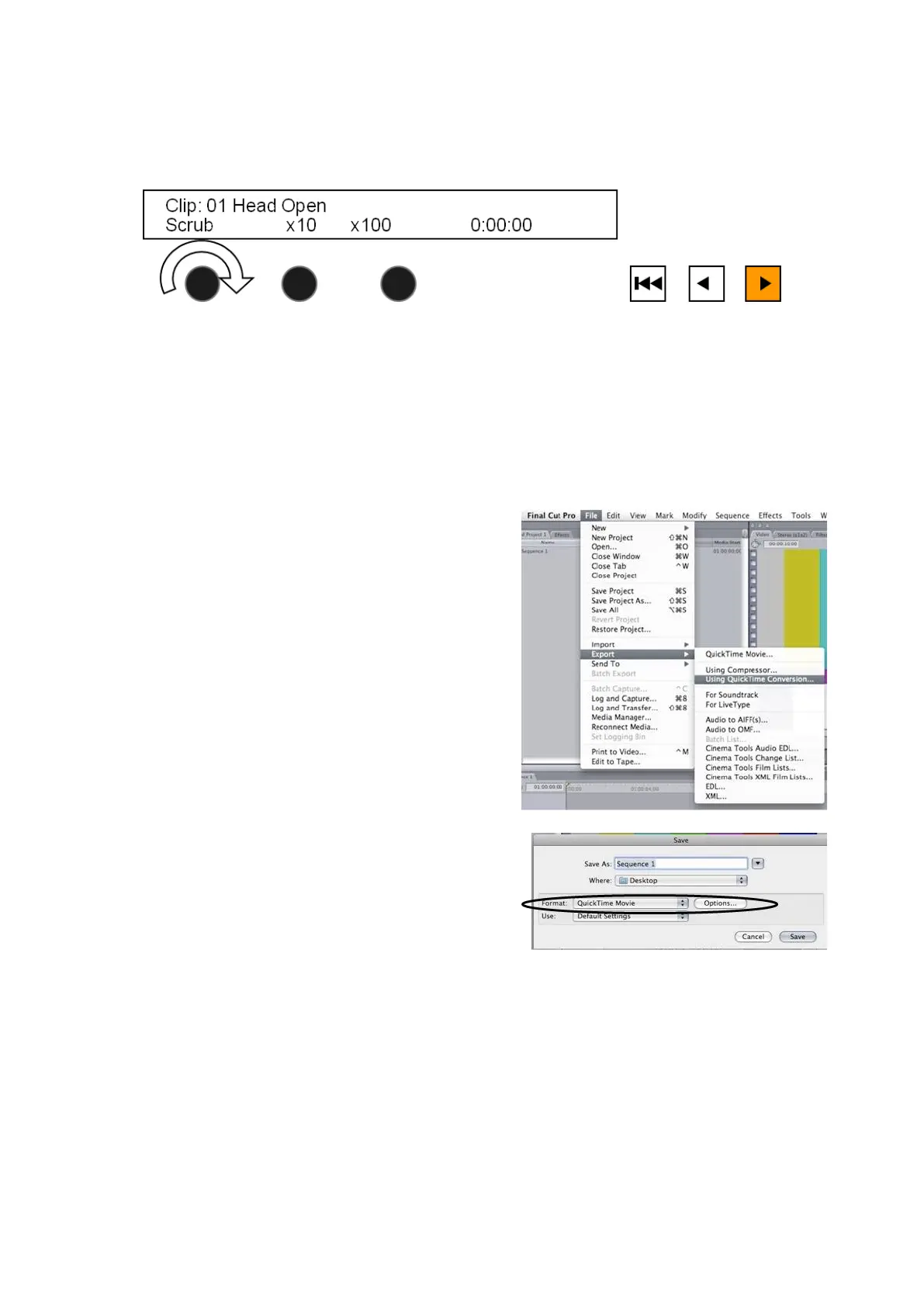
To scrub faster through a clip use the x10 or x100 knobs to quickly advance
through the clip.
Exporting Compressed Clips from Final Cut Pro
A popular editing program to export compressed clips from is Apple’s Final Cut
Pro. Although other programs can be used to export compressed clips, the steps
below may be used as the basic exporting settings from QuickTime are similar
from application to application.
To export from Final Cut Pro:
On your Final Cut Pro computer,
select the File drop down menu.
Select Export->Using QuickTime
Conversion…, as shown on the
right
A Save pop-up window will
appear, as shown, under Format
select QuickTime Movie from the
drop down menu, then select the
Options… button.



 To Next Page