BPswitch Operators Manual
153 / 413
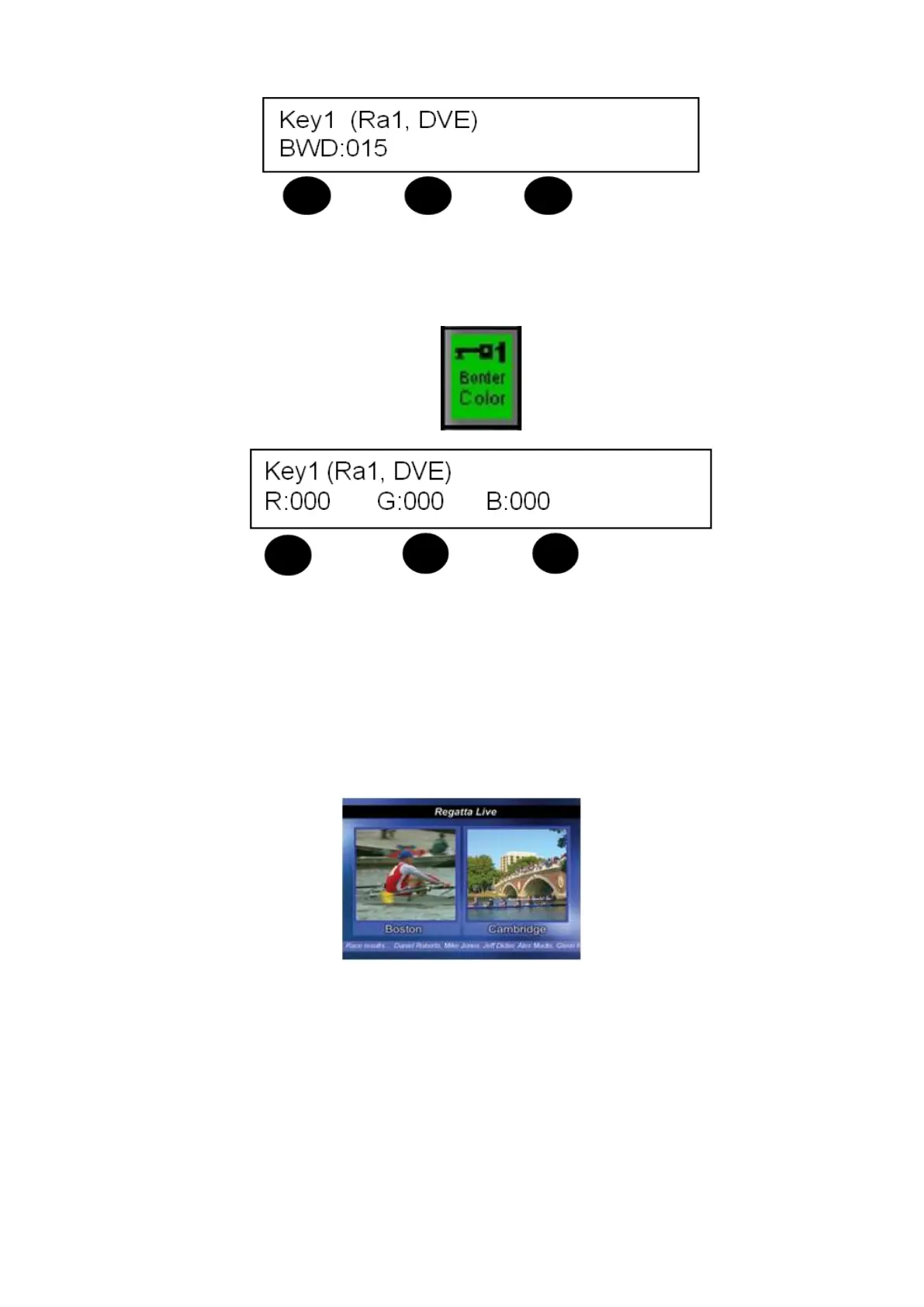
To change the border color, press the [Border Color] PixButton on the
PixPad. The panel display will read color values for Red, Green & Blue. Turn
the corresponding knobs until the desired color is reached.
Multiple DVE Boxes
Two DVE Boxes may be used at once, one on Key 1 and the other on Key 2. This
is known as dual boxes, or a “Split-back”, as shown below. To create dual boxes
set one of them up on Key 1, as described above, and then set up another on Key
2 in the same way. In the same way six DVE Boxes can also be created by
turning the DVE box command on in each of the six keyers.
NOTE: In the above illustration, the two DVE boxes are placed on an animated background that
is playing out from the system’s clip store with a crawl placed on the bottom.
Source Controls
All Broadcast Pix sources, both external live and internal graphics and clips, have
various parameters which can be modified known as Source Controls. For
external live sources you can set the aspect treatment as well as size, crop and
position of the sources prior to using a keyer. For internal source controls you can
also set the aspect and DVE treatment, as well as any control that device has



 To Next Page