BPswitch Operators Manual
154 / 413
enabled. Source Controls reside on the the actual input. Wherever that source is
outputted to it will have the associated source controls applied to it.
To activate source controls:
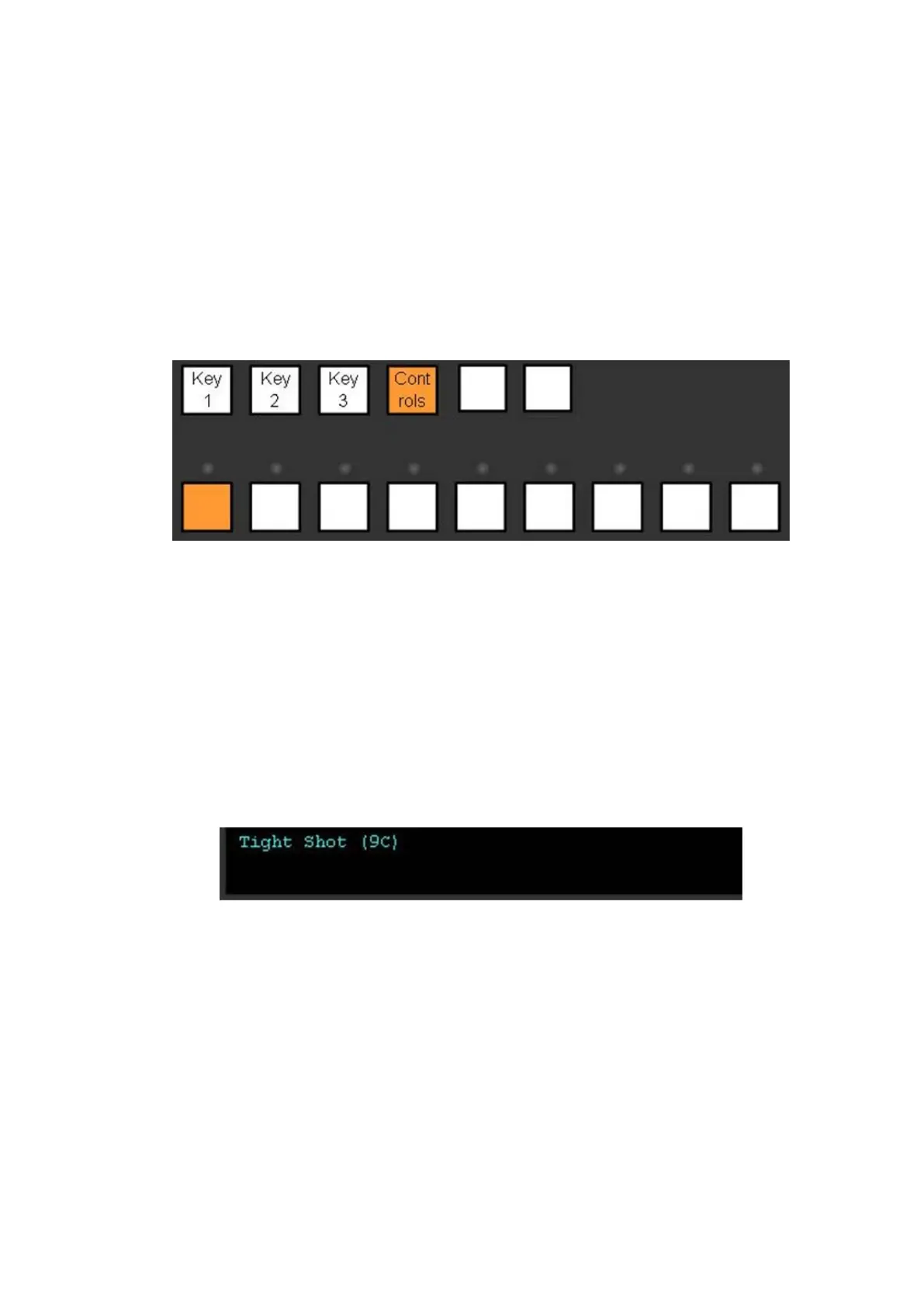
Select the [Controls] button in the Destination Row on the control panel or
SoftPanel and it will illuminate orange.
The display will read out which source is selected and the source row will
have its button illuminated. To effect/modify another source select any
mapped source on the switcher’s Source Row.
The display will read out one of the following:
(9N): 16:9 source with no treatment
(9B): 16:9 source with letter box treatment
(9F): 16:9 source with 14:9 treatment
(9C): 16:9 source with center crop treatment
(4N): 4:3 source with no treatment
(4B): 4:3 source with pillar box, treatment
(4F): 4:3 source with 14:9 treatment
(4C): 4:3 source with center crop treatment
(Cu): Custom aspect ratio
The PixPad will change to show the attributes for source controls, all the external
live inputs will have the same PixPad, and each internal device will have its own
specific one, as shown below.



 To Next Page