BPswitch Operators Manual
155 / 413
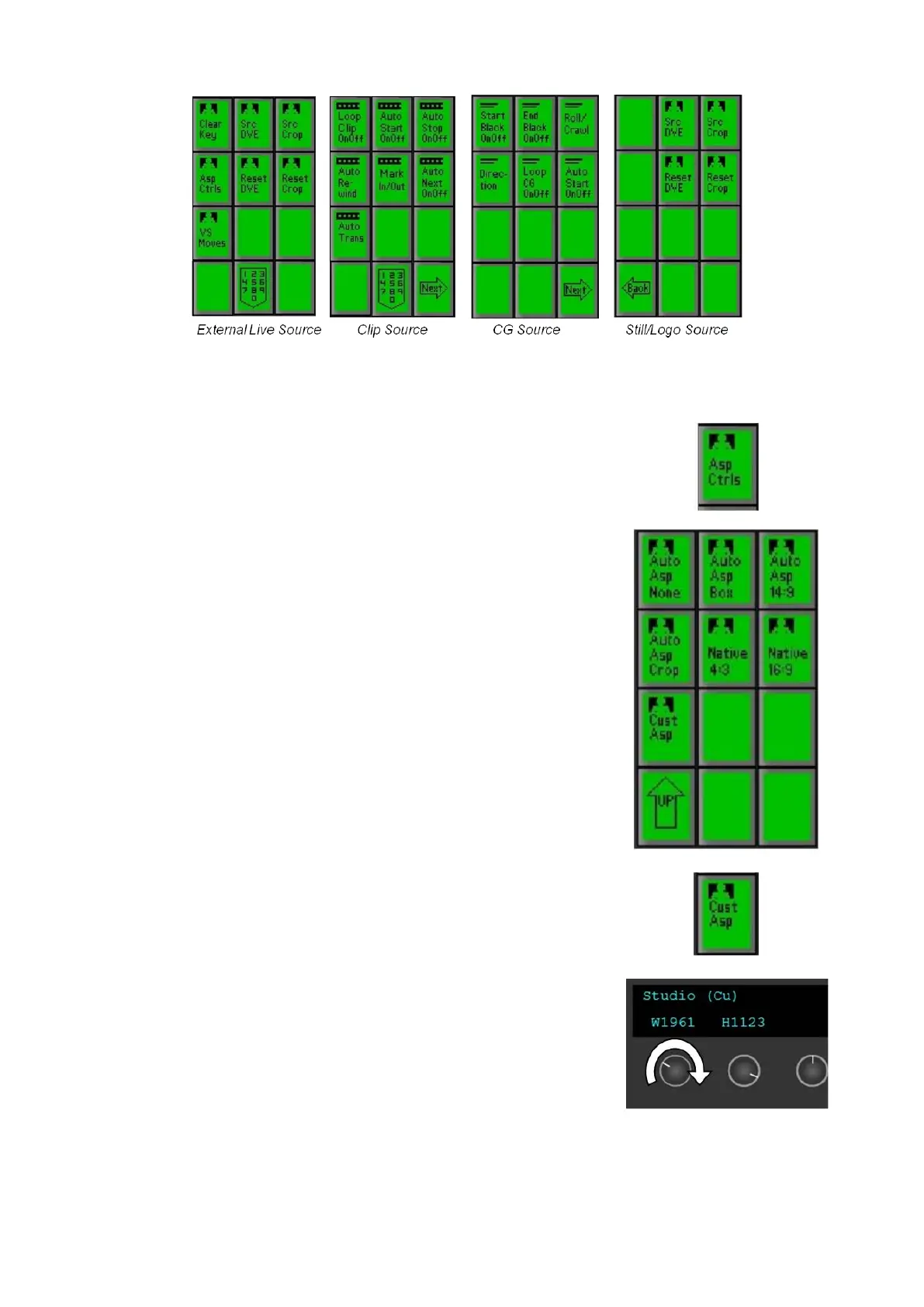
To change the aspect of a source:
Select the [Asp Ctrls] PixButton in the Source
Controls PixPad. For internal sources, select the
[Next] PixButton then the [Asp Ctrls] PixButton, as
shown on the right.
Select the native aspect ratio of the source, either
[Native 4:3] or [Native 16:9], in the PixPad.
Now select the desired treatment effect, either [Auto
Asp Box], [Auto Asp 14:9] or [Auto Asp Crop].
NOTE: that the Multi-View source monitors will only
show the native aspect ratio, 16:9 or 4:3 boxed,
whereas the Multi-View Preview and Program
monitors will also show the applied treatment.
To use a custom aspect ratio, select the [Cust Asp]
PixButton, as shown on the right.
The display and knobs will update to show width and
height, default being 1920 x 1080. Turn the [W] (1
st
)
and/or [H] (2
nd
) knobs to the desired setting, as shown
on the right.
To apply a DVE to a source:
Similar to applying a DVE to a keyer, each source may be scaled, positioned



 To Next Page