BPswitch Operators Manual
156 / 413
and/or cropped on a source by source basis, without the need of using a keyer.
This can compensate for incorrect video directly on the source without the need to
remember to apply keyer effects.
Activate the source controls, as described in the
previous section.
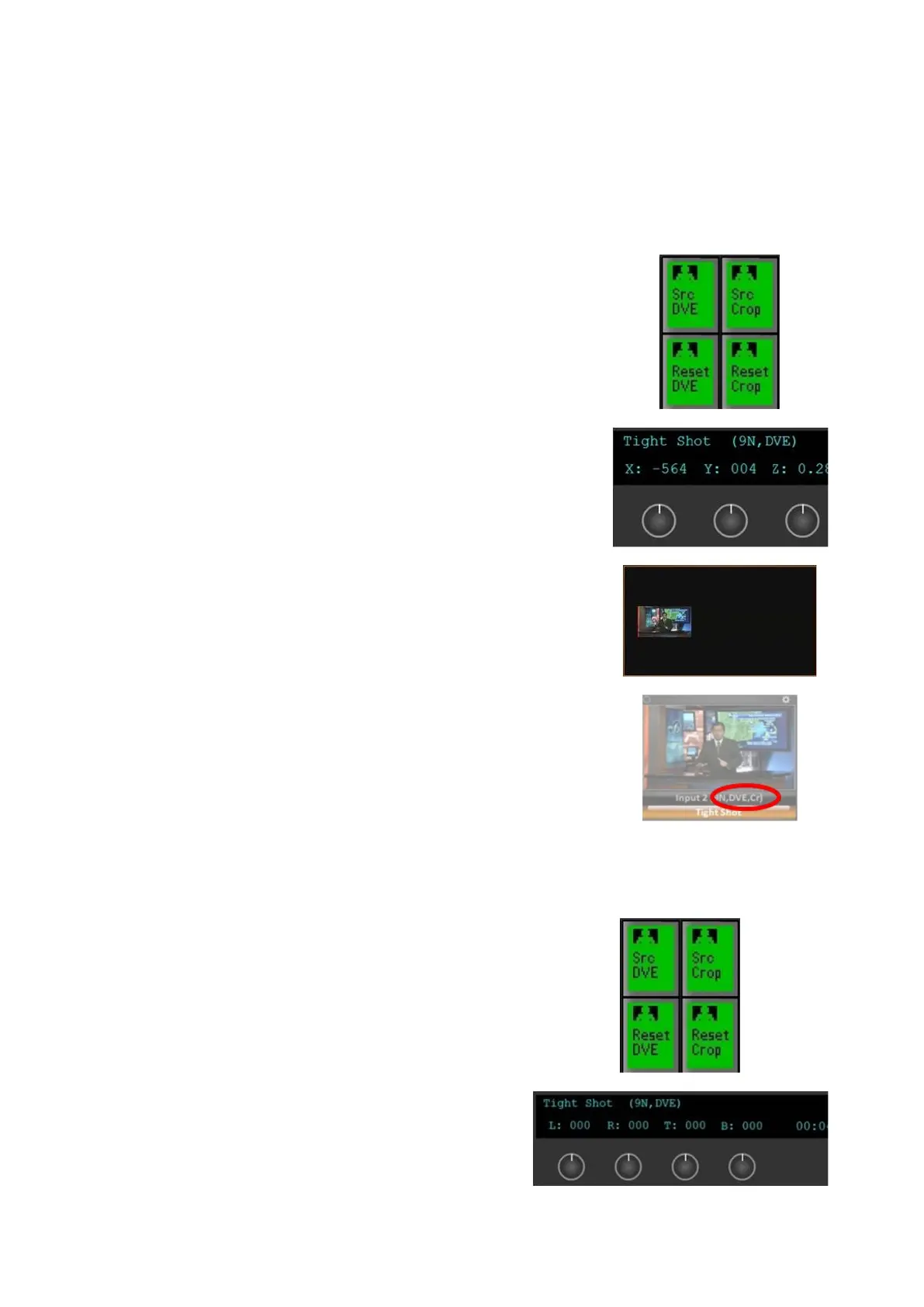
In the Source Controls PixPad, select the [Src DVE]
PixButton, as shown on the right.
The display and knobs will update to show the X, Y
and Z settings. Turn the [X] (1
st
) and/or [Y] (2
nd
)
knobs to reposition the source left, right, up or down.
To scale the source larger or smaller, turn the [Z]
(3
rd
) knob
As the knobs are adjusted the source will be
modified, and the final result will appear when the
source is applied to Program or Preview, as shown
on the right.
The source monitor will have a DVE label applied to
its source control indicators, as shown on the right.
Similar to a keyer, the joystick on the control panel
and/or Multi-View PixPad may also be used to
control the DVE once the [Src DVE] PixButton has
been selected.
To reset the DVE parameters, select the [Reset
DVE] PixButton.
To apply a crop to a source:
Activate the source controls, as described in
the previous section.
In the Source Controls PixPad, select the
[Src Crop] PixButton, as shown on the
right.
The display and knobs will update to show
the Left, Right, Top and Bottom crop
settings. Turn the [L] (1
st
), [R] (2
nd
), [T] (3
rd),
and/or [B] (4
th
) knobs to crop the sides of
the image.



 To Next Page